Zyxel NWA50BE Review - Inexpensive 2.5G PoE model for Wi-Fi 7
Wi-Fi 7 is no longer an expensive pleasure, and little by little access points appear for small objects such as an office, a diner or an apartment, where the number of customers is small, but there is a lot of streaming traffic. For such cases, models with a simplified radio part with an antenna formula of 2x2:2 and a channel width of up to 240 MHz are used, which gives an overall speed "over the air" of up to 5.1 Gbit/s. With a 2.5-gigabit network port, the access point can easily handle such complex tasks as backup of client laptops, synchronization of media archives, streaming video in any resolution, and in general, everything that requires the transmission of large amounts of data "over the air" is not very demanding of delays and broadcast frequency.
As a rule, budget access points are installed by the buyer himself, and very often he does not have the opportunity to lay a network cable to each device when expanding coverage, so Mesh networks are in high demand here, and Zyxel is pleased to offer such customers a two-band backhaul channel. Yes, the NWA50BE access point builds backhaul in two ranges at once, dynamically selecting channels.
You probably noticed that we didn't say anything about support for the 6 GHz band, and that's right, because it's not here. One of the most significant innovations of Wi-Fi 7 has faced regulatory problems in many countries where the security forces have chosen this range, so it's not surprising that this radio part quickly went under the knife, and Comrade Major is pleased.
Exterior
Unlike top-end access points such as the WBE530 or NWA210, which were oval due to the placement of radio modules and chips at a great distance from each other, the guest of our review has a traditional square shape with rounded corners. Technically, this is due to the fact that the Zyxel NWA50BE access point is a single–chip solution based on a 4-core Qualcomm BE5100 processor, it hardly heats up, has no technical complications, and can appear before the buyer in a traditional, understandable and familiar form factor, without these frills.
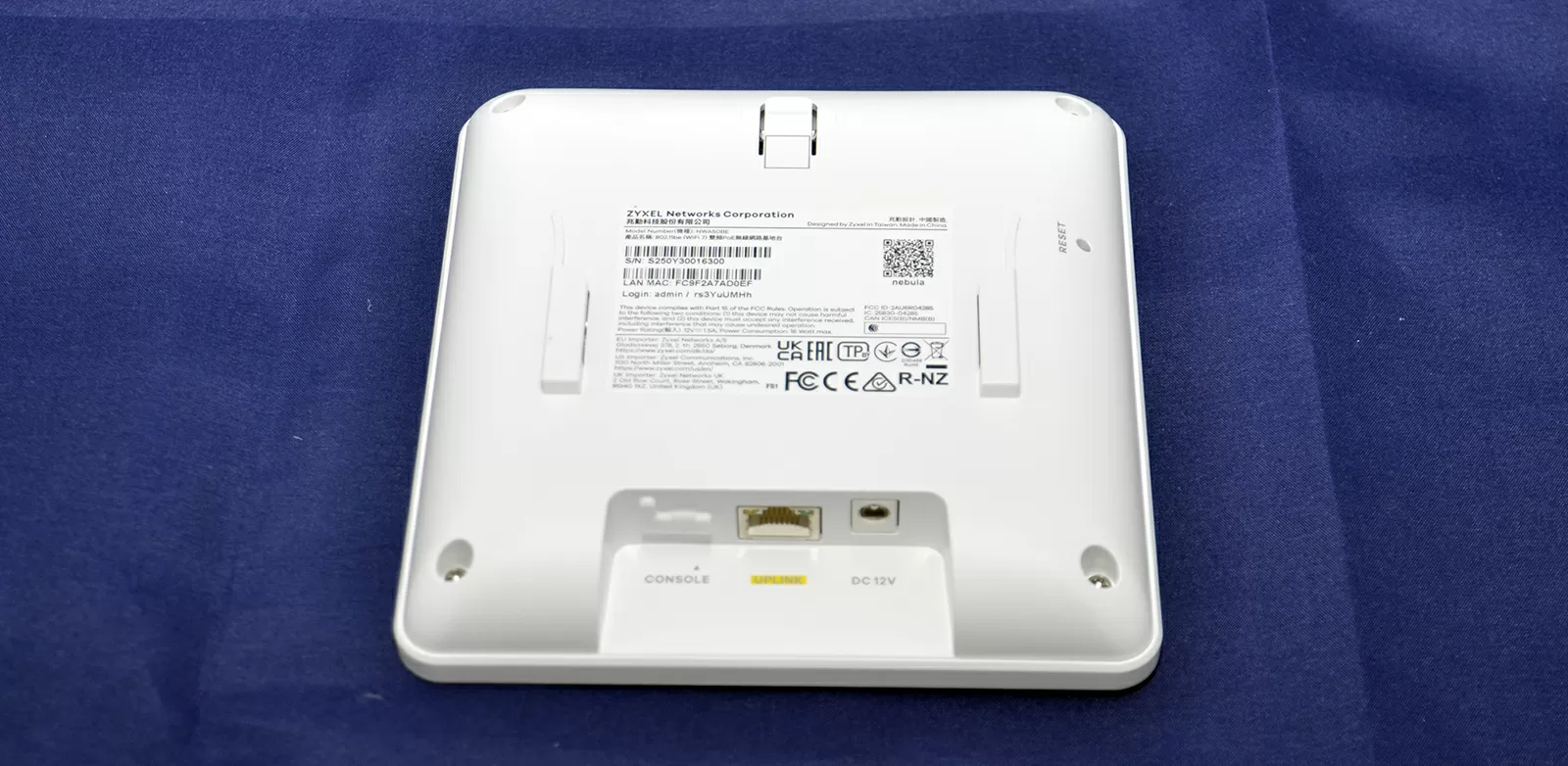
The Zyxel NWA50BE access point has one 2.5Gigabit PoE 802.3at port, which means maximum power of up to 16 watts. In idle mode, this model consumes slightly more than a regular Wi-Fi 6 access point.: 6.7 W when connected to a 1 Gigabit port and 7.3 W when connected to a 2.5Gigabit link. The case of the access point does not have the usual ventilation grille at the back, so the Zyxel NWA50BE heats up to 63 degrees Celsius from the back even in idle mode.
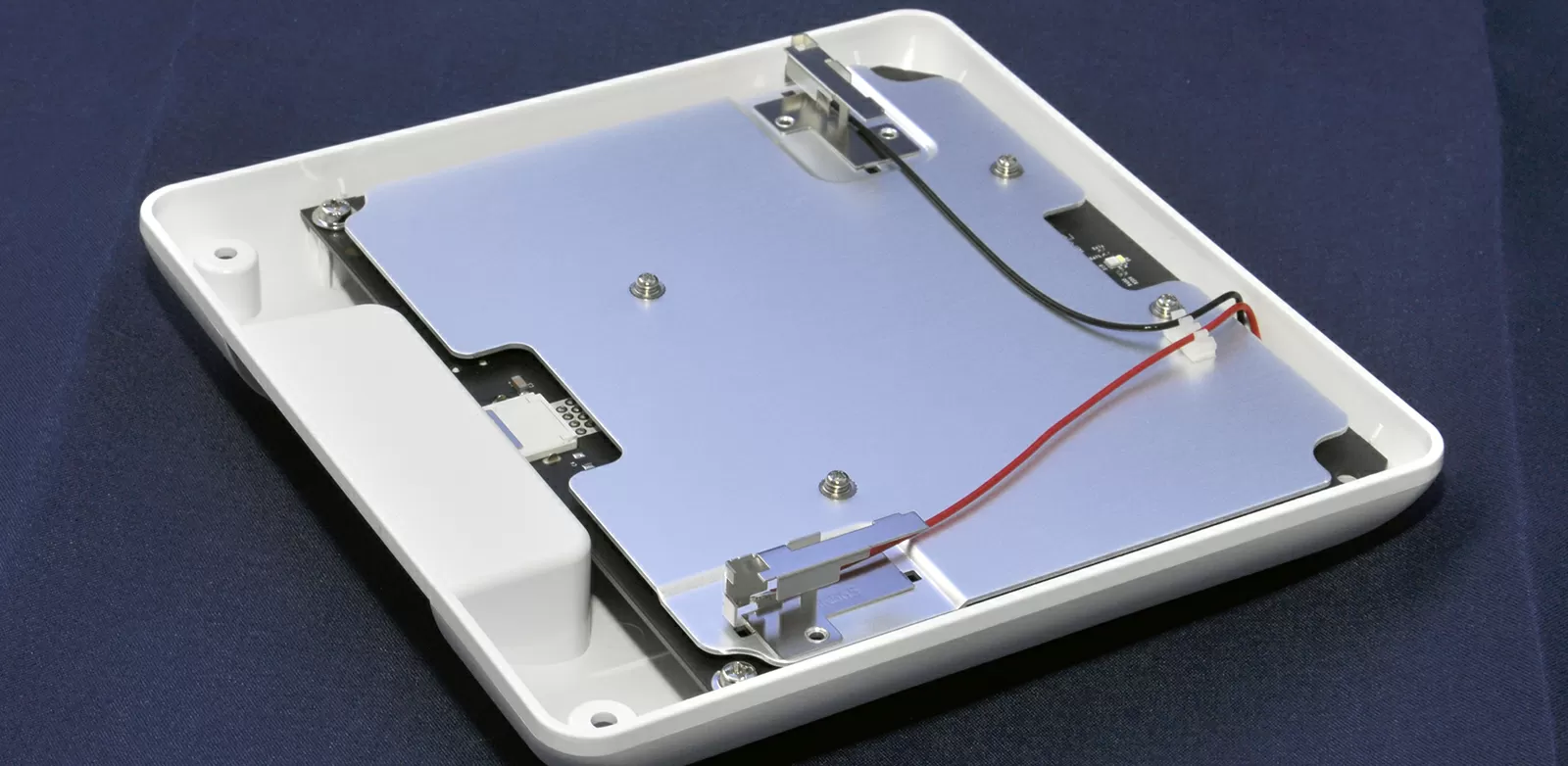
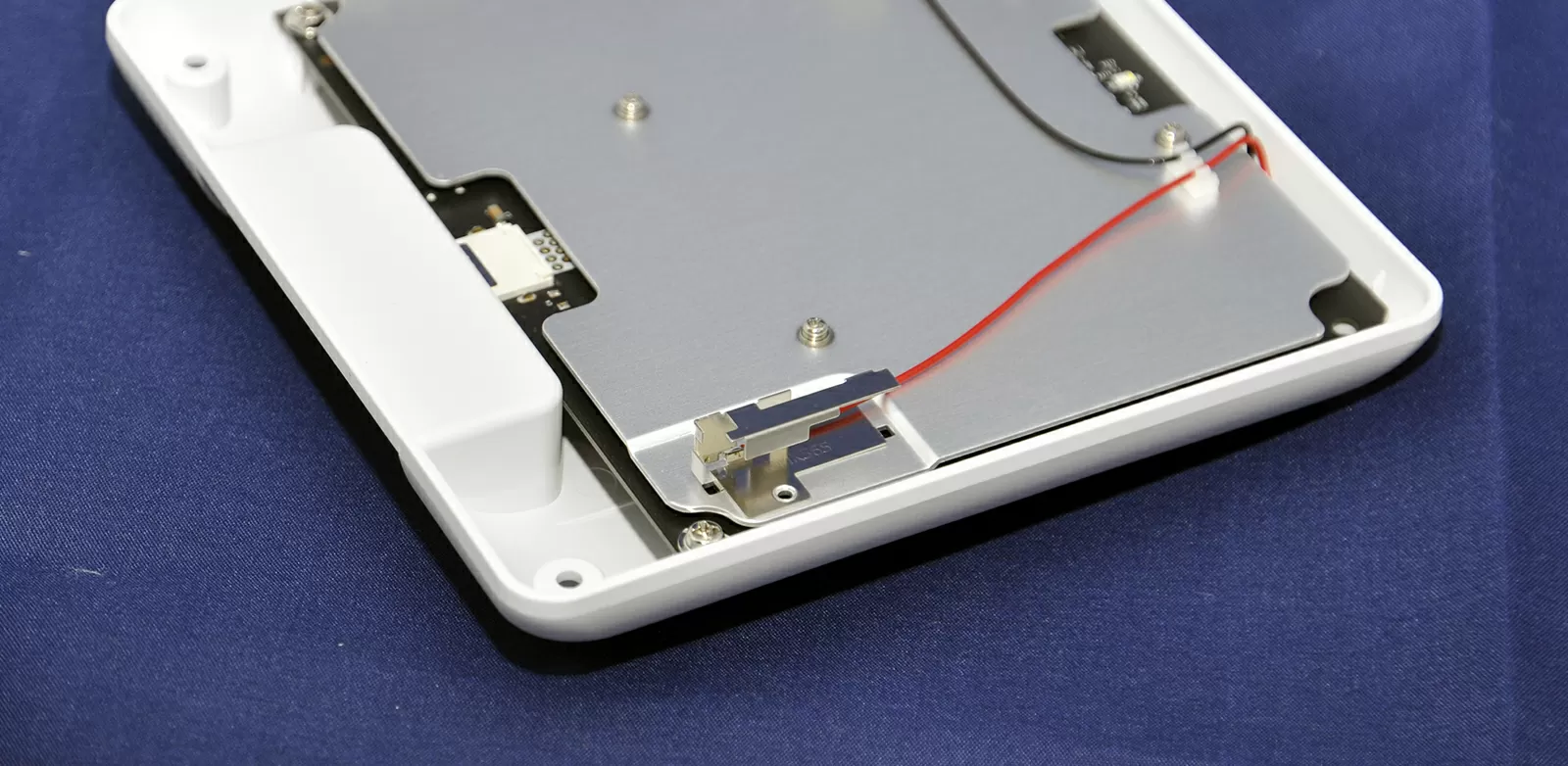
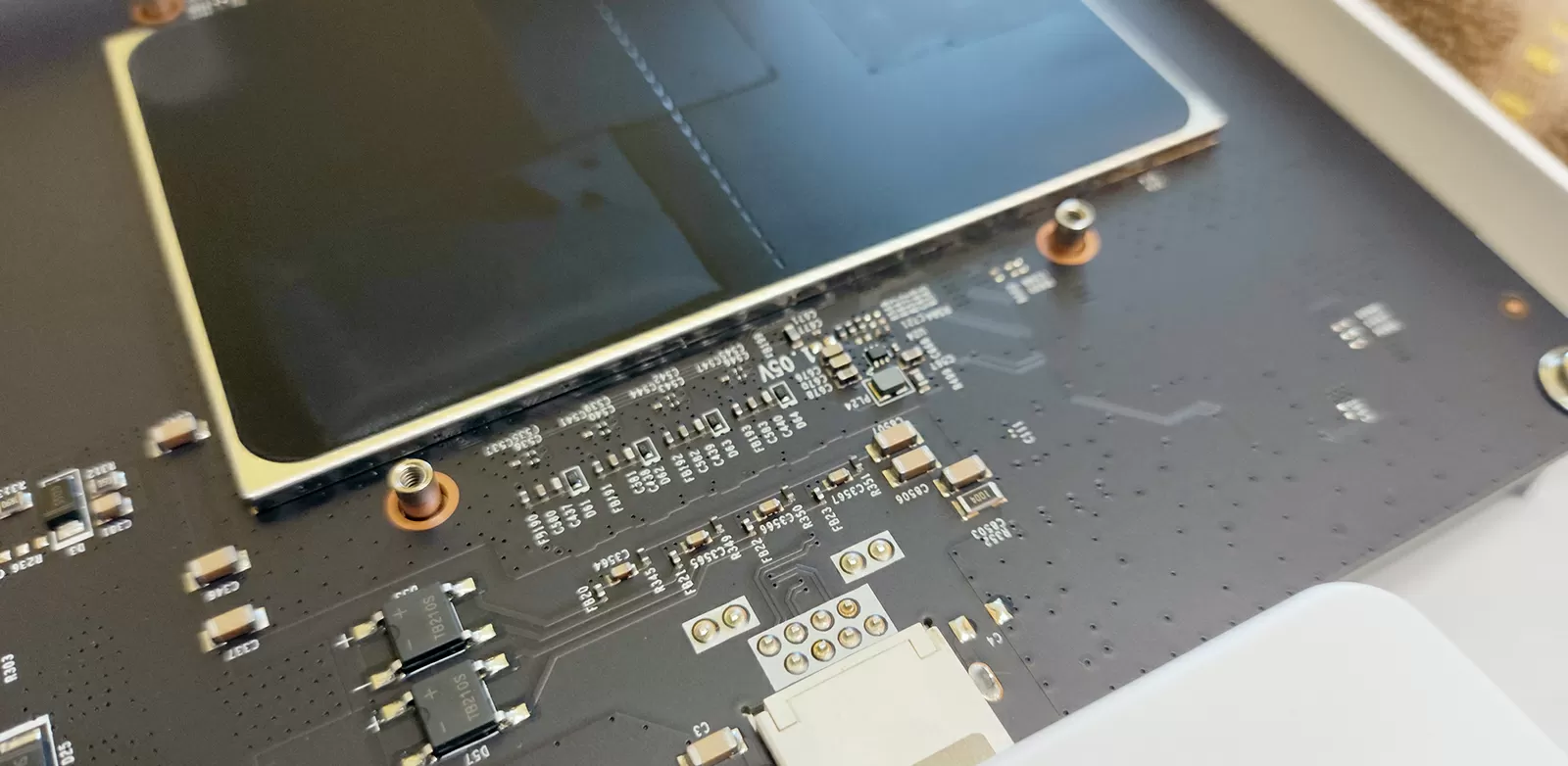
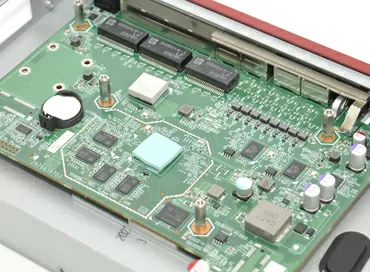
To cool the radio module, the simplest solution is chosen here, two aluminum heat-conducting plates that also act as a shield against RF interference. The photo shows only the plate from the front, and the second one is from the back, although it was not possible to get to it and photograph it.
The receiving and transmitting radio part is represented by two F-inverted antennas in which the radiating surface operates in two planes. The antennas are placed perpendicular to each other, and together they should give a good diagram both along the circumference and along the frontal axis of the access point. In this article, we talk about the types of Smart antennas in Zyxel access points, and how they target the client.
In general, the build quality of the device is not objectionable, but at the same time there are no interesting technical solutions or breakthrough technologies to talk about.
Configuring Zyxel Nebula
Configuring any Zyxel access points in the Nebula Control Center cloud interface boils down to adding devices to the organization's site and specifying network SSID parameters. In order to use Smart Mesh, you need to enable this feature for each access point individually and in the Site-wide configuration > Configure > Access Point > AP & port settings
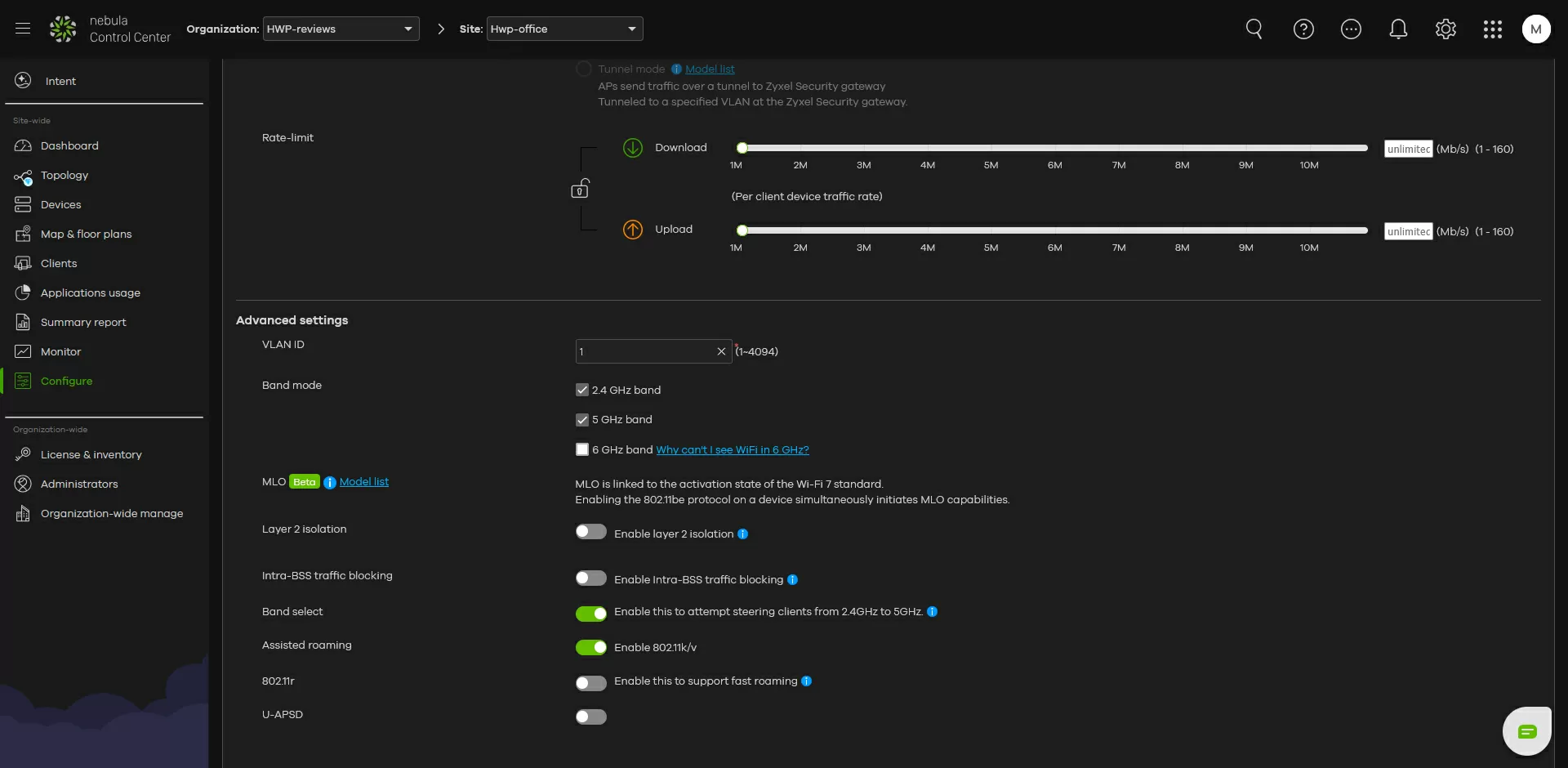
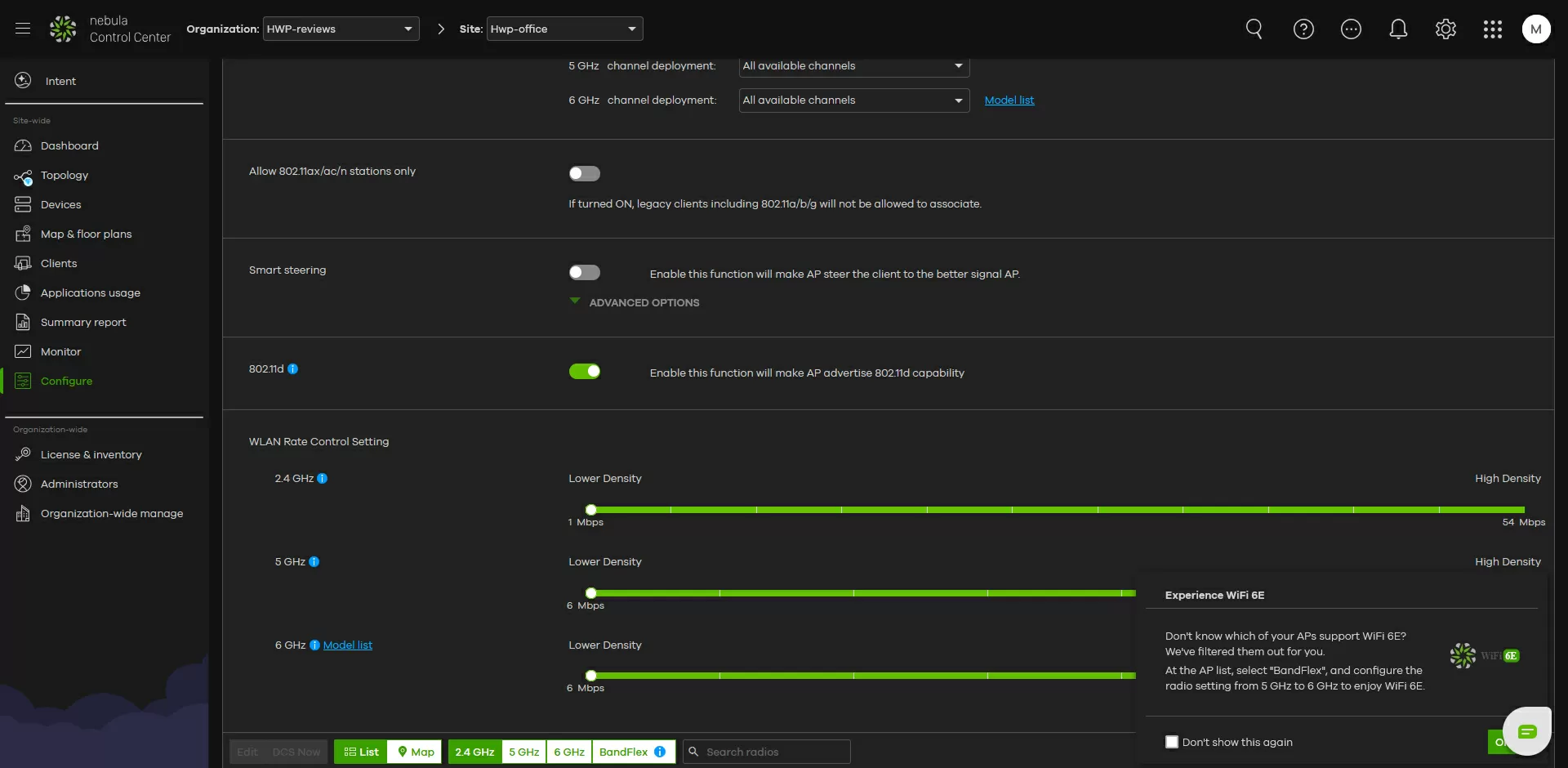
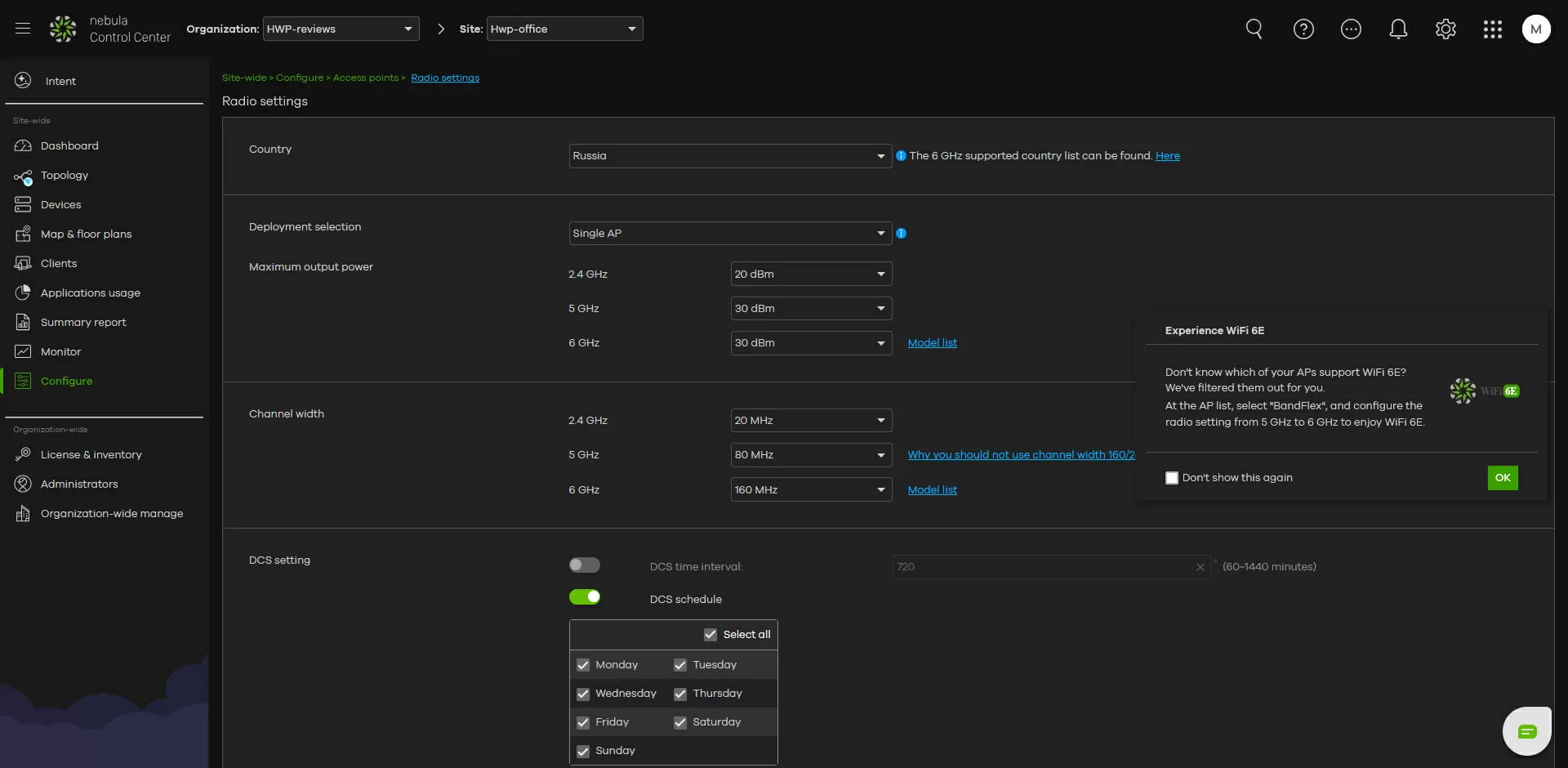
If you want to use the 240 MHz channel in the 5G band, then you will definitely have to use the control via the Nebula Control Center. The fact is that the 240 MHz channel width is not licensed in Europe, and is blocked at the firmware level in access points for the European market. What you need to do is set the USA region in the Nebula site configuration, then select the 5 GHz band, click on the access point and set the channel width to 240 MHz. You can't do this procedure in the European access point's own web interface, but we'll find out what we can now.
Uing WebUI
The initial setup can also be done via its own web interface, and the user name and password can be found on the back of the access point case. Of the many settings, we will consider only the most important ones: the Zyxel NWA50BE web interface is easy to use.
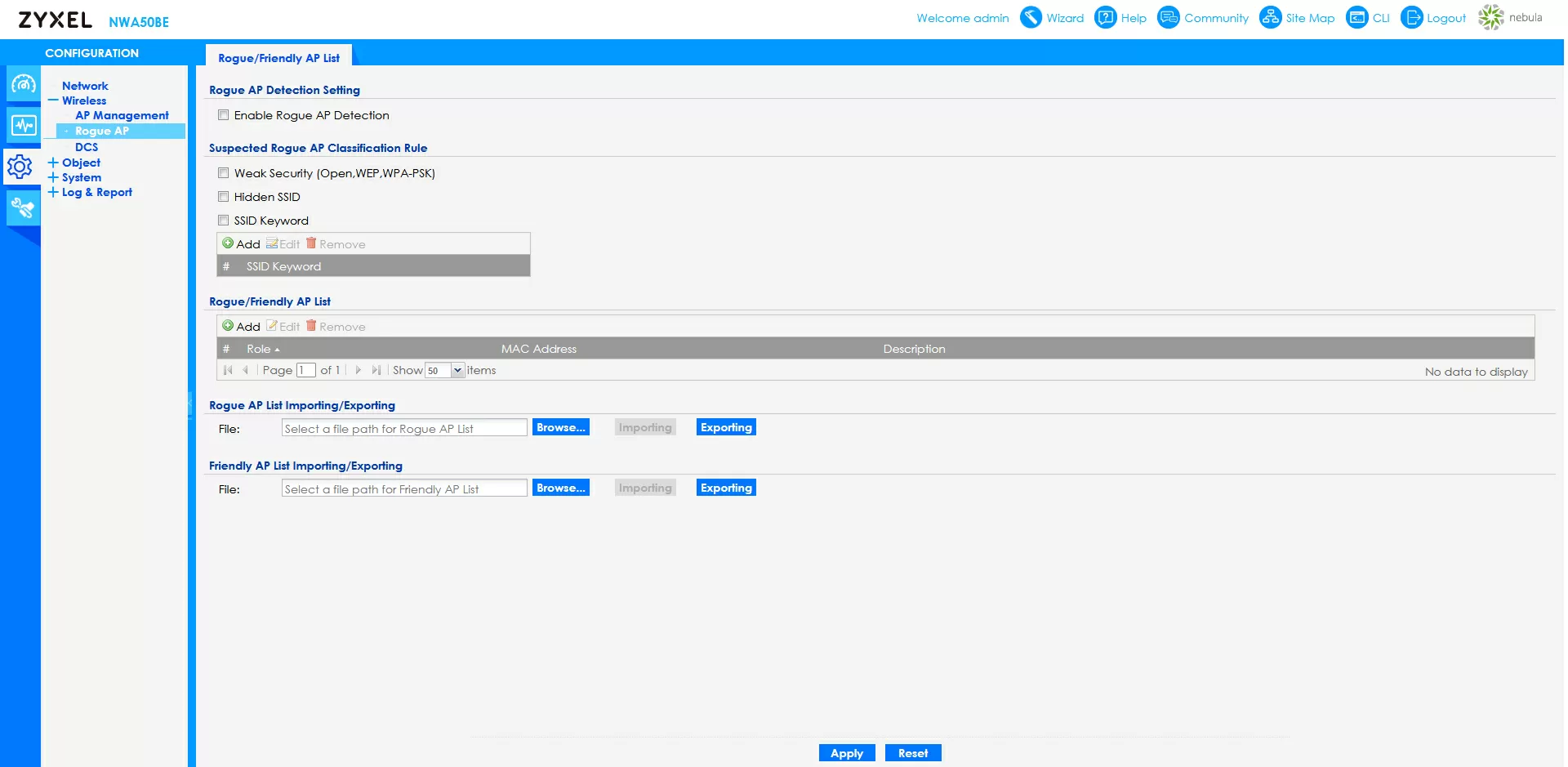
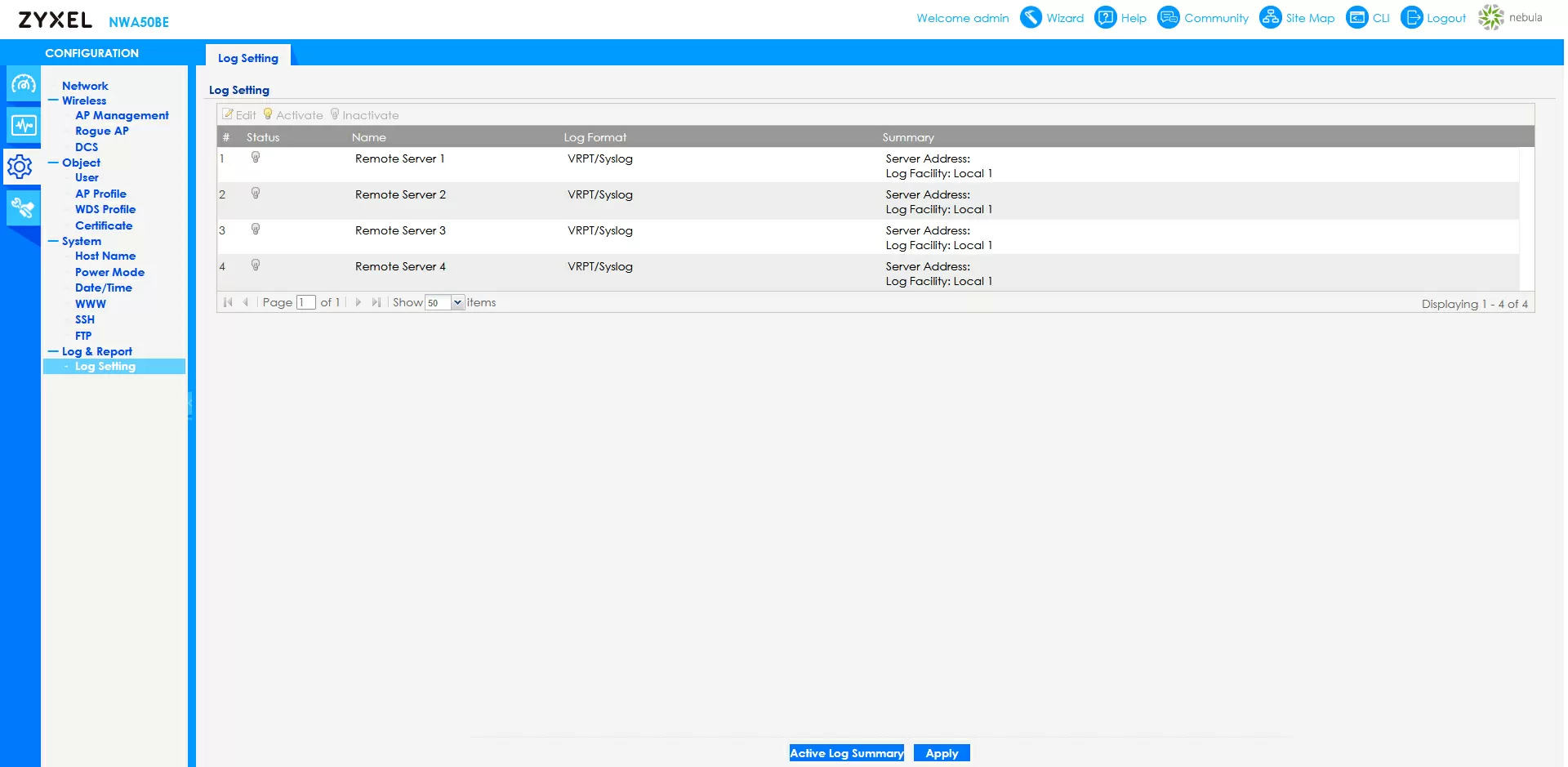
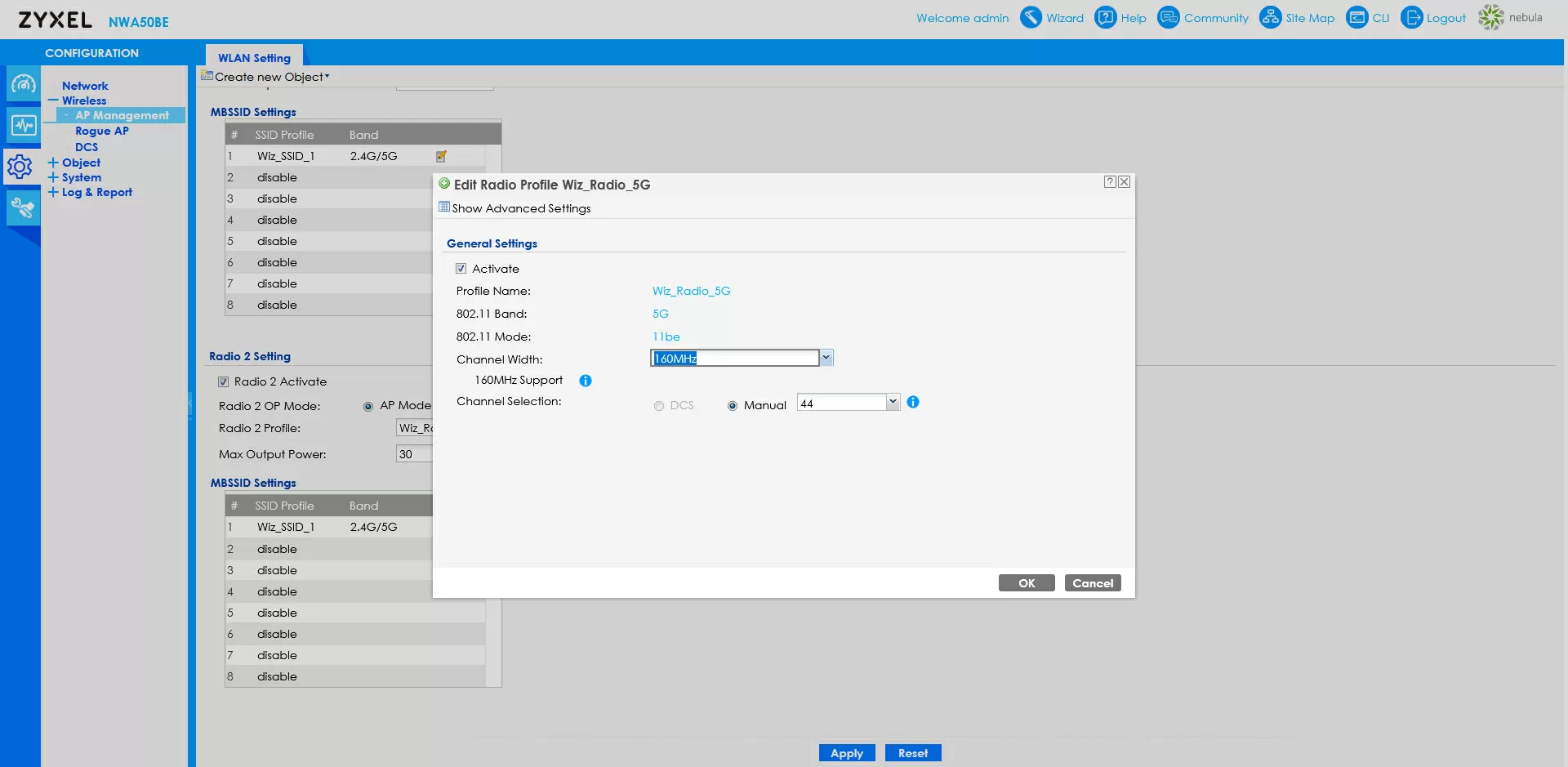
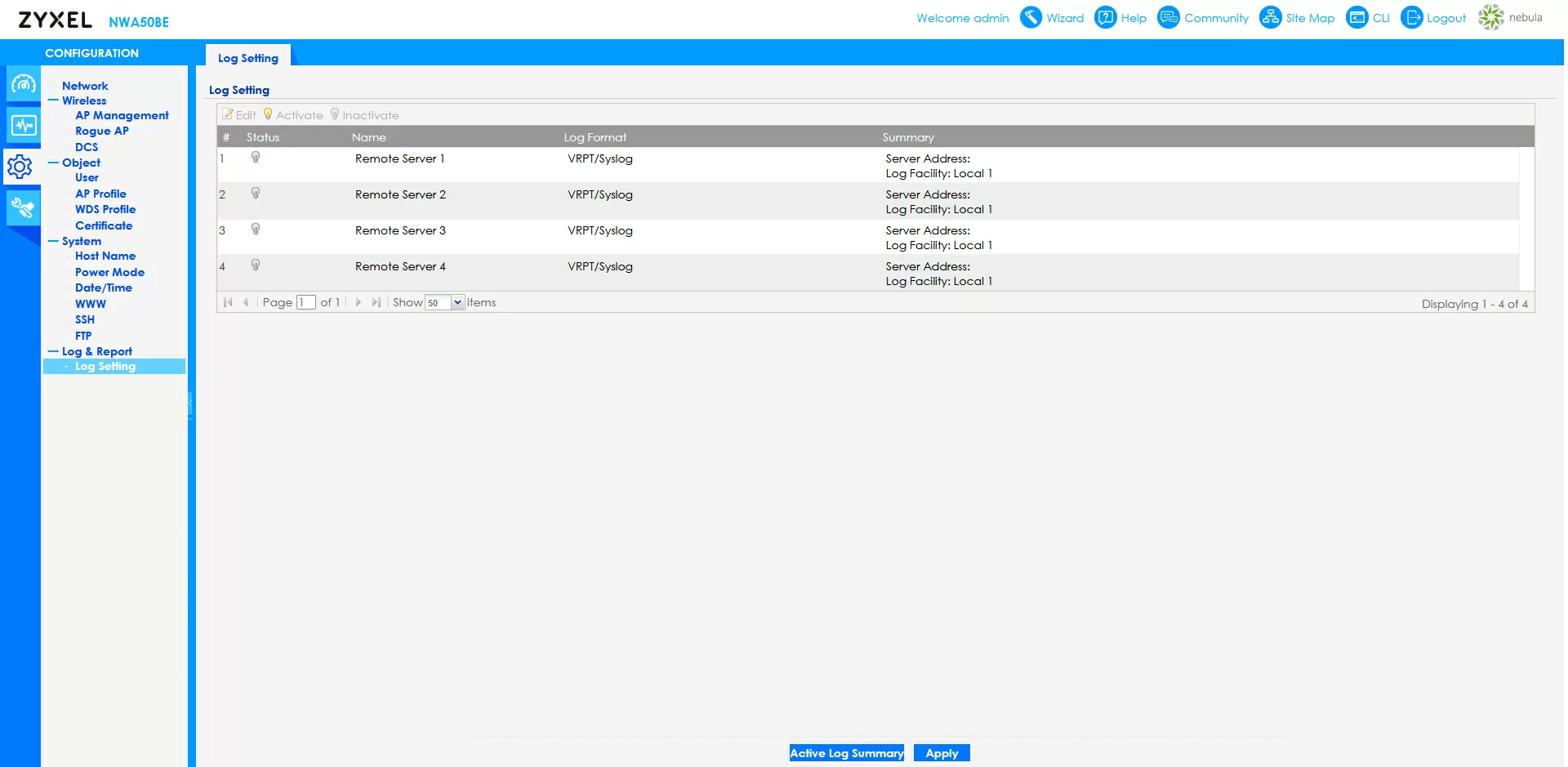
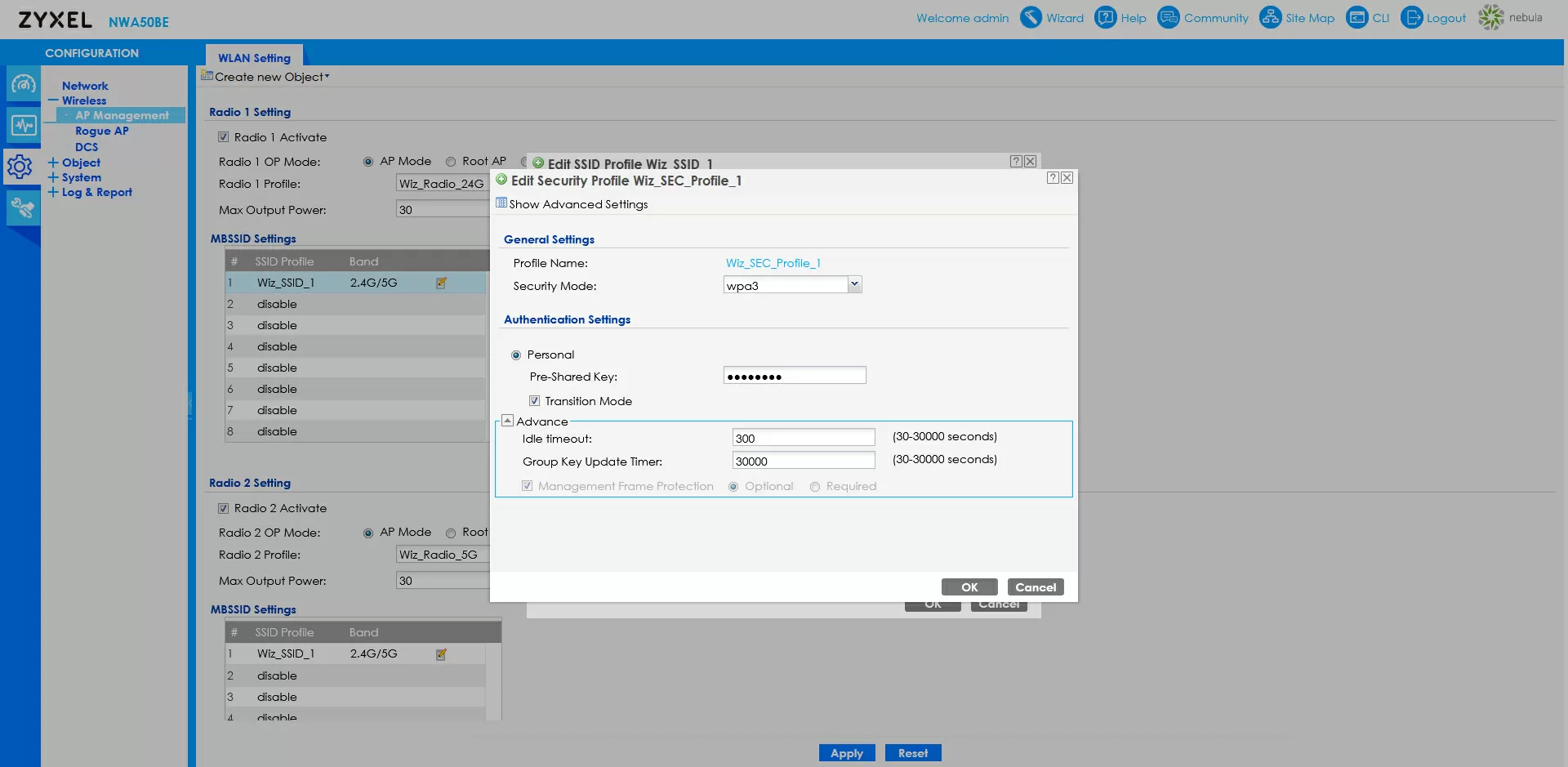
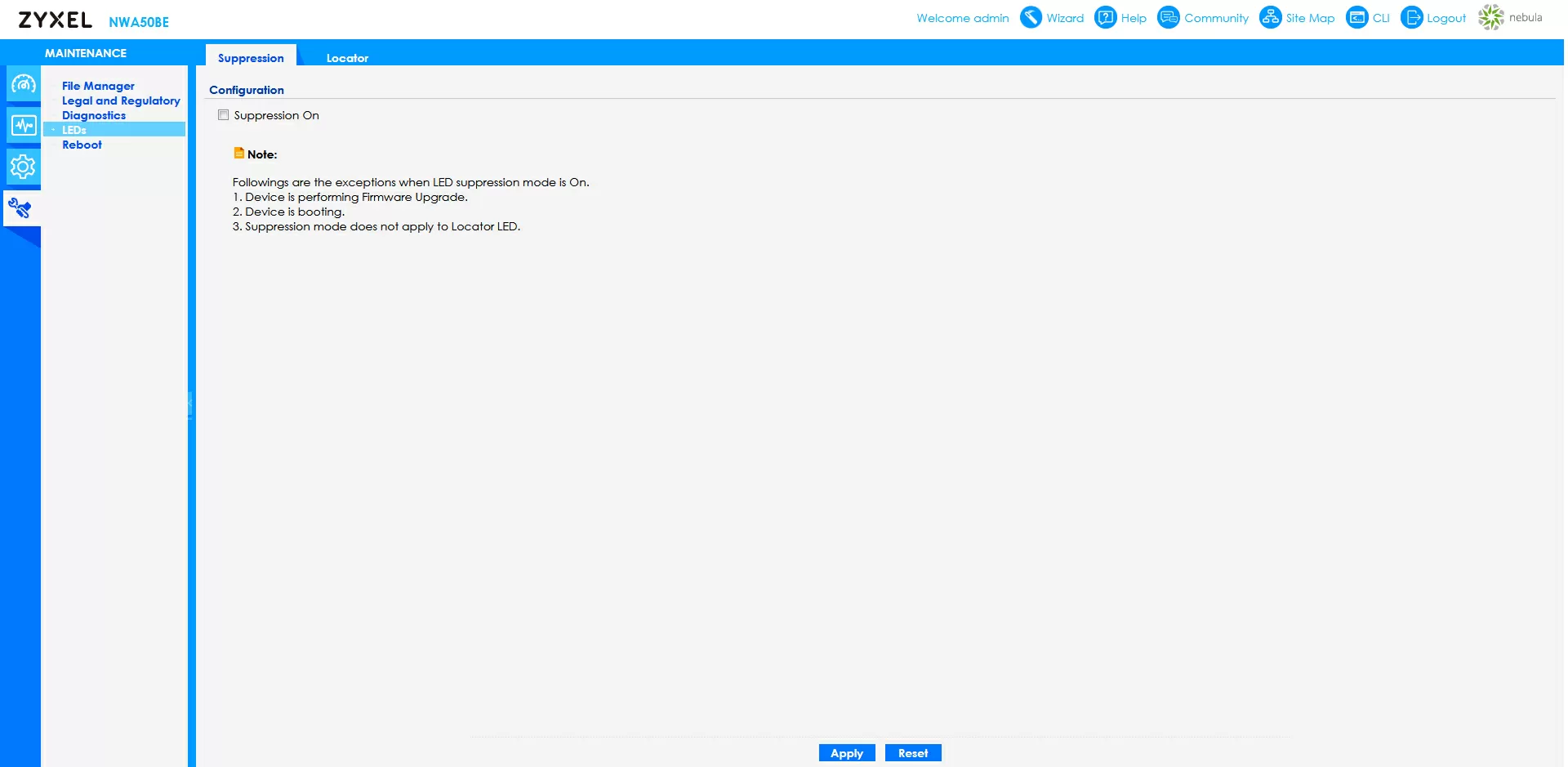
For batch configuration, the command line is available in the web interface, in addition to SSH, there is a built-in file manager for working with configurations and FTP for uploading them, which facilitates mass configuration on large objects. The Zyxel NWA50BE provides extensive information via SNMP and supports sending logs to four remote syslog servers.
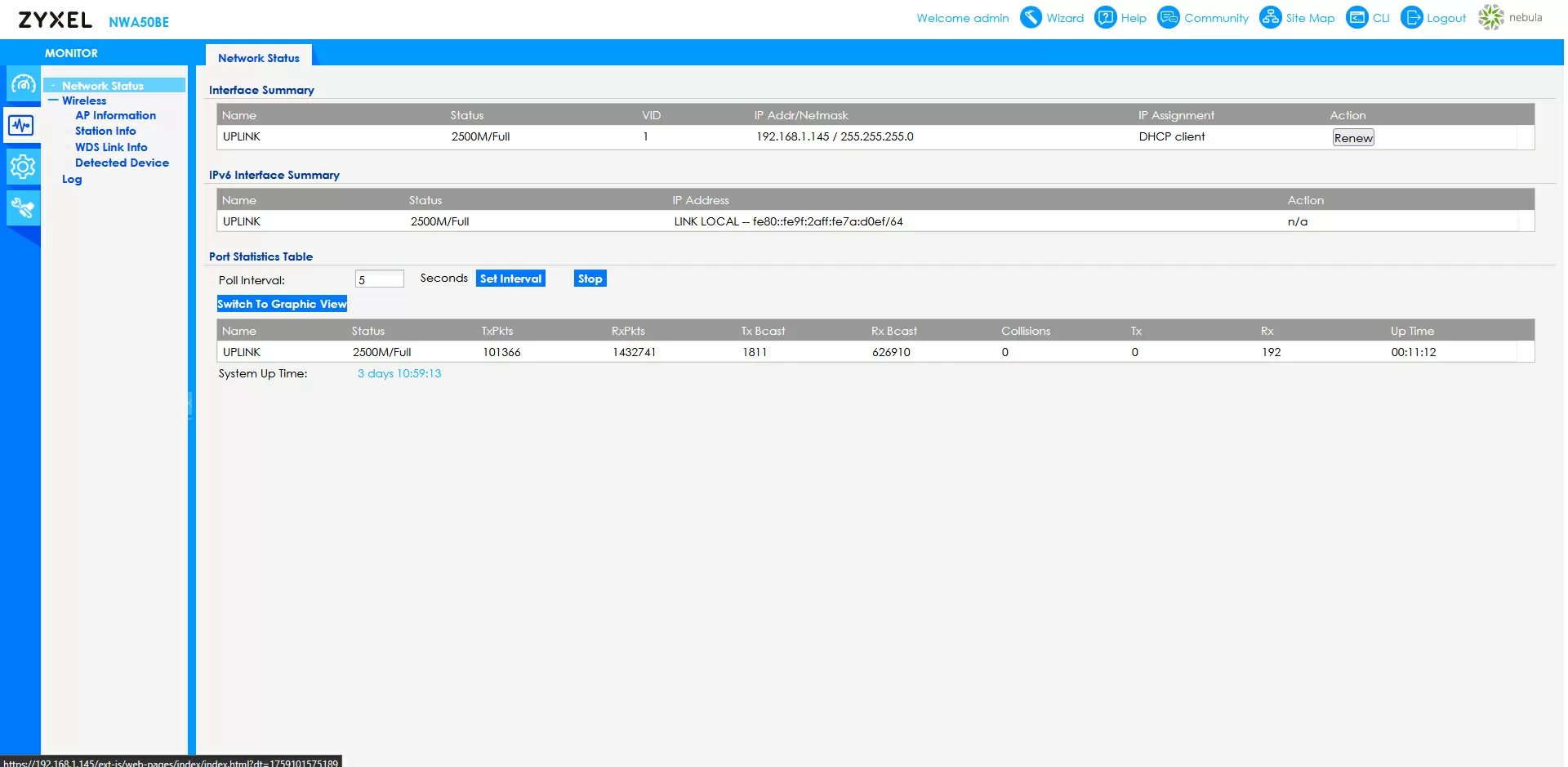
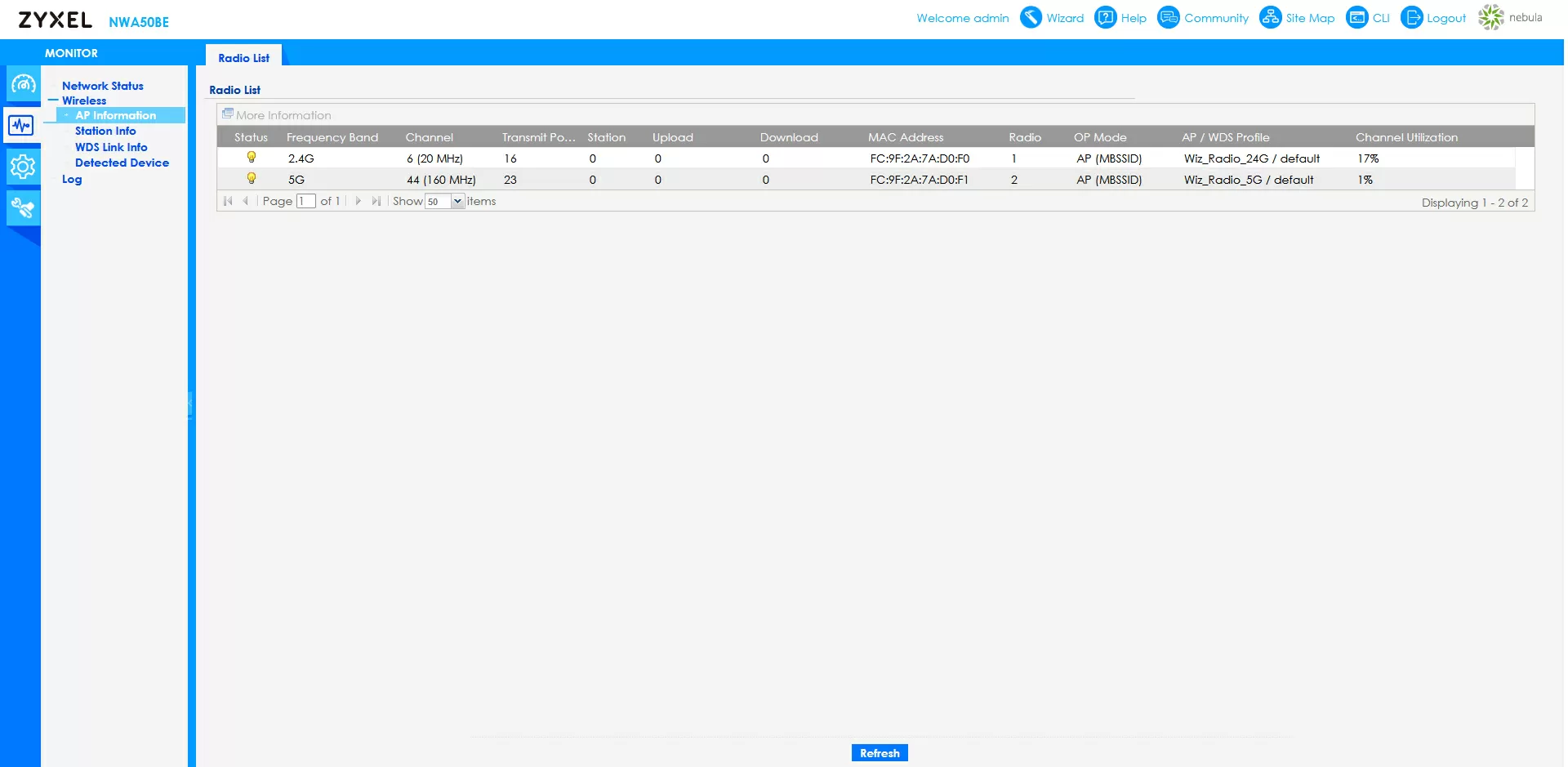
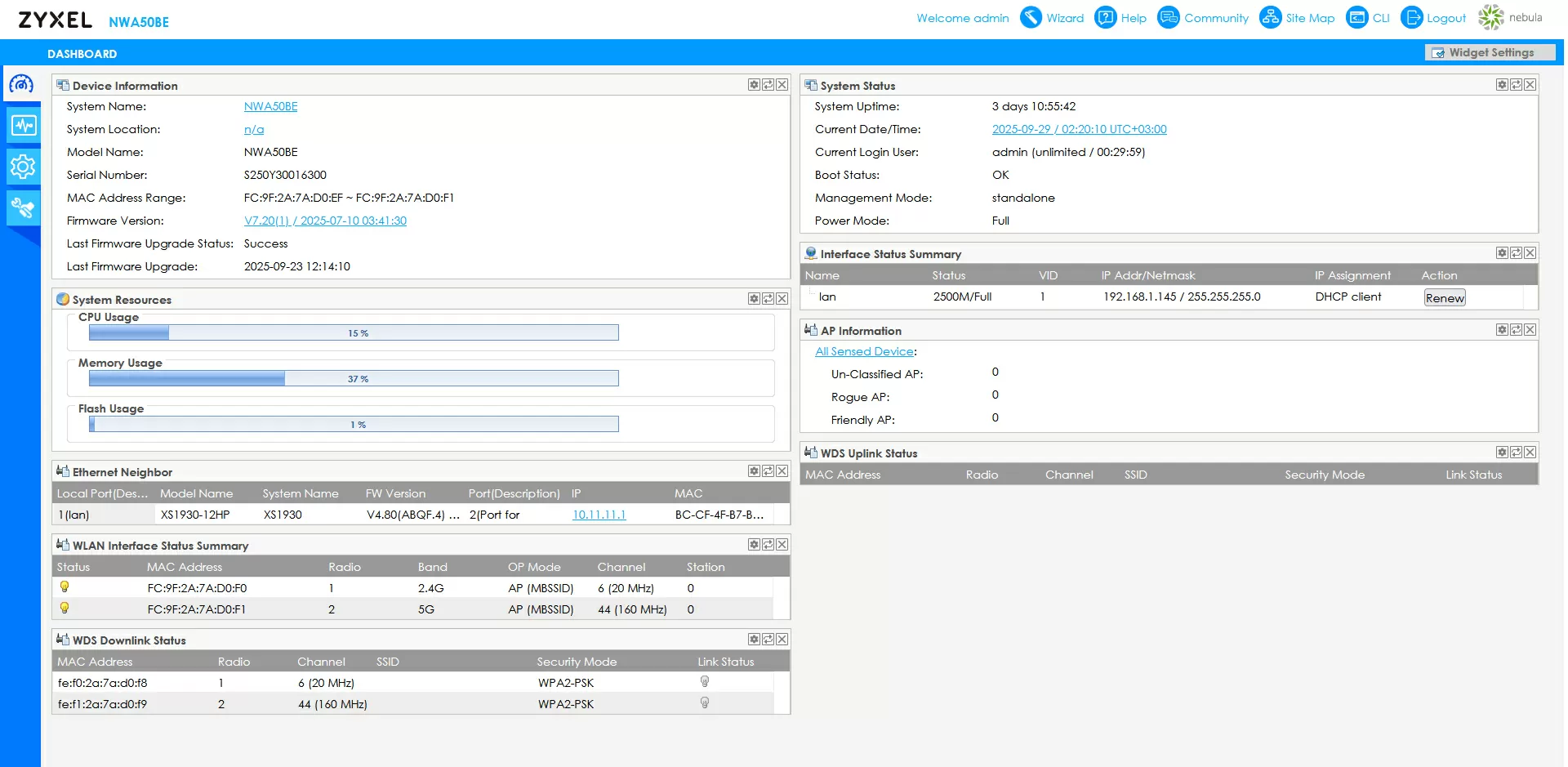
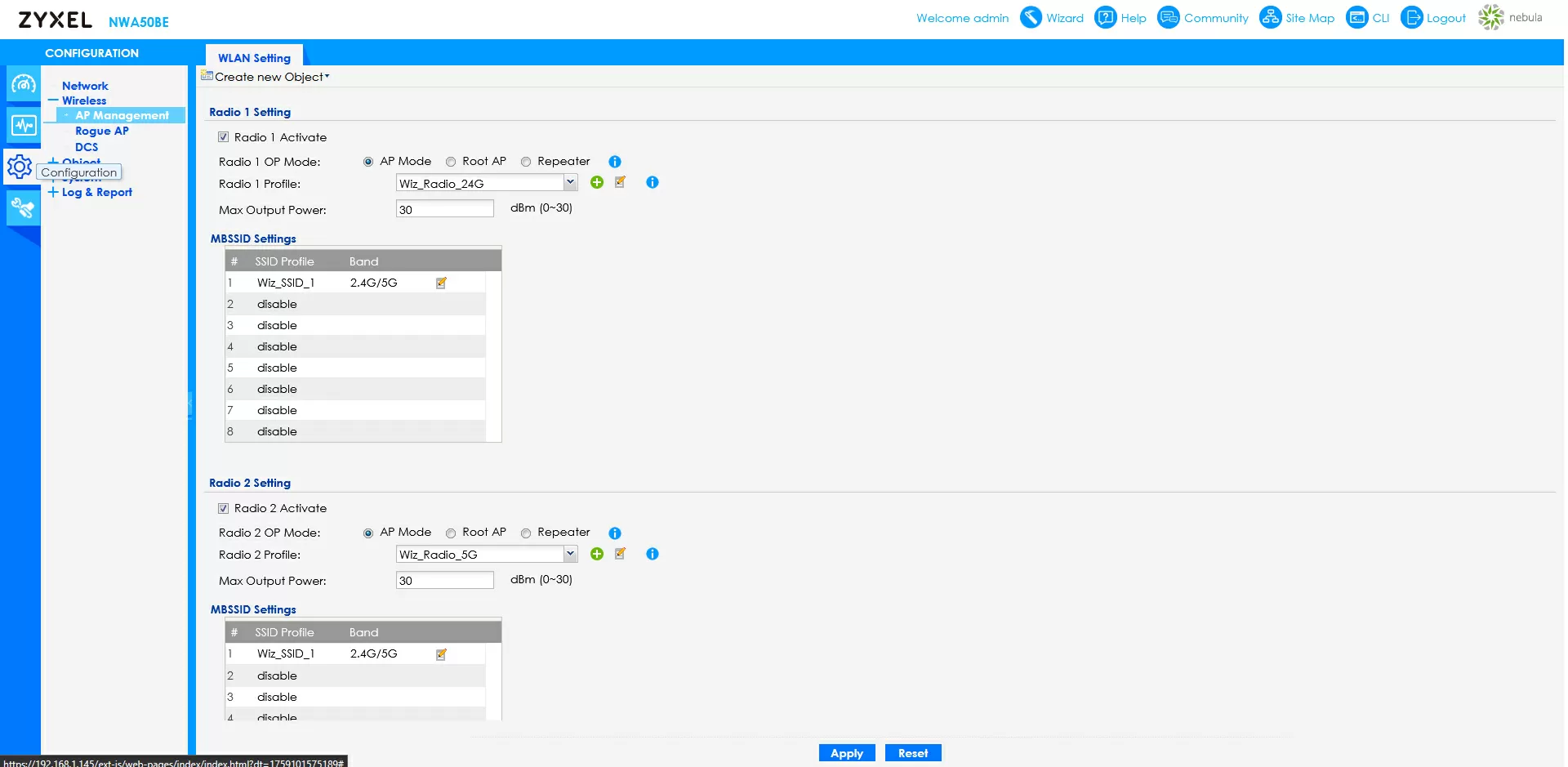
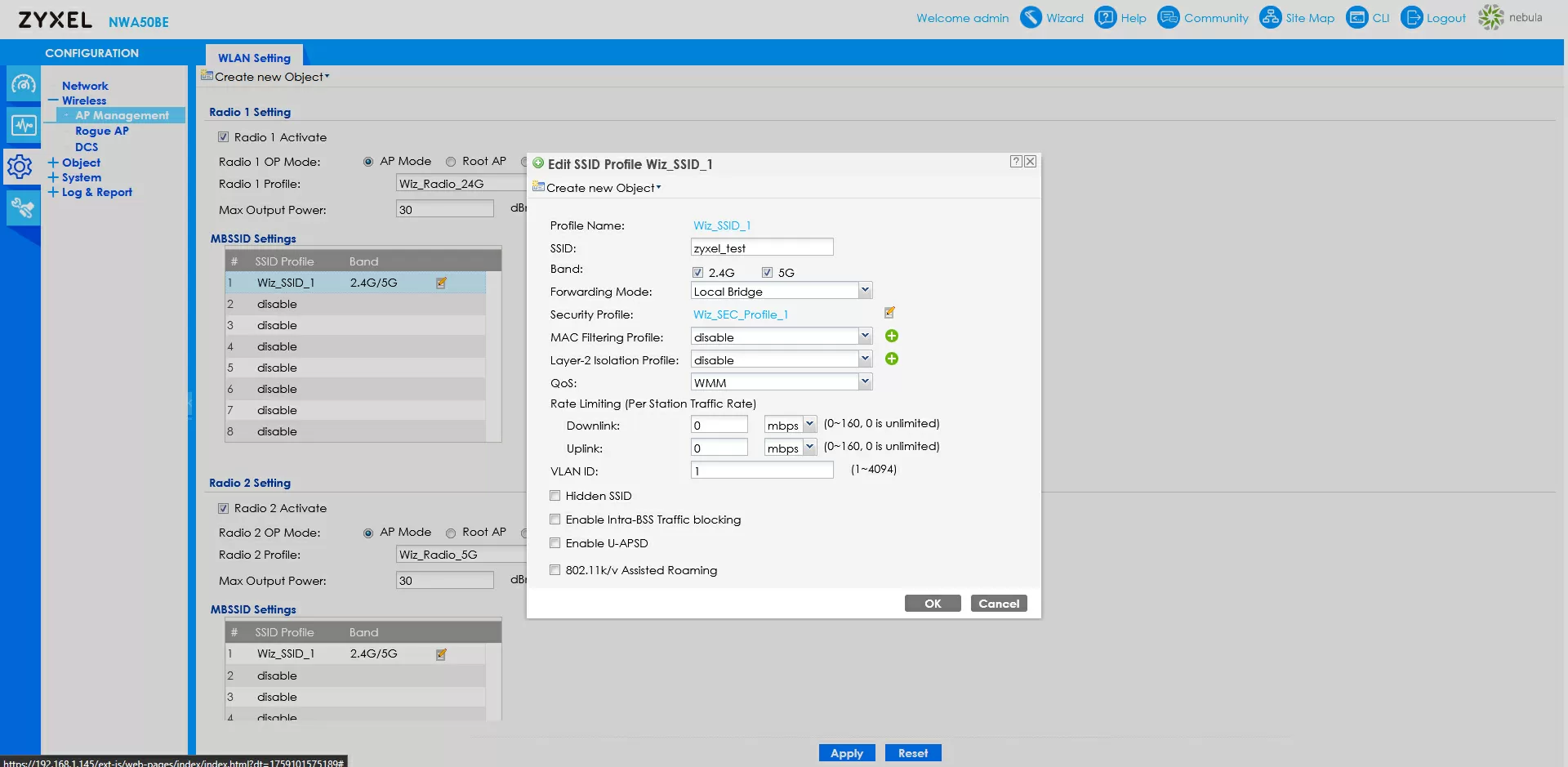
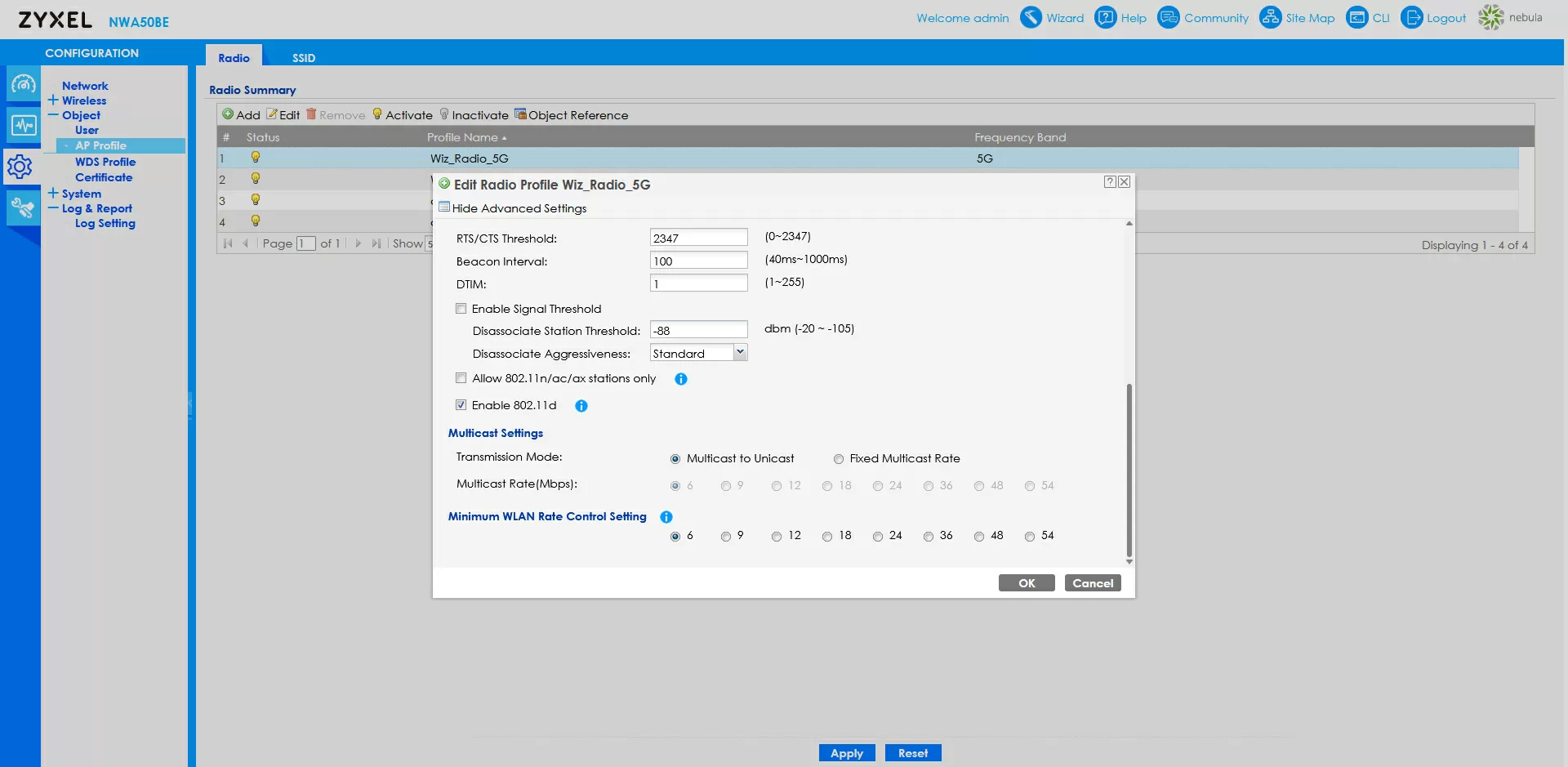
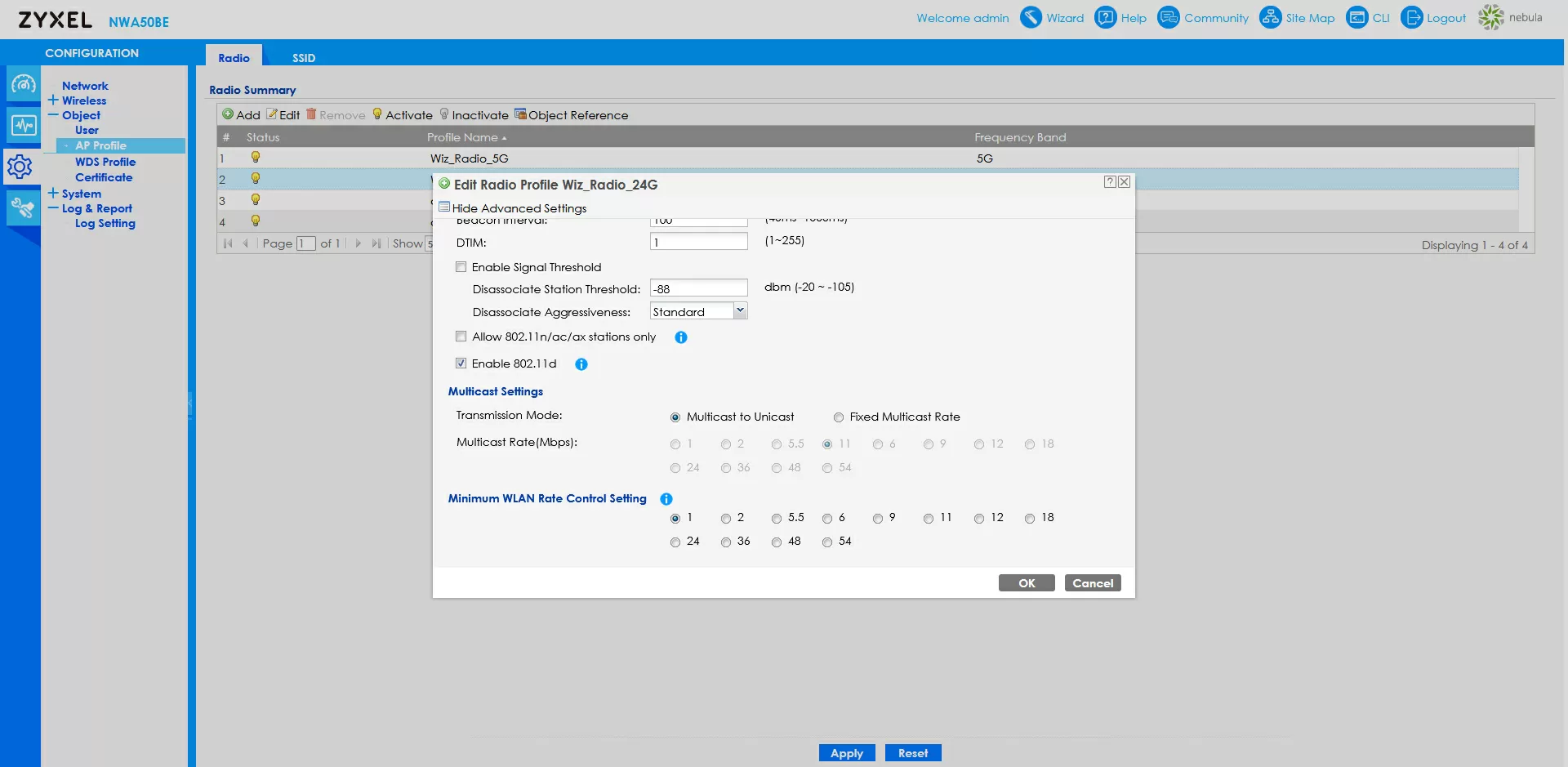
The web interface has hardly changed over the years, so it will be easy for users familiar with the Zyxel access point to configure it.
Testing
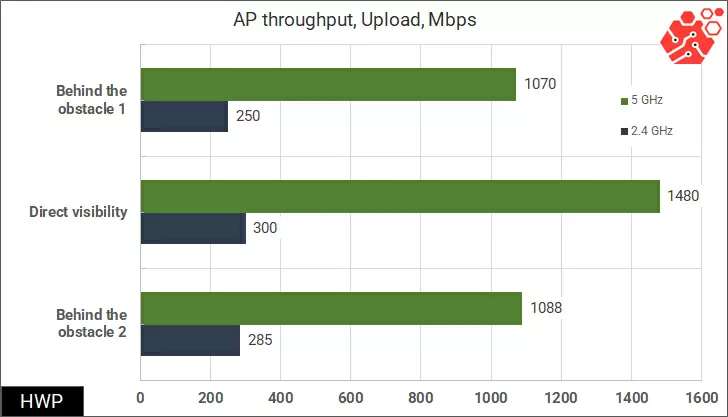
For testing, I used a less productive Mediatek MT7925 Wi-Fi controller and took measurements in three conditions: in open view, behind a cabinet and behind a drywall partition.
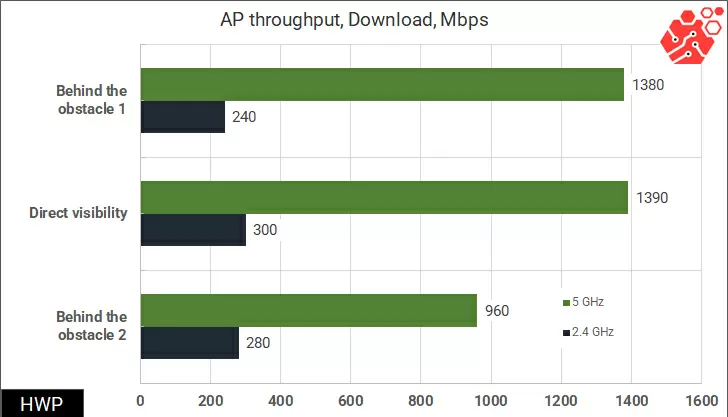
The access point shows typical results for its class.
During testing, the case was heated above 70 degrees Celsius, and this is the hottest hotspot I've ever worked with.
Conclusions
If you look at the price, the Zyxel NWA50BE is almost 3 times cheaper than the flagship NWA210BE or WBE530, which I consider to be a work of engineering. But of course, the more access points there are, the greater the difference in the cost of Wi-Fi, and if you just need to provide coverage with the same level of security as in a busy gym, on the same network and with seamless roaming (see our review of seamless roaming), then this is a great option.
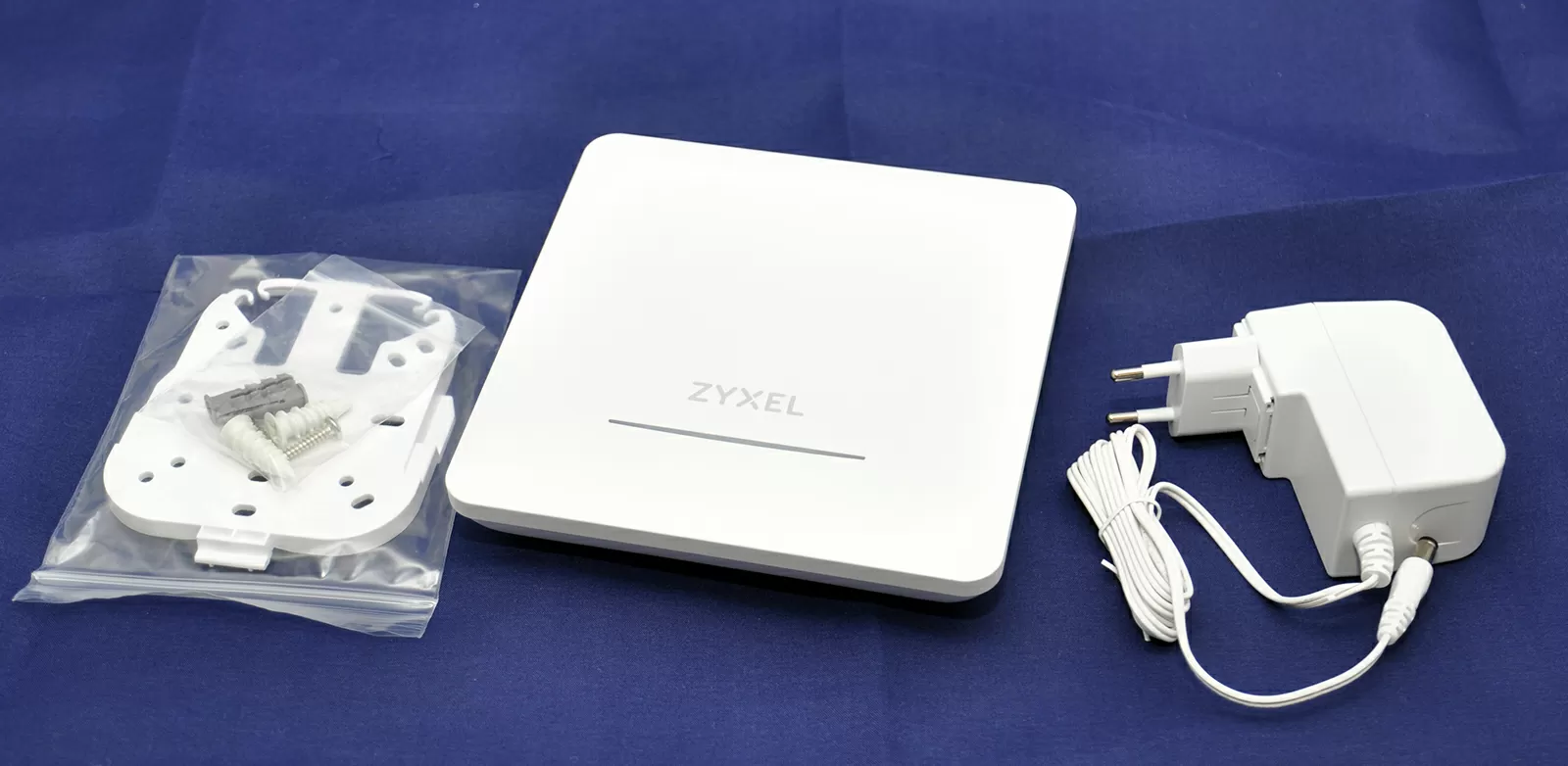
Unlike many professional models, this TD comes with a power supply, although it has a PoE port, so by taking several such models for Mesh, you will save the monotony of devices on both wired and wireless network segments.
The disadvantages of this model include the strong heating of the case and the limitation of the choice of region in its own Web interface.
Michael Degtyarev (aka LIKE OFF)
06/10.2025