Review of the Zyxel IAP500BE Secure Access Point
The Zyxel IAP500BE is a Wi-Fi 7 industrial access point that focuses not so much on a typical office scenario as on working in a technically complex environment where stability, fault tolerance, and predictable hardware behavior come to the fore.
The model is made in a metal case and supports mounting on a DIN rail or on a wall. The access point is designed to operate over a wide temperature range, supports redundant DC power supply, and is equipped with basic electrical protection. The device is equipped with a 1/2.5GbE LAN port, that is, it is not limited to the classic gigabit interface and better corresponds to its wireless class. Power is supplied via PoE 802.3at, meaning a powerful modern PoE switch or injector will be required for commissioning.
On the wireless side, the IAP500BE has a total speed of up to 5,012 Mbit/s: up to 4,324 Mbit/s in the 5 GHz band (2 streams, max. channel width 240 MHz, depending on the region) and up to 688 Mbit/s in the 2.4 GHz band. The 6 GHz band is not supported: in an industrial context, this is a deliberate compromise in favor of compatibility with the existing fleet of equipment. However, in this review, we will be interested not so much in the rated speed as in how Zyxel approached the device itself as an engineering product — from the point of view of industrial design, layout, installation and readiness to work in harsh conditions. At the same time, it is important to immediately identify the boundaries of positioning: the Zyxel IAP500BE does not look like a sealed outdoor access point with an emphasis on all-weather and moisture protection. Its strength lies elsewhere: in a combination of industrial design, passive cooling, a practical power supply circuit and mechanics designed to operate in an environment where equipment should simply work for a long time, stably and without unnecessary attention to itself.
Exterior
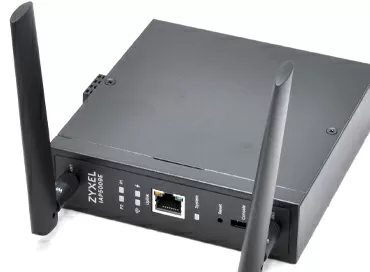
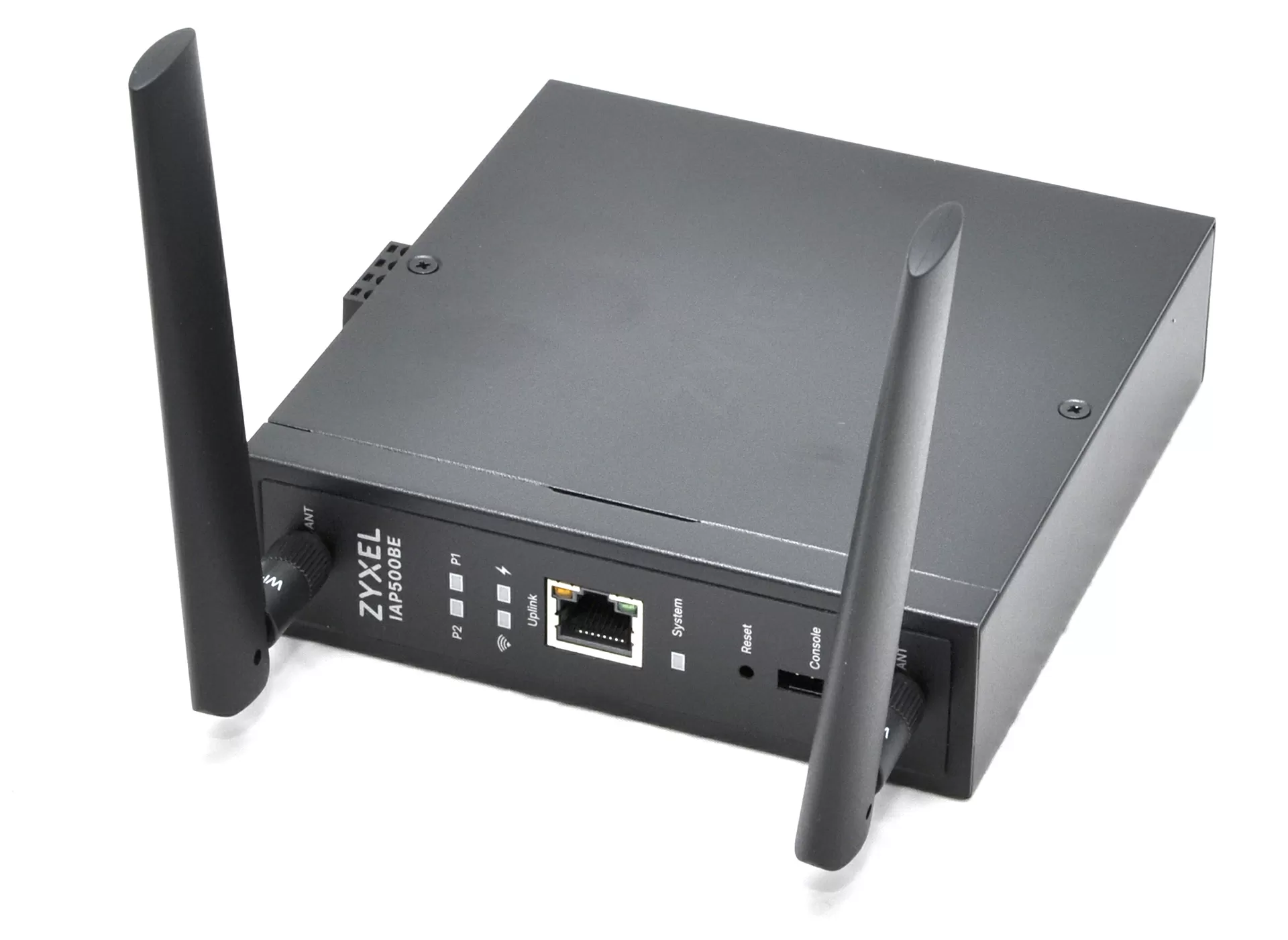
Externally, the IAP500BE does not try to make an impression. The black brushed metal case with dimensions 125x130x35 mm is flat, without ventilation slots, with a minimum of markings on the front panel. The device weighs 646 g: not much for metal, but significantly denser than any office plastic.
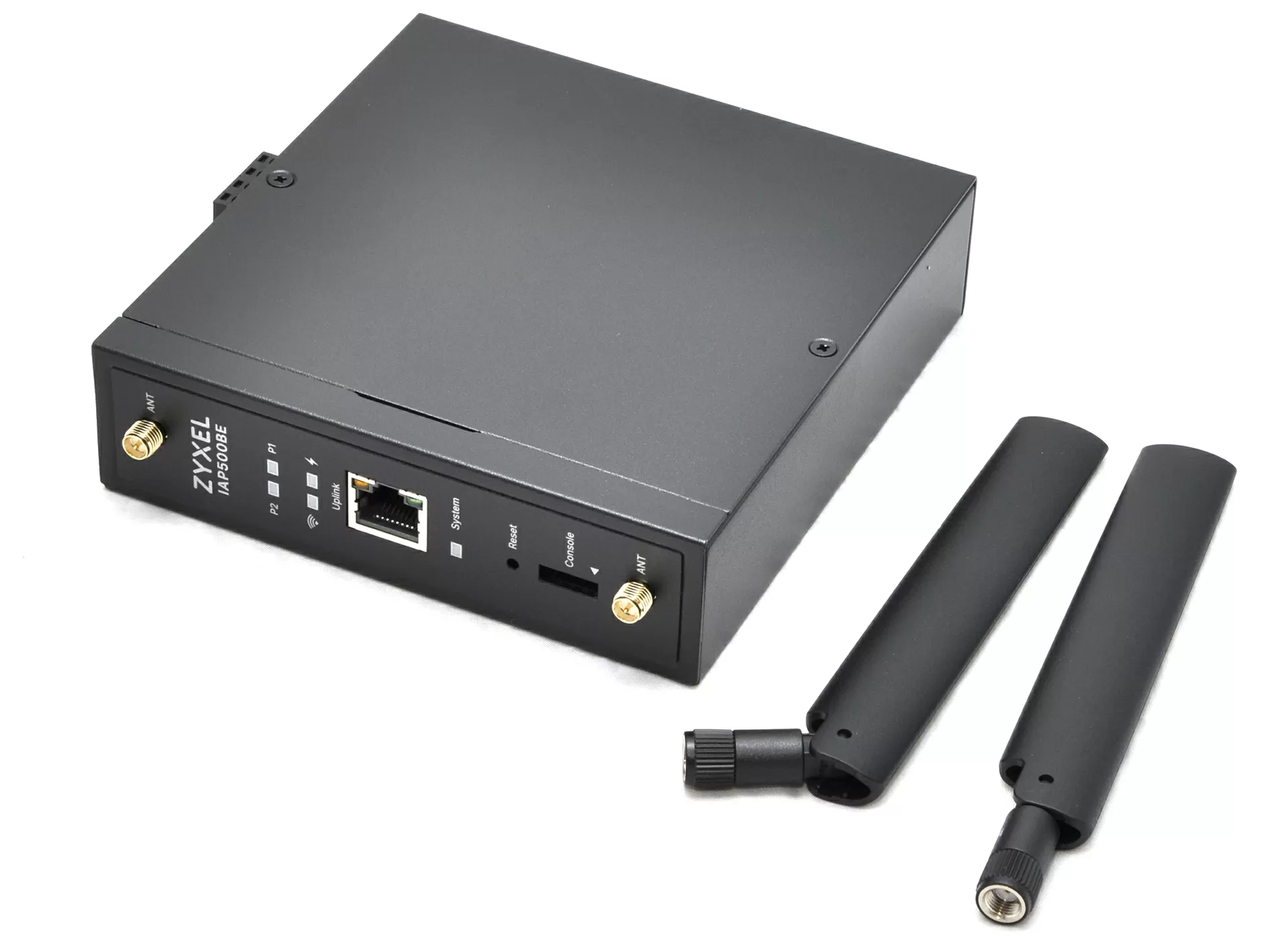
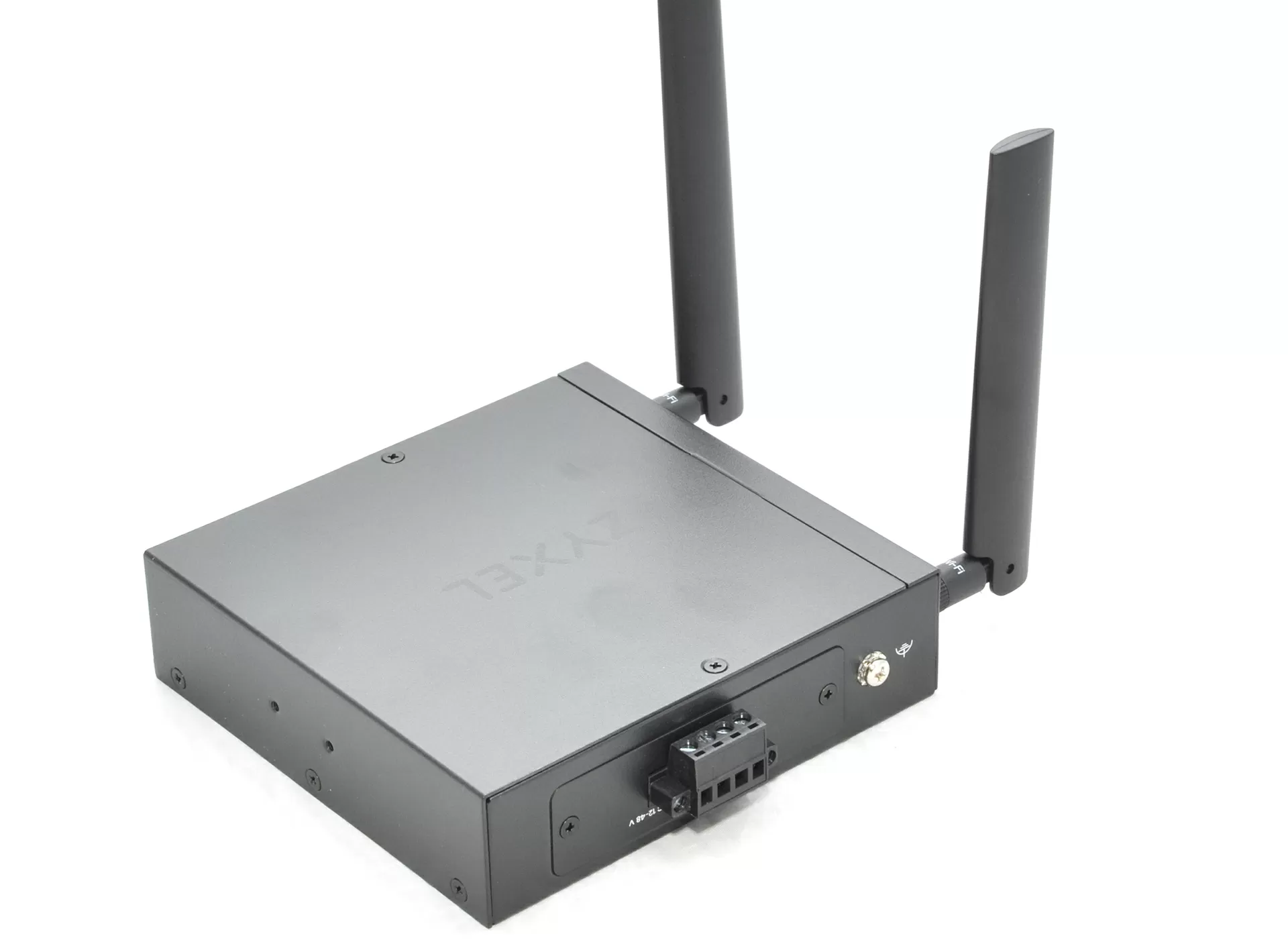
All the main interfaces are concentrated on the front face: a 1/2.5GbE port with link indicators, four status LEDs (P1, P2, Uplink, System), a recessed Reset button and a console port connected only via a special adapter. The kit includes two removable dual-band antennas with a gain of 2 dBi (2.4 GHz) and 3 dBi (5 GHz), but the specifics of such devices are usually that remote antennas are connected to them to increase range or coverage. On the back panel there are terminals for DC 12-48 V power supplies with two independent inputs P1 and P2 and a separate grounding point with a screw for an annular tip. There is no DC jack; only a terminal block, as befits industrial equipment.
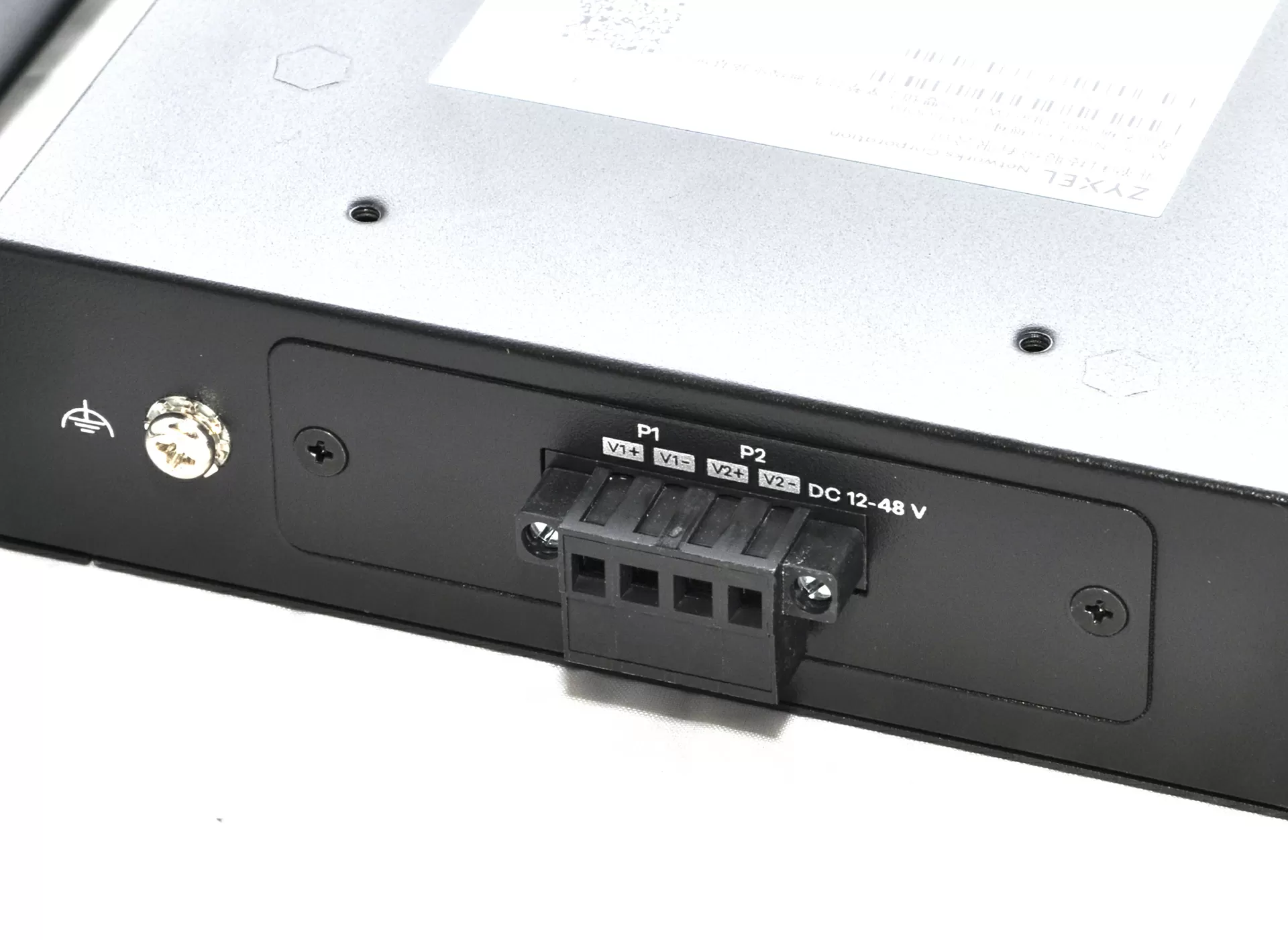
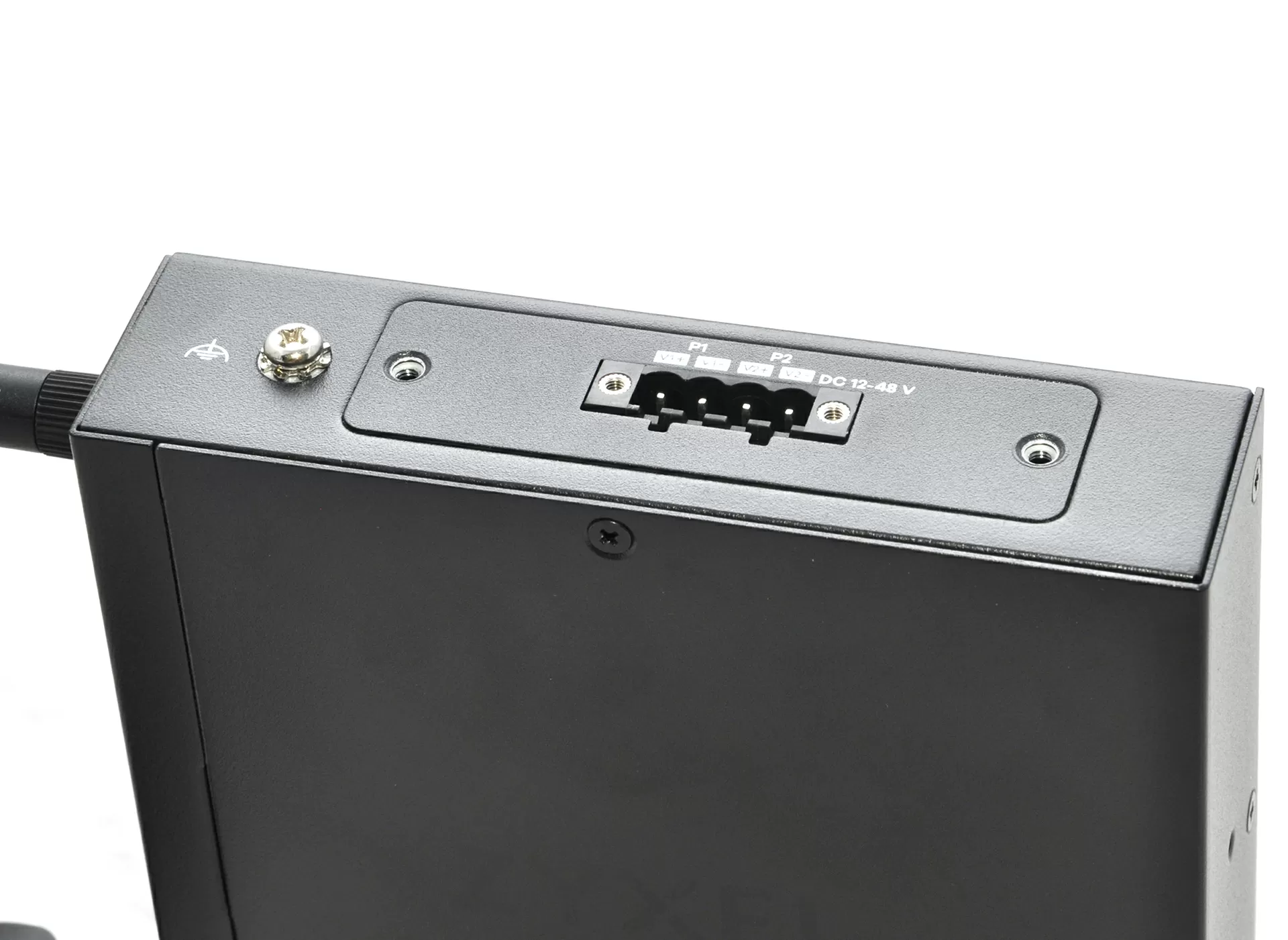
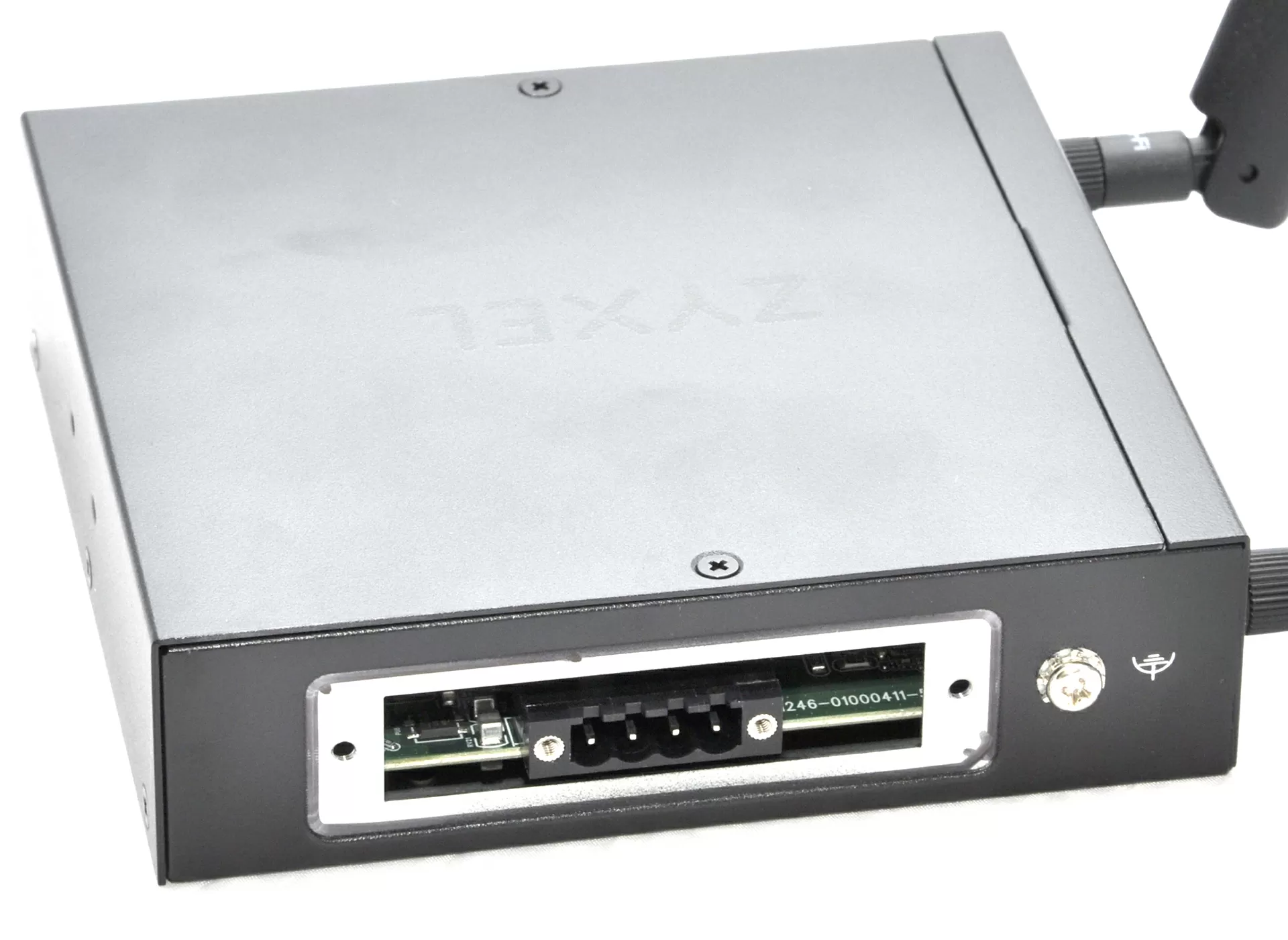
A mounting plate for mounting on a DIN rail is included in the kit and, if necessary, is fixed to the lower surface of the housing with four screws, and the standard counter latch is EN 50022 on a 35 mm rail. The wall mounting option uses the same holes on the chassis. There are no additional brackets, adapters or magnets in the basic supply.
A case without ventilation holes is a fundamental technical solution for installation in maintenance-free cabinets. Heat is removed through the metal of the chassis and the internal heat distributor, which eliminates the ingress of dust, metal shavings and other suspended matter characteristic of the industrial environment into the device. The cost for the absence of through holes is lower heat sink efficiency at high loads compared to forced cooling, however, in the operating temperature range up to +65 °C, Zyxel considers the passive circuit sufficient. The device does not have moisture protection (IP rating), which is important to consider when choosing an installation location.
The case is neatly assembled: the tolerances at the joints of the panels are small, the fasteners are recessed, and the surface is not hand-marked. For cabinet equipment that no one sees most of the time, it's not necessary, but it's nice.
Interior
The internal design of the Zyxel IAP500BE is made in a logic typical of industrial equipment: without unnecessary decorativeness, with a clear priority of mechanical rigidity, heat sink and stable operation in an extended temperature range.
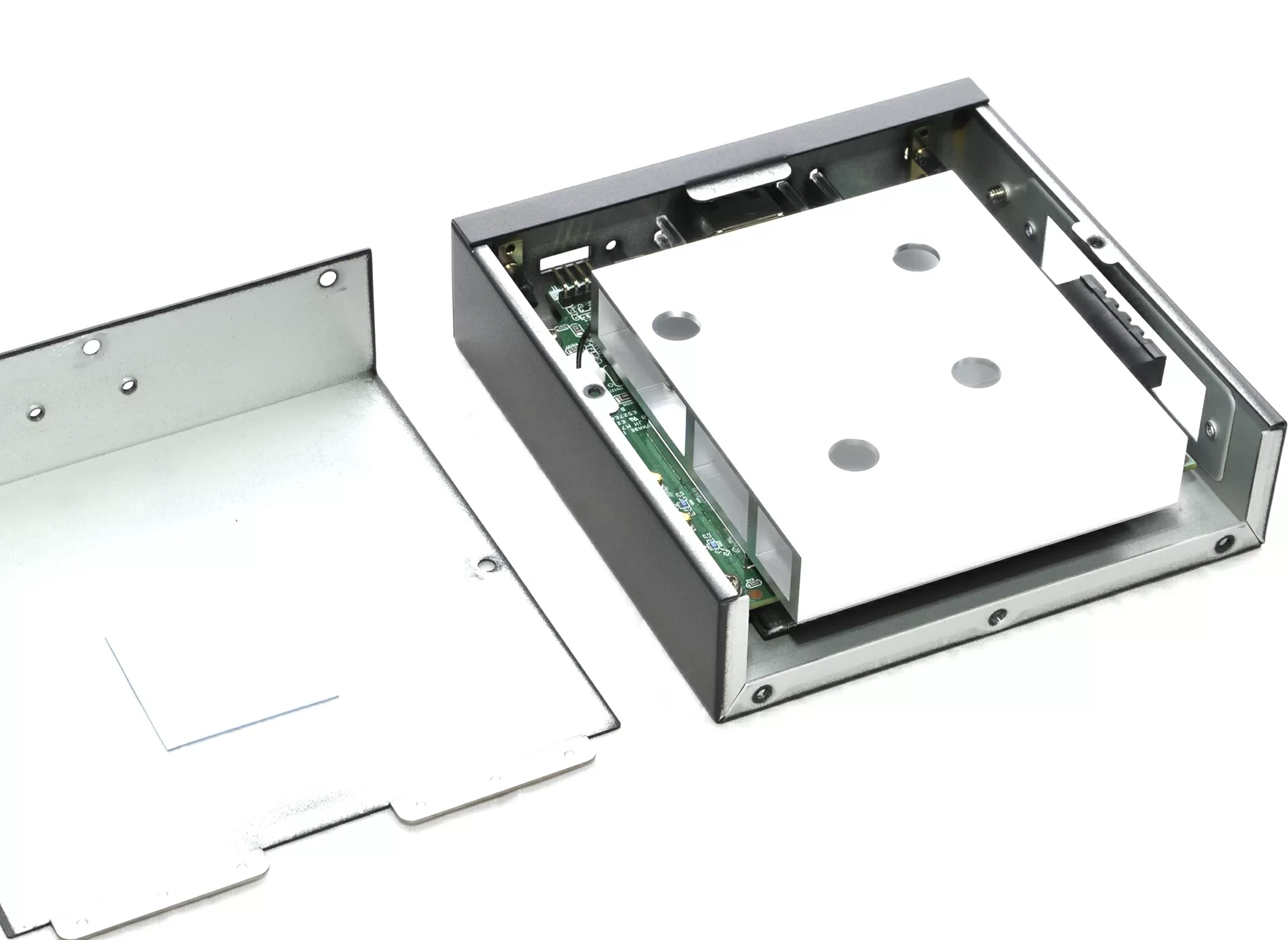
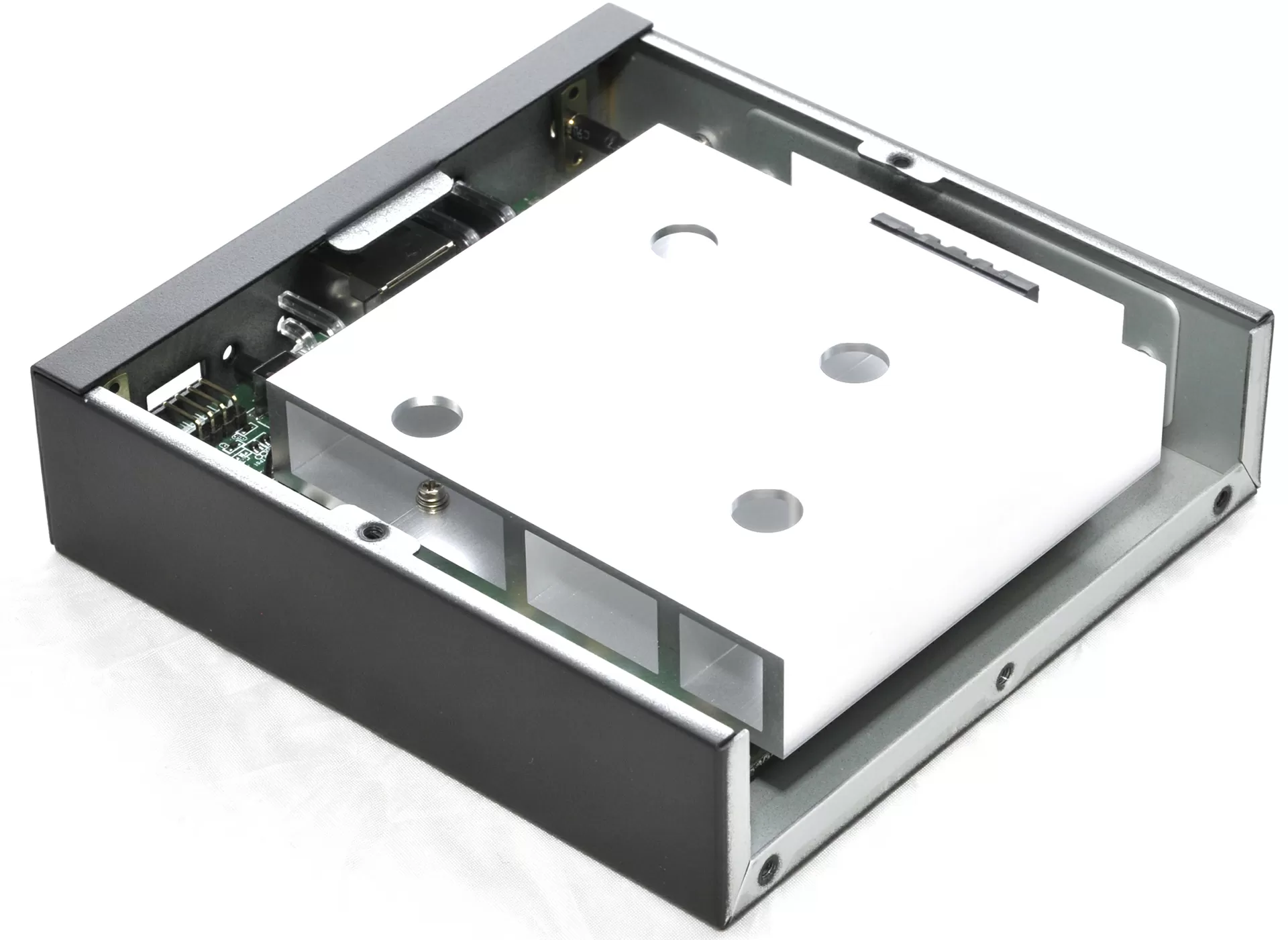
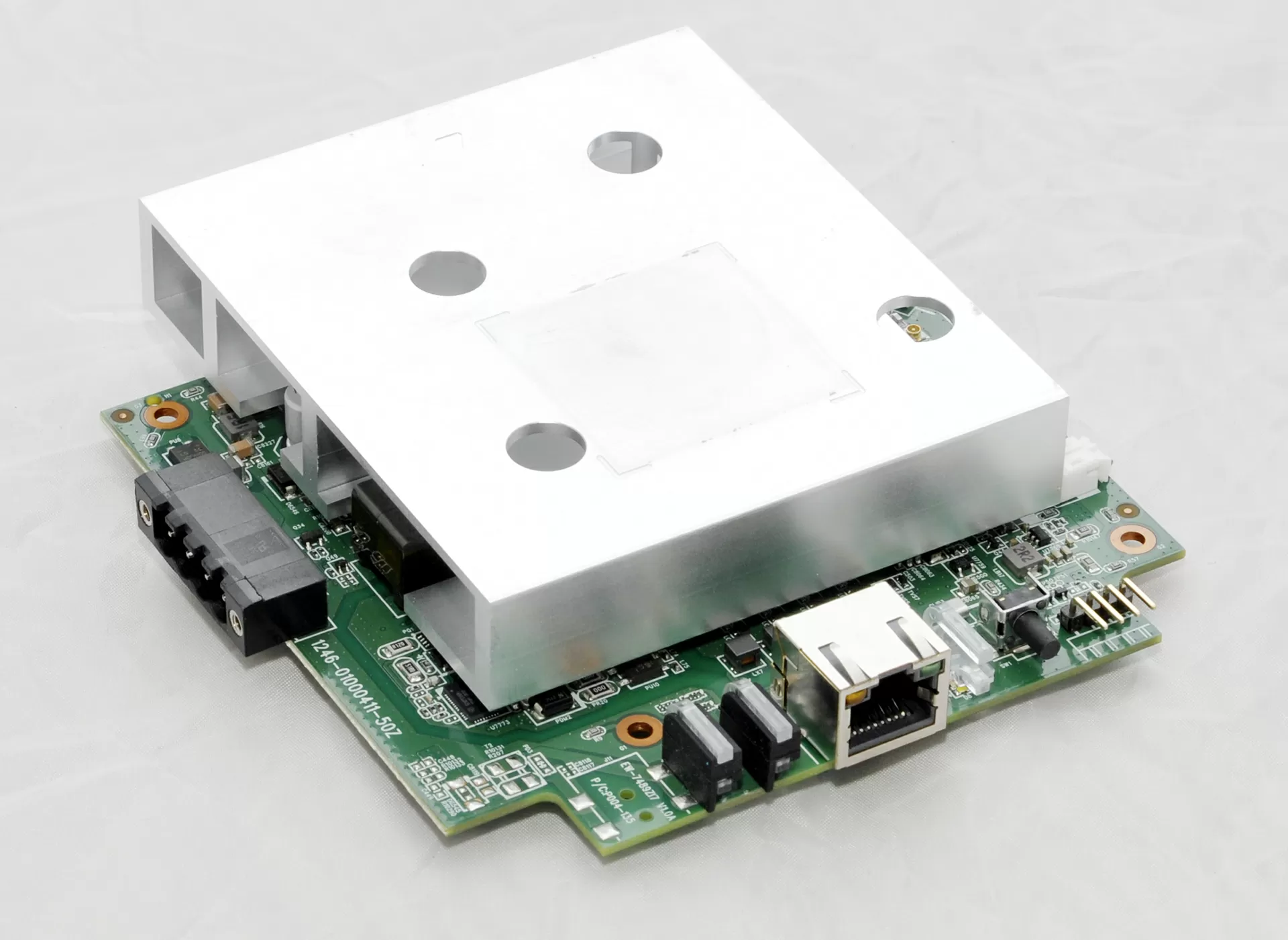
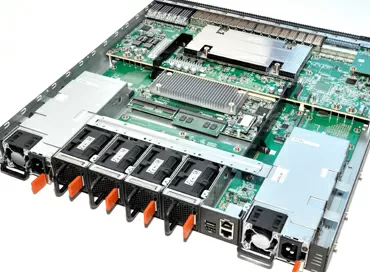
After disassembly, it is clearly visible that the main role inside is played by a massive metal heat sink, which occupies a significant part of the body volume. Of all the heat sinks that I've seen in electronics in my career, this is the strangest in shape, and I can't explain or make a guess as to why it is exactly like this.
The power supply unit deserves special attention. In addition to PoE 802.3at, the access point supports connection via a 12-48 V DC terminal block with two inputs, that is, with the possibility of redundant power supply. For industrial applications, this is an important and quite expected detail.
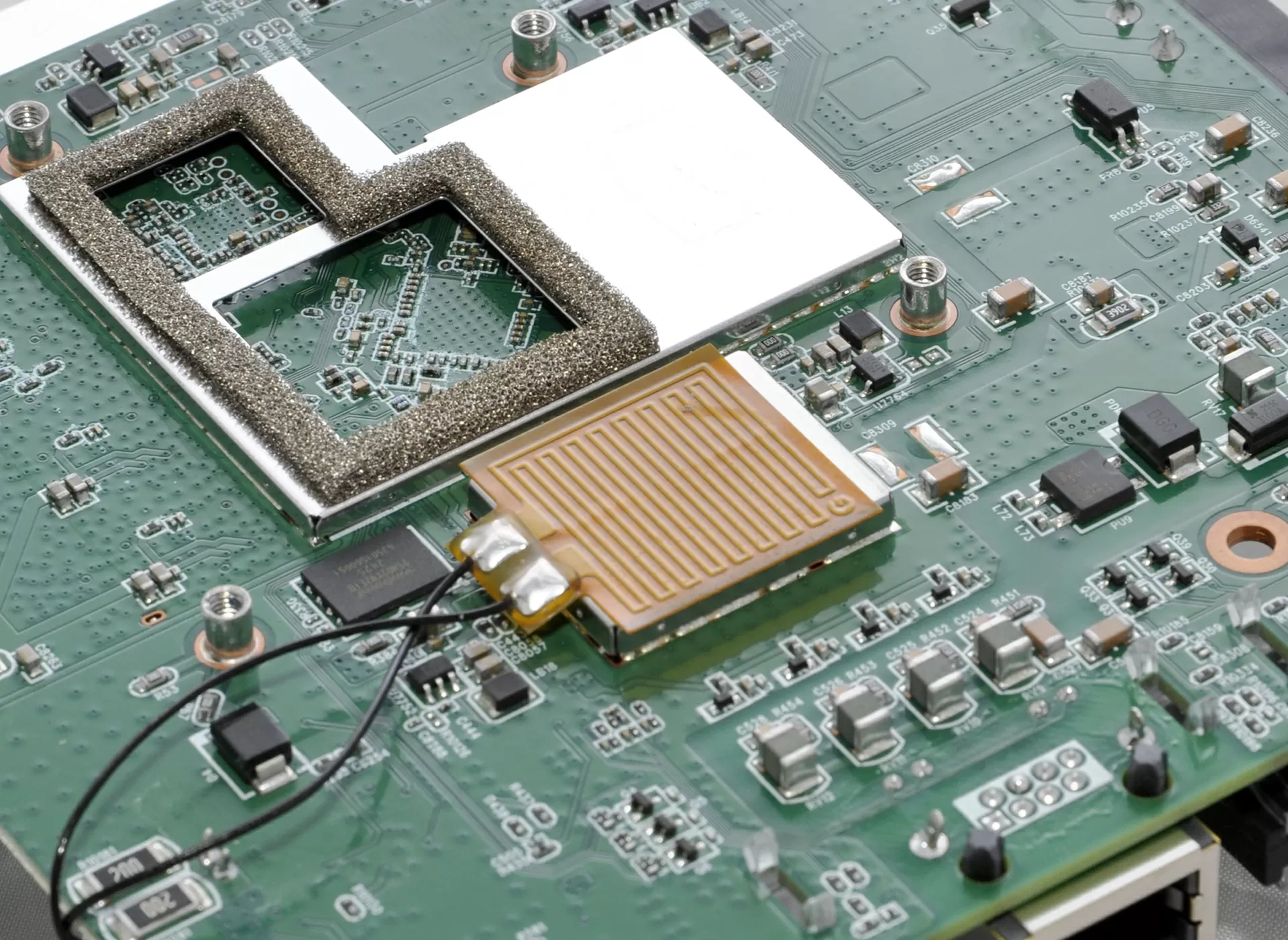
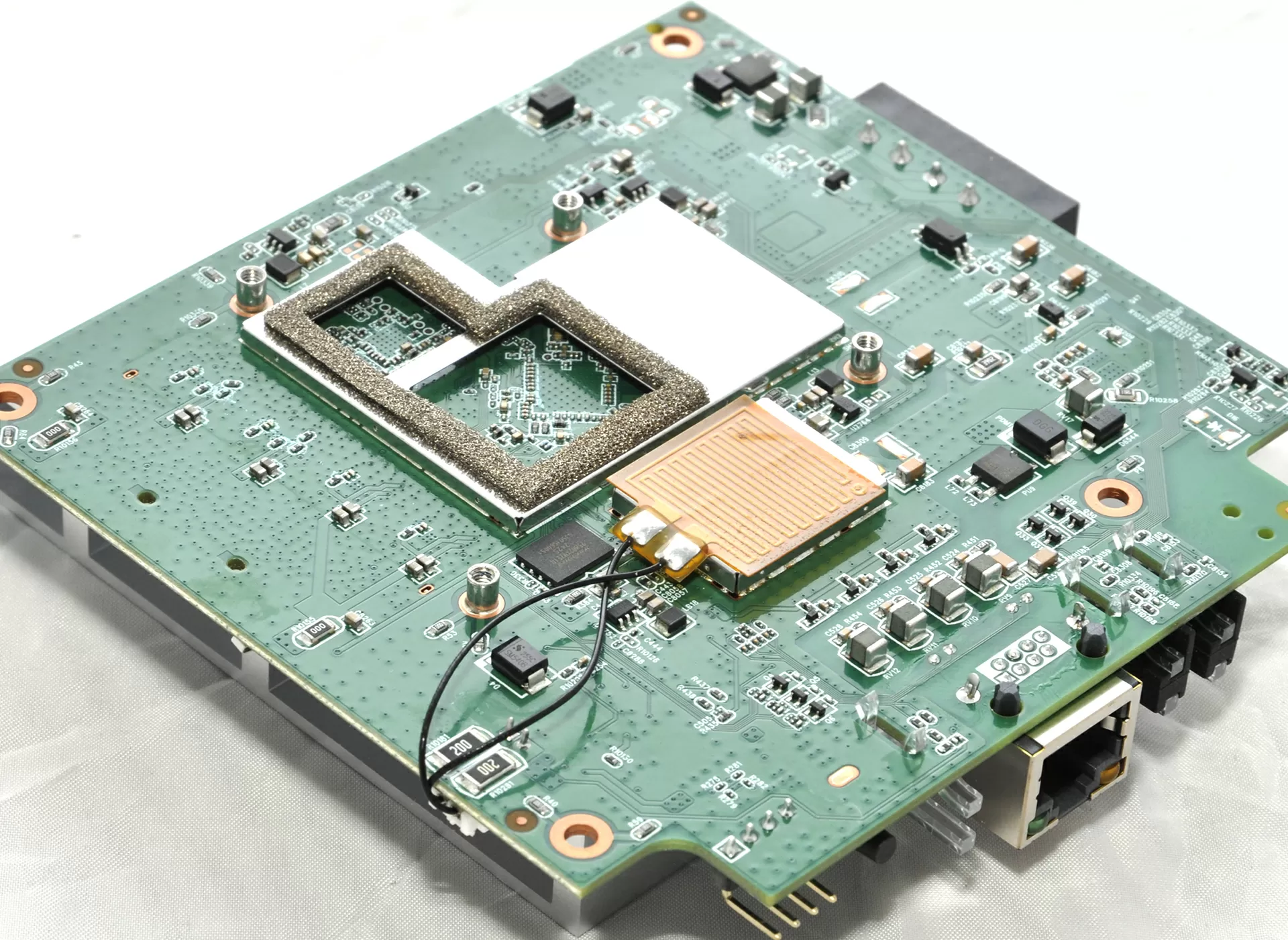
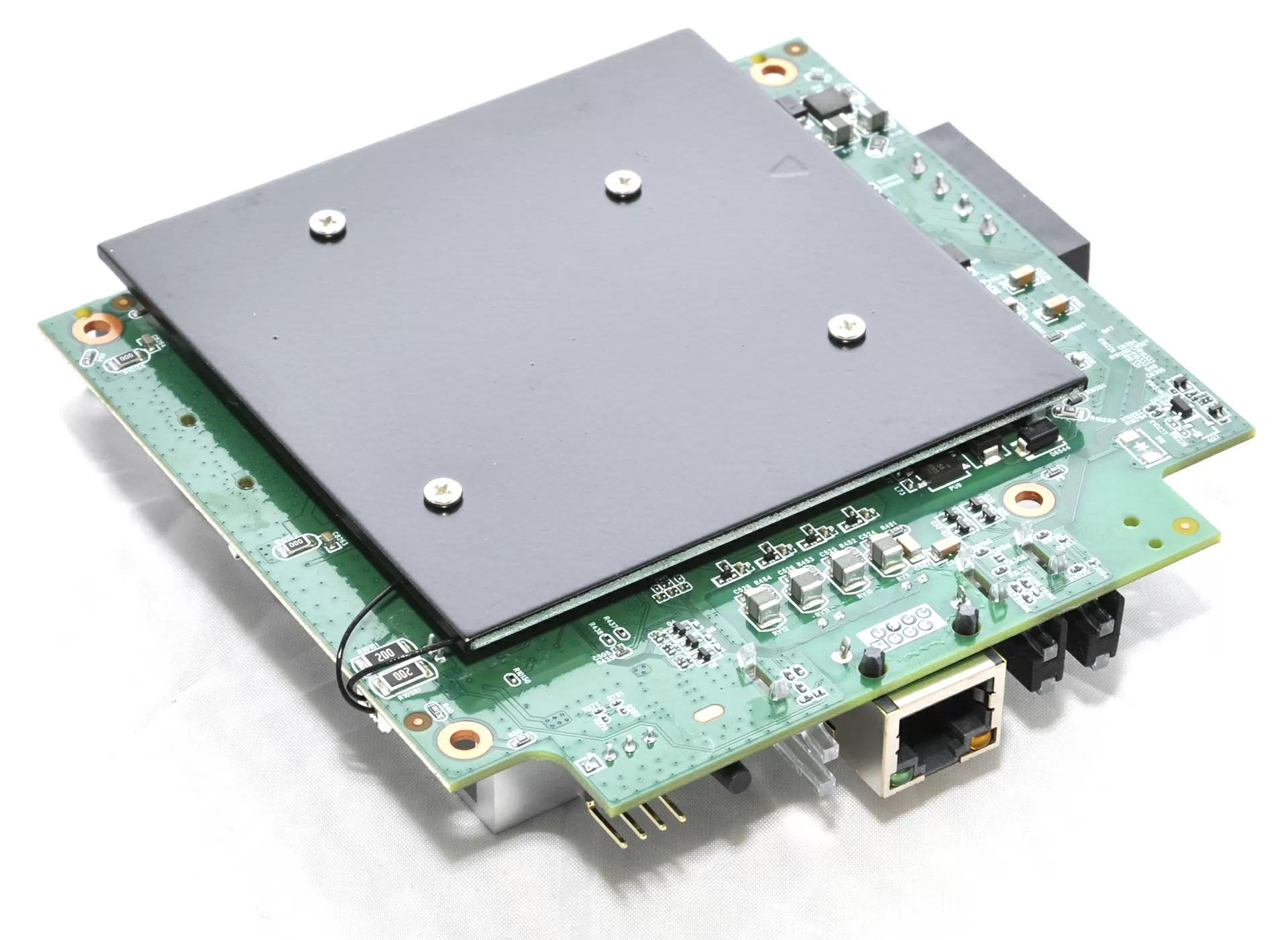
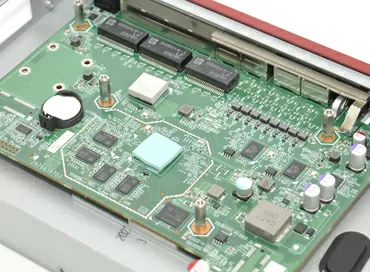
The photos also show a separate heating element. In this case, it is needed to ensure the correct operation of the device at subzero temperatures, when the electronics need to go into operation in cold conditions, and it is its presence that determines the power requirement for PoE 802.3at.
As a result, the internal design of the IAP500BE does not give the impression of an "ordinary access point in a metal case", but of a truly industrial device in which the layout, cooling and power supply scheme are subordinated to the task of stable operation in harsh operating conditions.
Web-interface
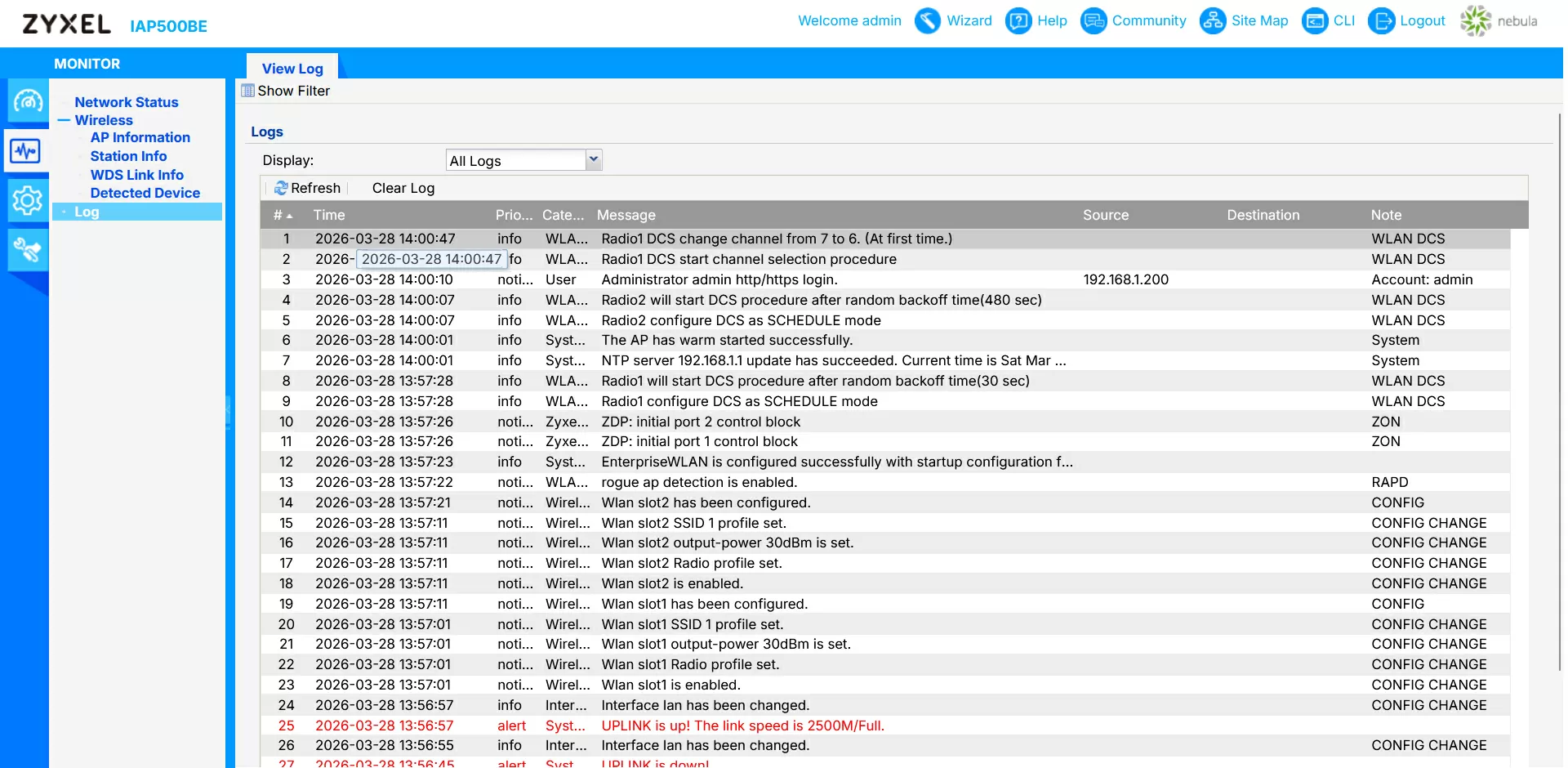
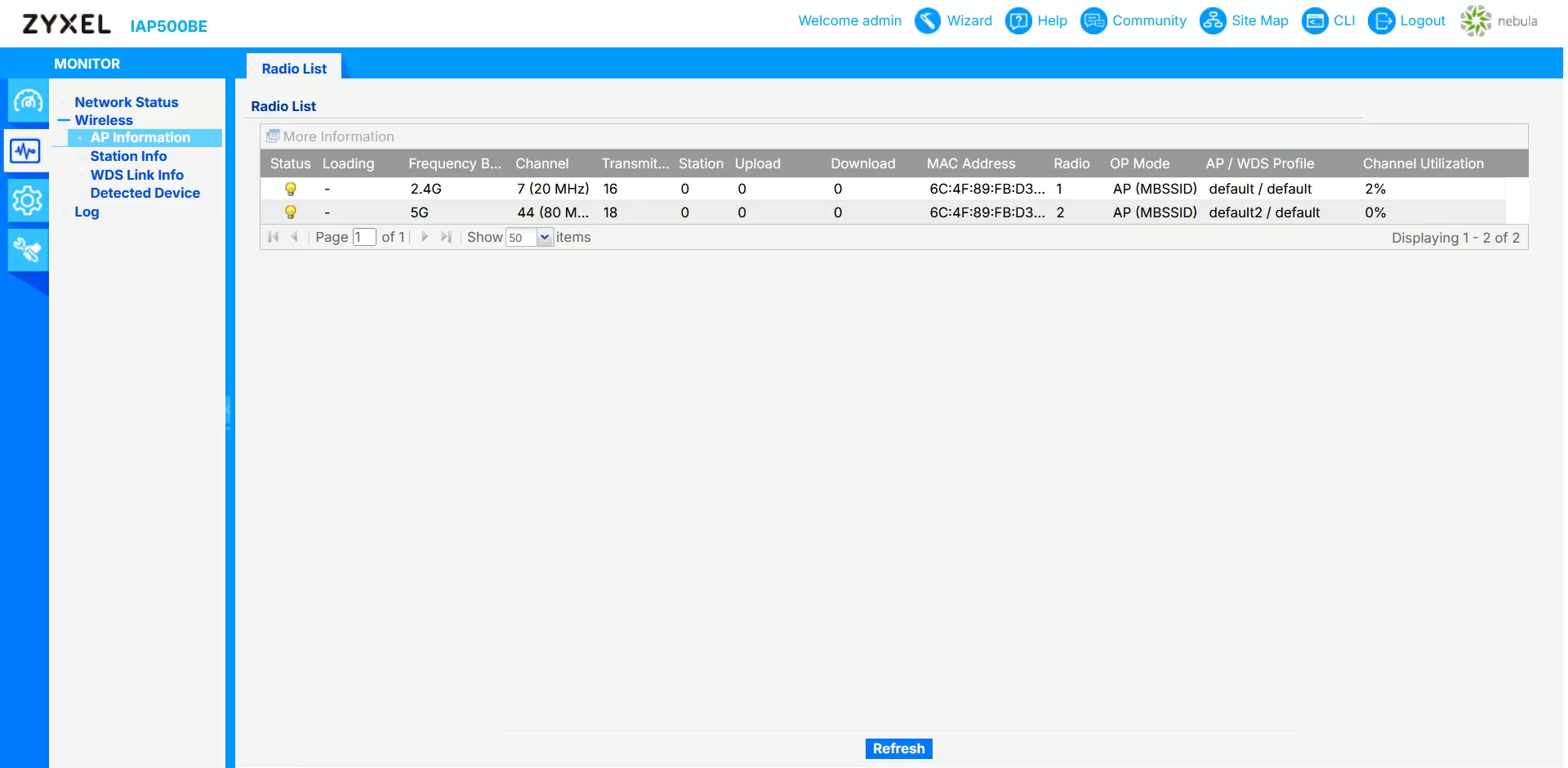
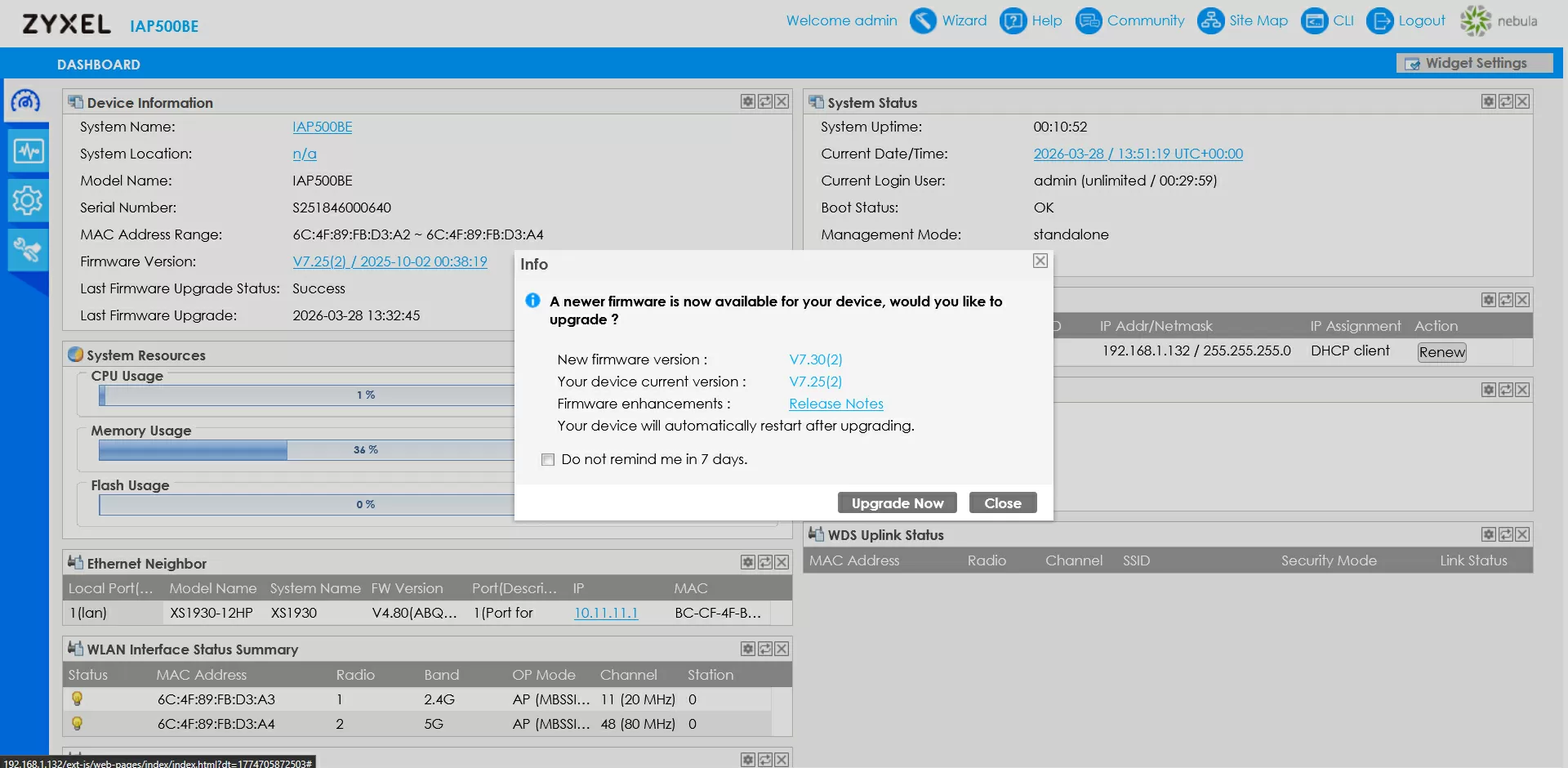
Access point management is possible via the CLI, SNMP, the Nebula cloud service, or through its own rather archaic-looking web interface. Let's see which options have aroused my greatest interest.:
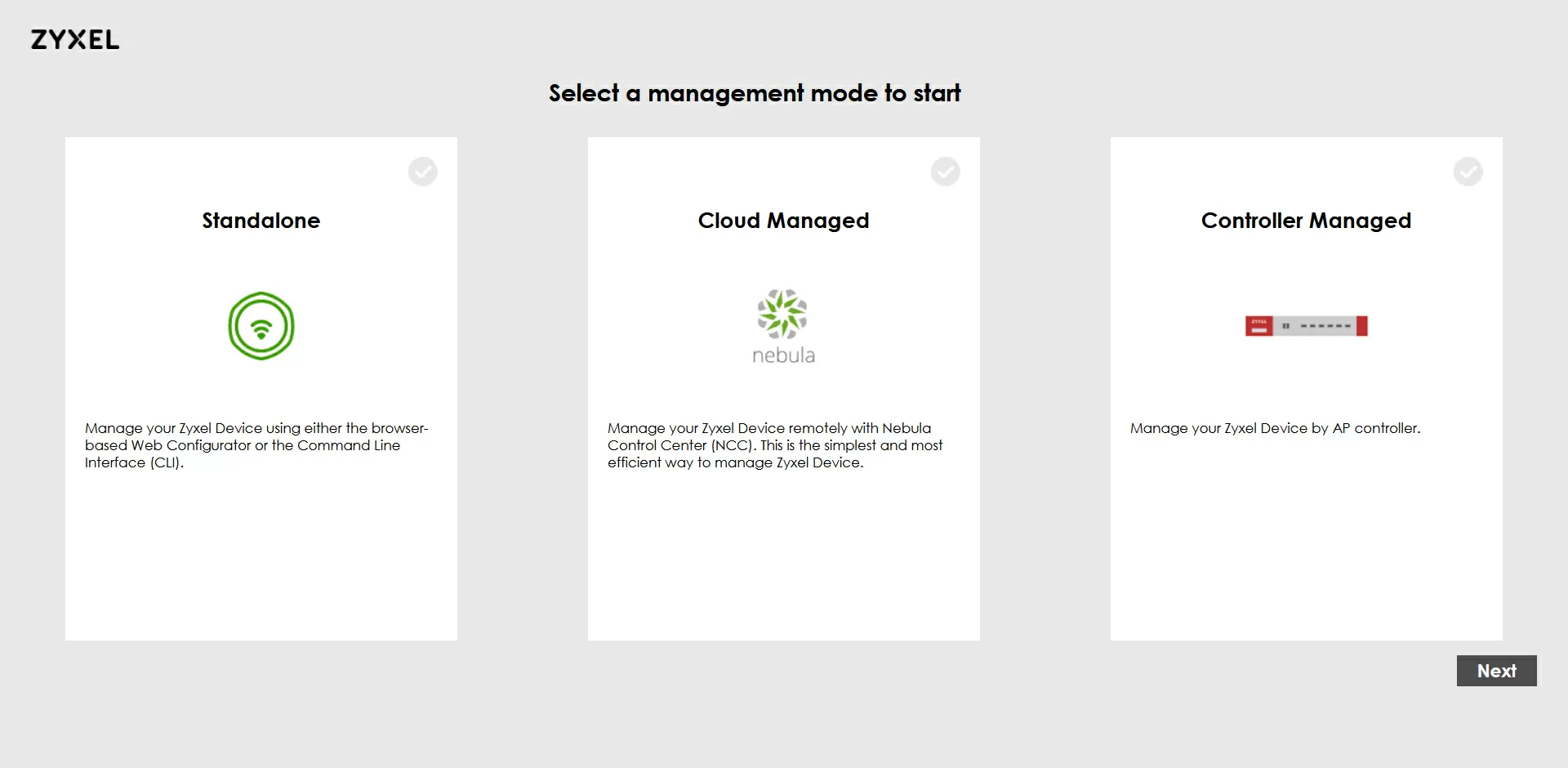
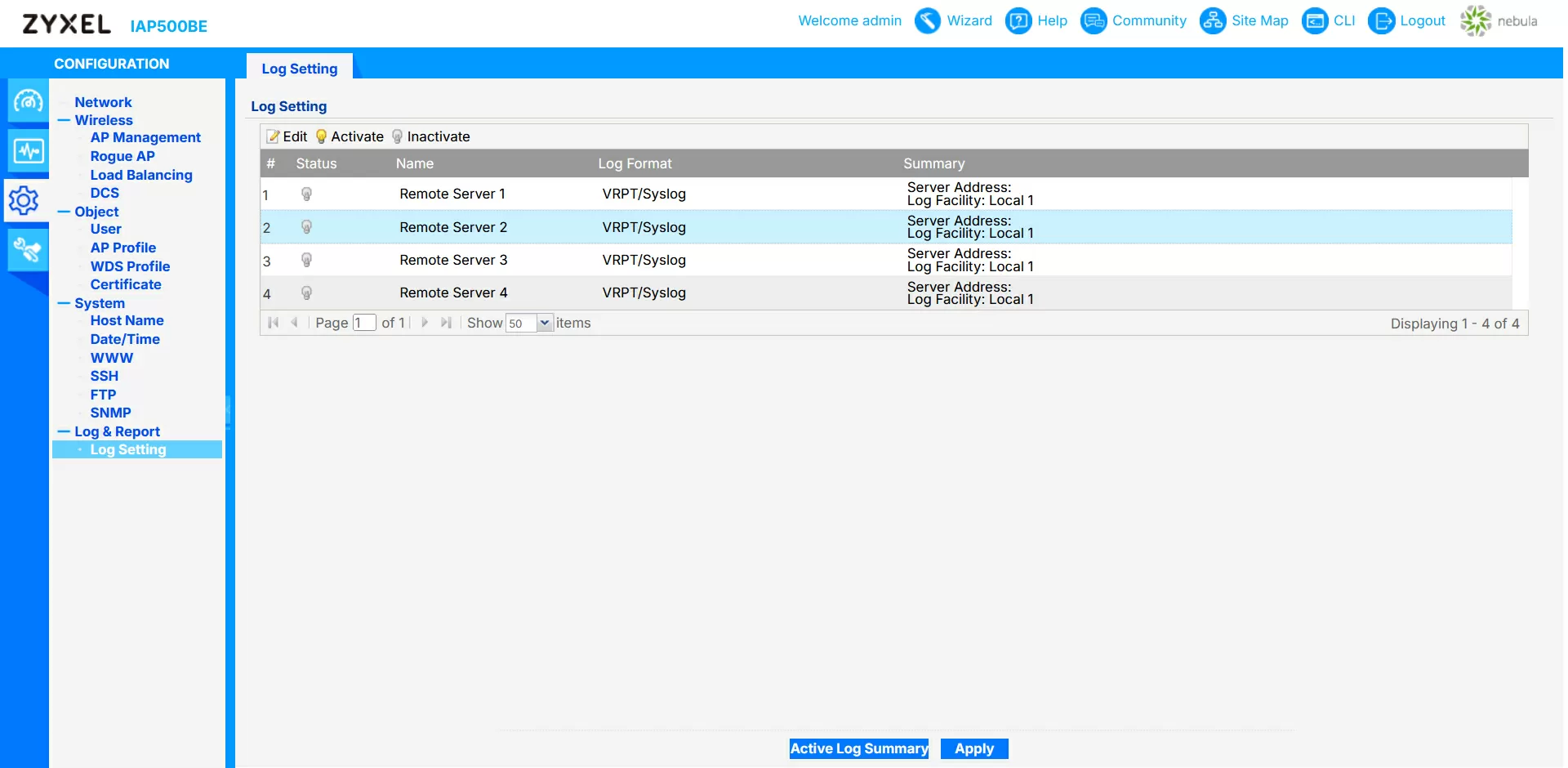
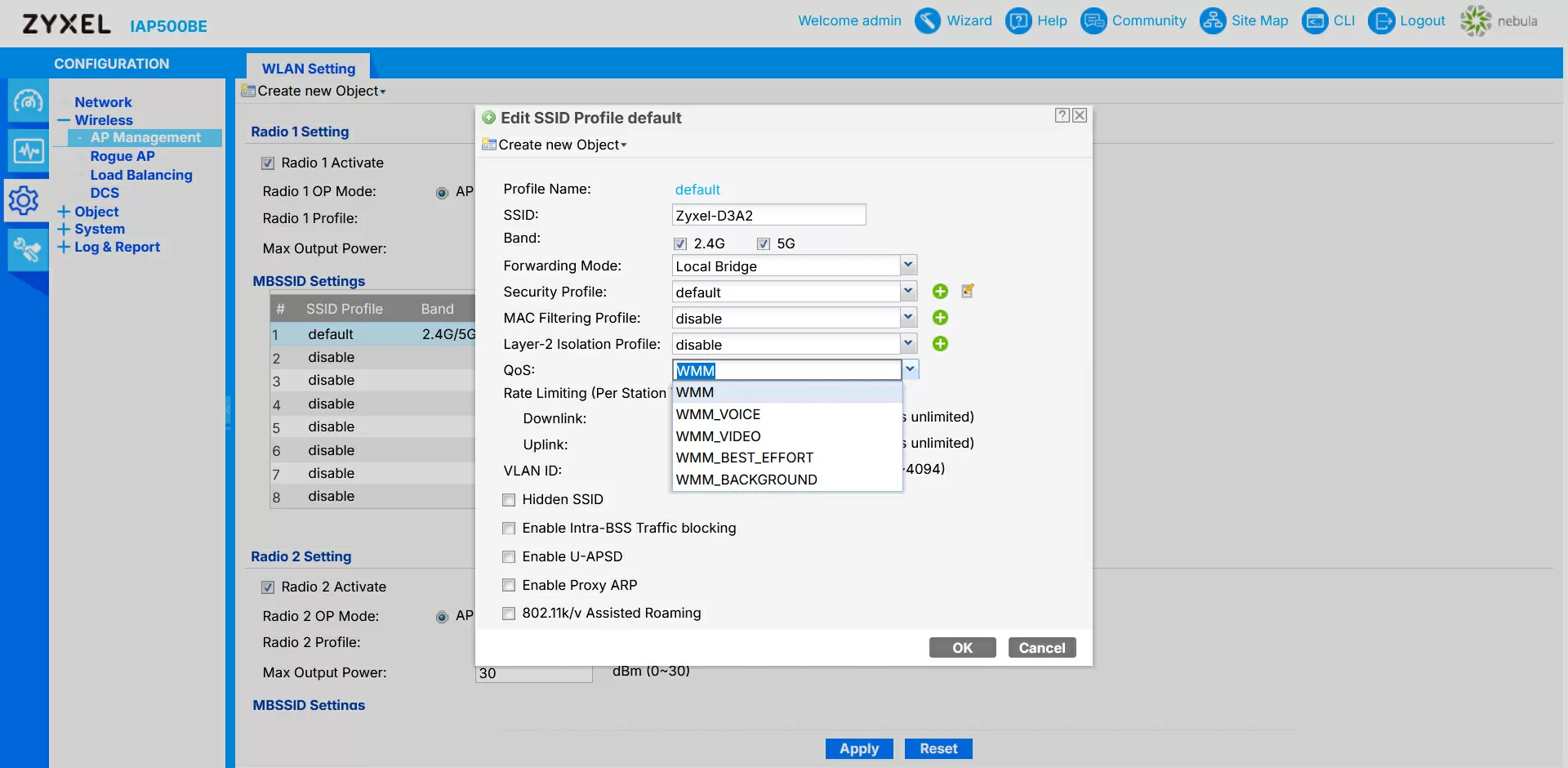
The device can operate in two modes - the classic bridge mode, where clients connect directly to the enterprise network, and hide clients behind NAT if the company's network topology implies such use. In the 5 GHz band, a channel width of up to 160 MHz is supported, which is especially interesting for working in wireless repeater mode.
The classic WDS is implemented without surprises, but neatly. For each radio interface, you can transfer a point to the role of a root AP or repeater, set a list of acceptable BSSIDs and encryption parameters, after which the device builds a fixed radio bridge between the segments. At the same time, some of the service SSIDs can be left available to customers, if desired. It is convenient when the same point simultaneously raises the link to the neighboring building and services the local terminals.
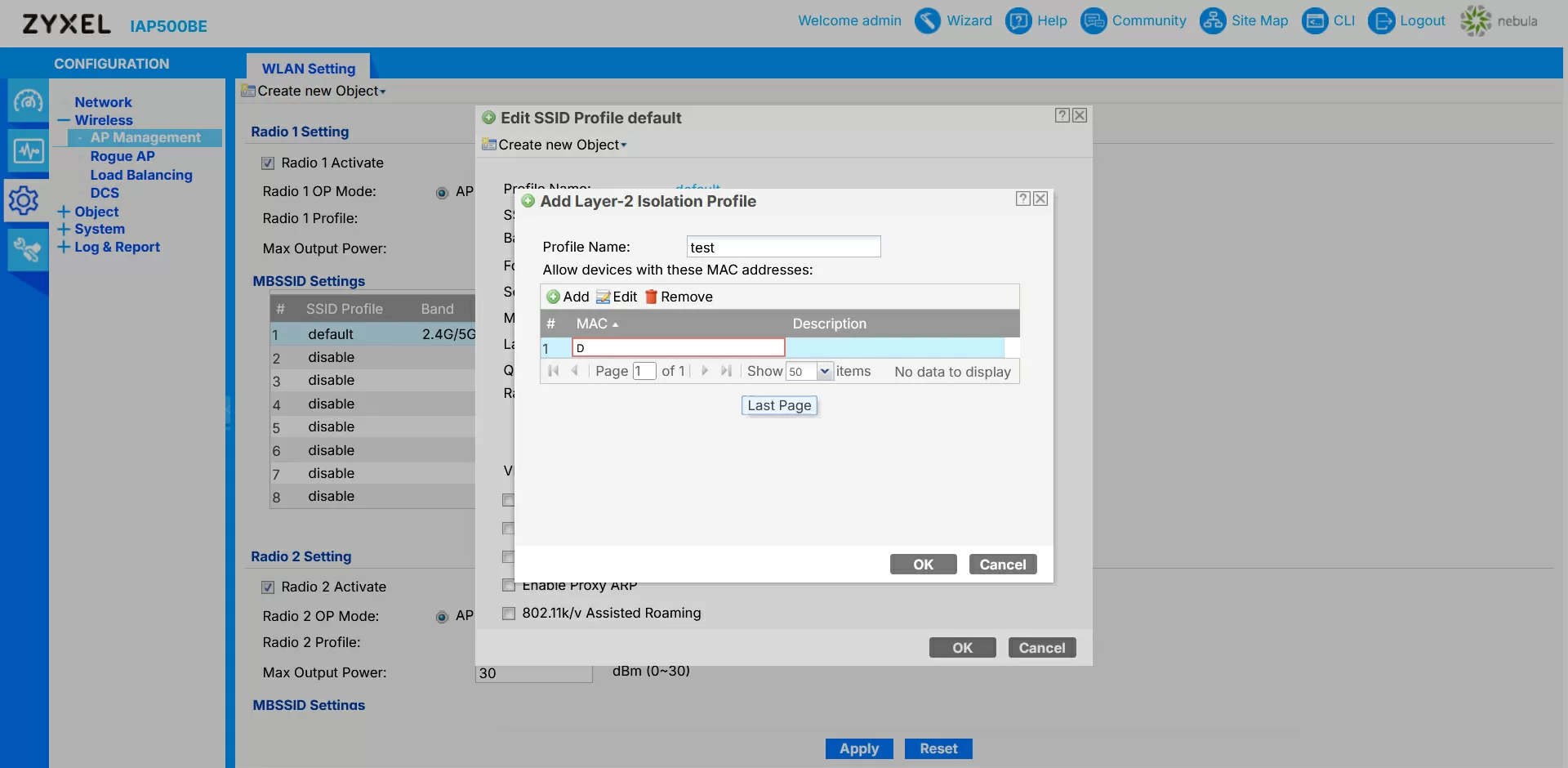
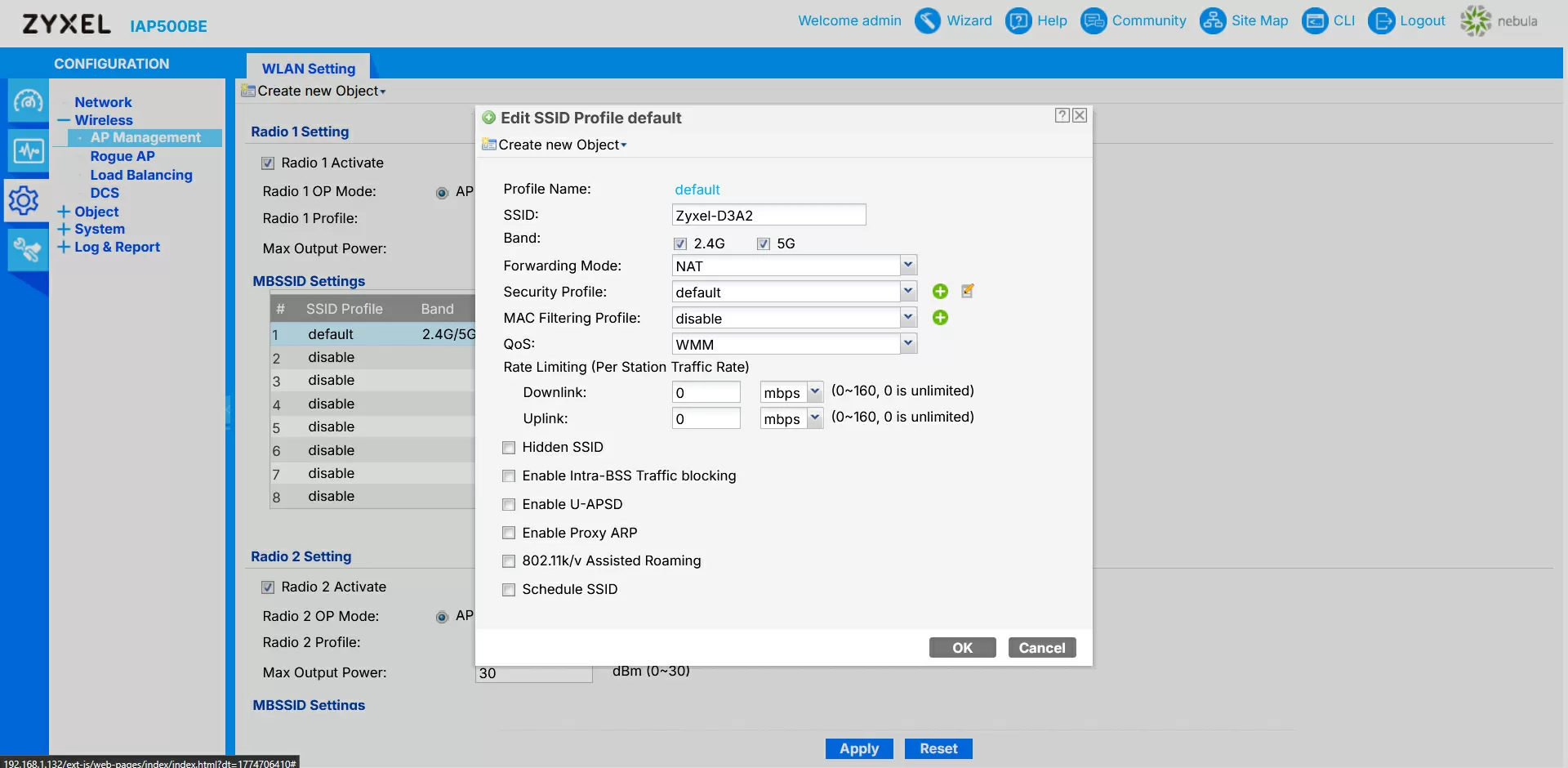
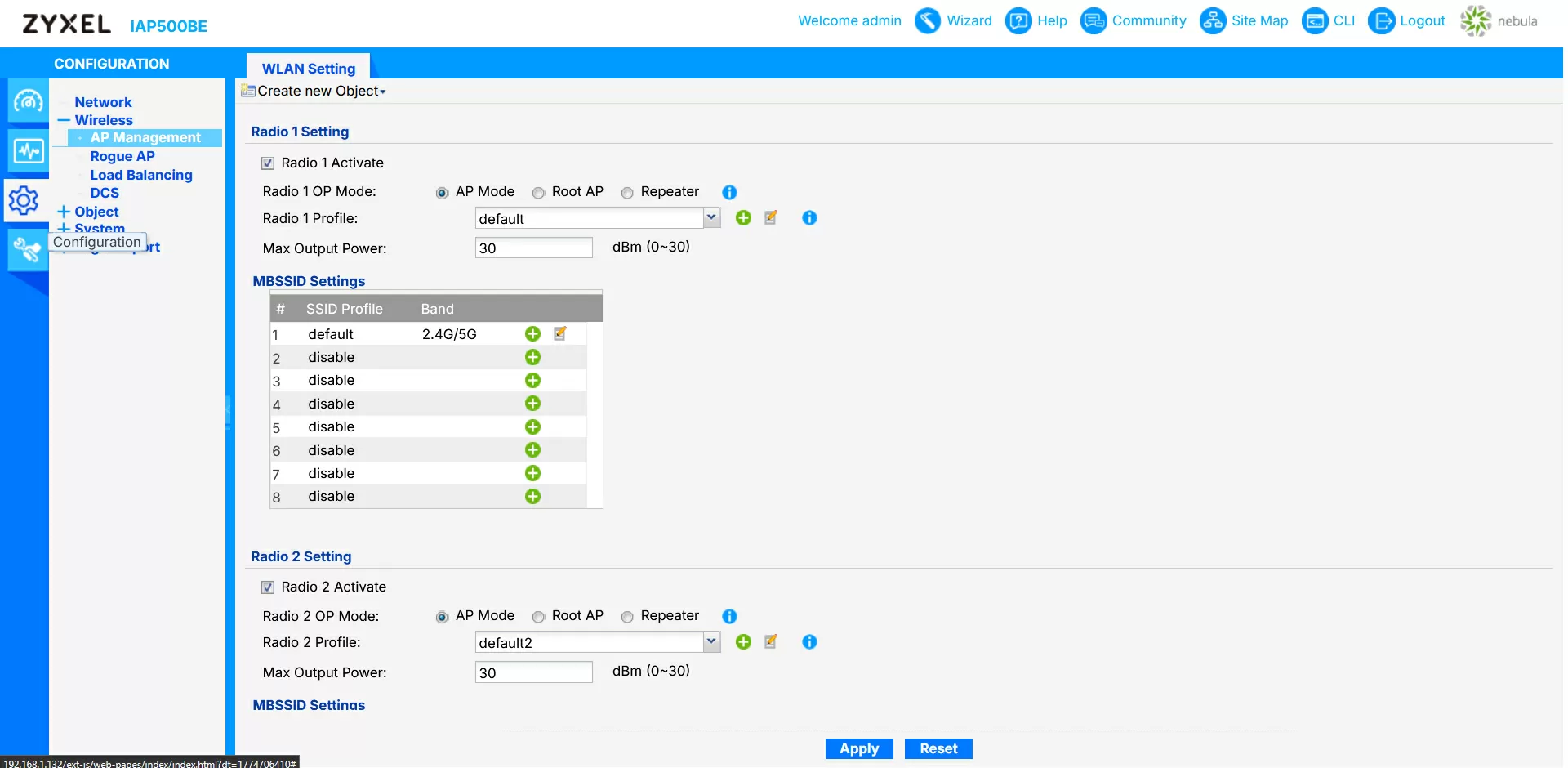
Smart Mesh is a more modern version of the same idea, designed for dynamic platforms. Here, it is enough for the administrator to enable mesh mode on a group of points, after which they build a cellular structure themselves, choosing who to cling to and which channels to work on. You do not need to register MAC addresses manually and keep them up to date with each hardware change.
The implementation of fast roaming deserves special mention. Here, Zyxel uses the entire familiar 802.11r/k/v bundle and key caching, so that when configured correctly, clients switch between points almost without pauses. This is a real necessity for voice, terminals with high-level applications, and mobile industrial equipment.
Finally, Advanced Cellular Coherence is an option that is not the most eye—catching, but important for industrial scenarios. In fact, this is a set of algorithms that tries to make Wi‑Fi life less dependent on the activity of cellular networks nearby. In saturated facilities where operators' macro systems, local 4G/5G systems and Wi‑Fi themselves are simultaneously operating, this feature significantly reduces the likelihood of strange bandwidth failures and spikes in delays that are not formally "explained" by either the load or the network configuration.
The Rogue AP detection function is responsible for constant background monitoring of the air for "foreign" access points that may pose security risks or interfere with the network. The IAP500BE periodically scans radio frequencies, collects a list of BSSIDs, compares them with trusted configurations, and marks suspicious devices as potentially unauthorized. In the interface, this is provided with a separate list with the ability to classify the points found, exclude them from reports, or, conversely, record them as threats. For large facilities with heterogeneous infrastructure, this is a convenient tool for monitoring the radio environment, which does not require separate specialized sensors.
The IAP500BE provides full support for load balancing between access points. The administrator can set a target range for the number of clients on the radio, trigger thresholds, and a policy for rejecting new connections, after which the point begins to gently "resolve" the situation: when one node is overloaded, it will refuse new clients or offer them a transfer to a neighboring point, without bringing individual devices to a state of constant overload.
Conclusions
The Zyxel IAP500BE leaves a very solid impression as an industrial access point, rather than a "fast Wi‑Fi for the office." The metal fanless housing, a normal heat sink, the presence of a heater and redundant power through the terminal block directly indicate that the device was designed for industrial cabinets, cold workshops and unstable electrics. At the same time, the functionality of the IAP500BE does not look like a stripped‑down "special solution": there is Wi-Fi 7 with MLO, a full set of enterprise technologies (WDS, Smart Mesh, wireless bridge, fast roaming, load balancing, rogue AP detection), support for a 160 MHz wide channel and integration into Nebula centralized management. As a result, the access point solves the problem well: when you need a predictable, manageable and stable wireless network node for an industrial facility or complex infrastructure.
The only points worth considering at the design stage are the lack of moisture protection and the focus on PoE 802.3at/power terminal block instead of the classic DC jack. For "streets in the rain" or for completely unprotected areas, you will have to choose a different design, but where there is a closet, a warm box, or at least a canopy, the IAP500BE looks like a very logical and technologically sound choice.
Michael Degtyarev (aka LIKE OFF)
05/04.2026