Setting up Tailscale on the Zyxel USG Flex 500H gateway
Medium-sized offices and home labs require a flexible solution that allows users to securely connect to a corporate or private network from anywhere in the world. One of the most convenient tools for this is Tailscale, a VPN service based on the WireGuard protocol that simplifies building secure networks without complicated routing and manual key management.
In this article, we will look in detail at the process of integrating Tailscale with the Zyxel USG Flex 500H security gateway, analyze the configuration features, possible limitations, as well as practical use cases in corporate and laboratory infrastructure.
Zyxel USG FLEX 500H
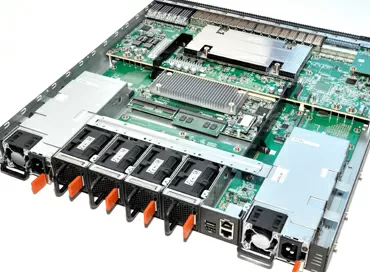
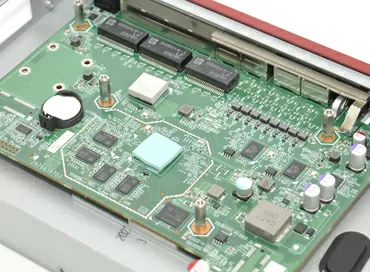
The Zyxel USG Flex 500H security gateway is a modern solution for effective protection of the local network of small and medium-sized businesses. The device combines the functions of a new generation firewall, access point controller, and centralized security management, implemented both offline and through the Nebula cloud platform. Its hardware architecture is based on 12 configurable LAN/WAN ports, 4 of which have the 2.5GBase-T standard to support high-speed channels, and the remaining 8 are Gigabit Ethernet, and there is also one USB connector for connecting flash drives. Interestingly, a pair of 2.5Gigabit ports supports PoE+, for example, to power Wi-Fi 7 access points.
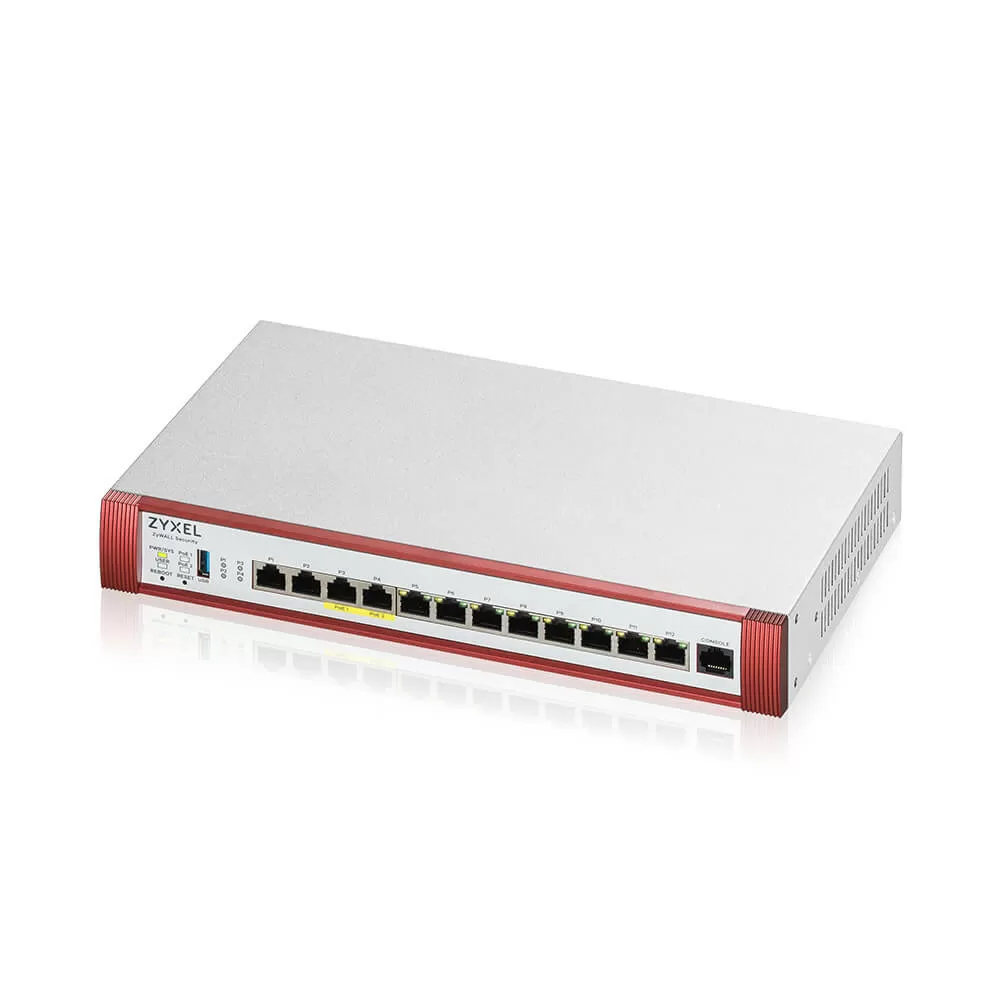
The USG Flex 500H supports a wide range of traffic filtering, threat detection and prevention — antispam, content filtering, streaming antivirus, Intrusion Prevention System (IPS/IDP), DPI, GeoIP and SSL traffic inspection. Among the additional features: corporate VPN (up to 300 IPsec tunnels and 150 SSL VPNs), DMZ, web-based management, SSH, SNMP, command line and Nebula cloud, as well as flexible VLAN support.
SPI performance - up to 10,000 Mbit/s, UTM - up to 3,000 Mbit/s, access point management - up to 72 pcs. (with a license), and the maximum number of simultaneous sessions reaches 1 million, which makes the gateway suitable for saturated distributed infrastructures.
Why Tailscale when there is everything else?
Tailscale is a cloud VPN service based on the WireGuard protocol, which creates an encrypted, peer-to-peer network between all connected devices, somewhat resembling torrent networks. Unlike traditional VPNs, it does not require a centralized server — the connection between devices is carried out directly, if necessary using encrypted DERP repeaters. This allows you to build distributed, fault-tolerant networks with minimal delays and without complicated manual routing settings.
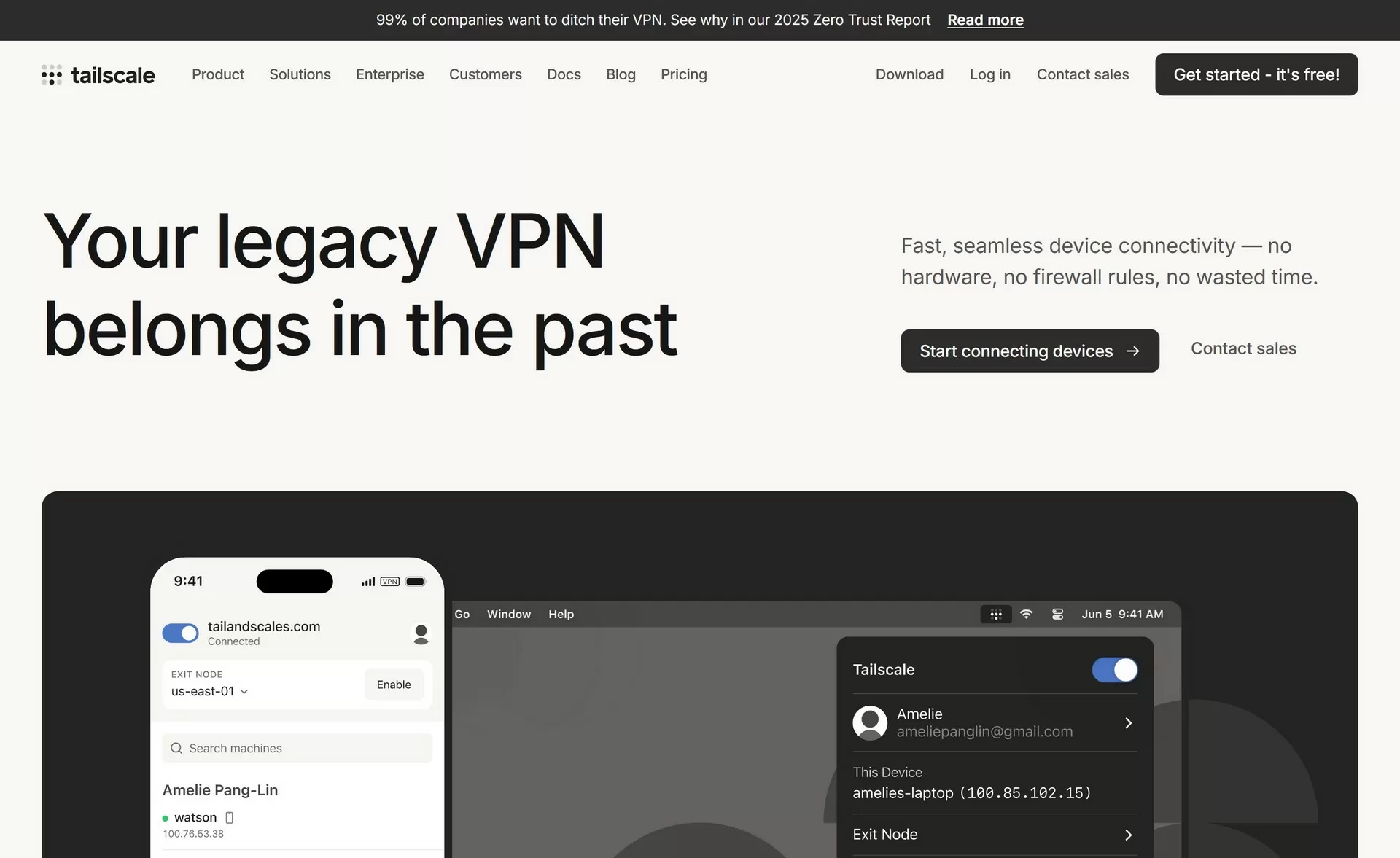
Tailscale supports almost all modern platforms: Windows, macOS, Linux, Android, iOS, as well as various hardware devices — NAS systems, container environments (Docker), virtual machines, microcontrollers, cloud instances, and even firewalls (such as the Zyxel USG Flex500H). This coverage makes it a universal solution for combining distributed nodes and services into a single private network, regardless of their geographical location.
The basic architecture of Tailscale consists of two planes: the control plane and the data plane. The control plane performs user authentication and public key exchange through login servers (login.tailscale.com ), without intercepting the traffic itself. Data plane is implemented entirely on the basis of WireGuard, which provides a direct encrypted connection between nodes without intermediaries. To bypass NAT and firewalls, Tailscale uses STUN / (Session Traversal Utilities for NAT) technologies, a network protocol that helps devices located behind a NAT (router or firewall) determine their external (public) IP address and port. /and ICE/ (Interactive Connectivity Establishment), an add‑on, "smart" a negotiation protocol that combines connection attempts via STUN, TURN (relaying traffic through the server when a direct connection is not possible) and custom addresses for each session. /, and in the toughest networks, HTTPS repeaters are DERP (Designed Encrypted Relay for Packets), which forward packets without having access to their contents.
In addition to standard routing, Tailscale provides access control functions — Access Control Lists (ACLs), through which an administrator can set policies based on roles, user groups, and devices. This is especially important in corporate environments where separation of rights between departments or projects is required. Additionally, tagged devices (device tag rights management) and auto-approvals (automatic acceptance of new nodes with certain tags) mechanisms are supported.
For those who prefer a completely offline configuration without cloud dependency, there is Headscale, an opensource analog of Tailscale's control plane, which can be deployed locally on their server. Headscale implements the same communication protocol and is fully compatible with official Tailscale clients, allowing you to build your own mesh VPN infrastructure without the involvement of external servers. This option is especially popular among home lab enthusiasts and in organizations with high data privacy requirements.
Setting up
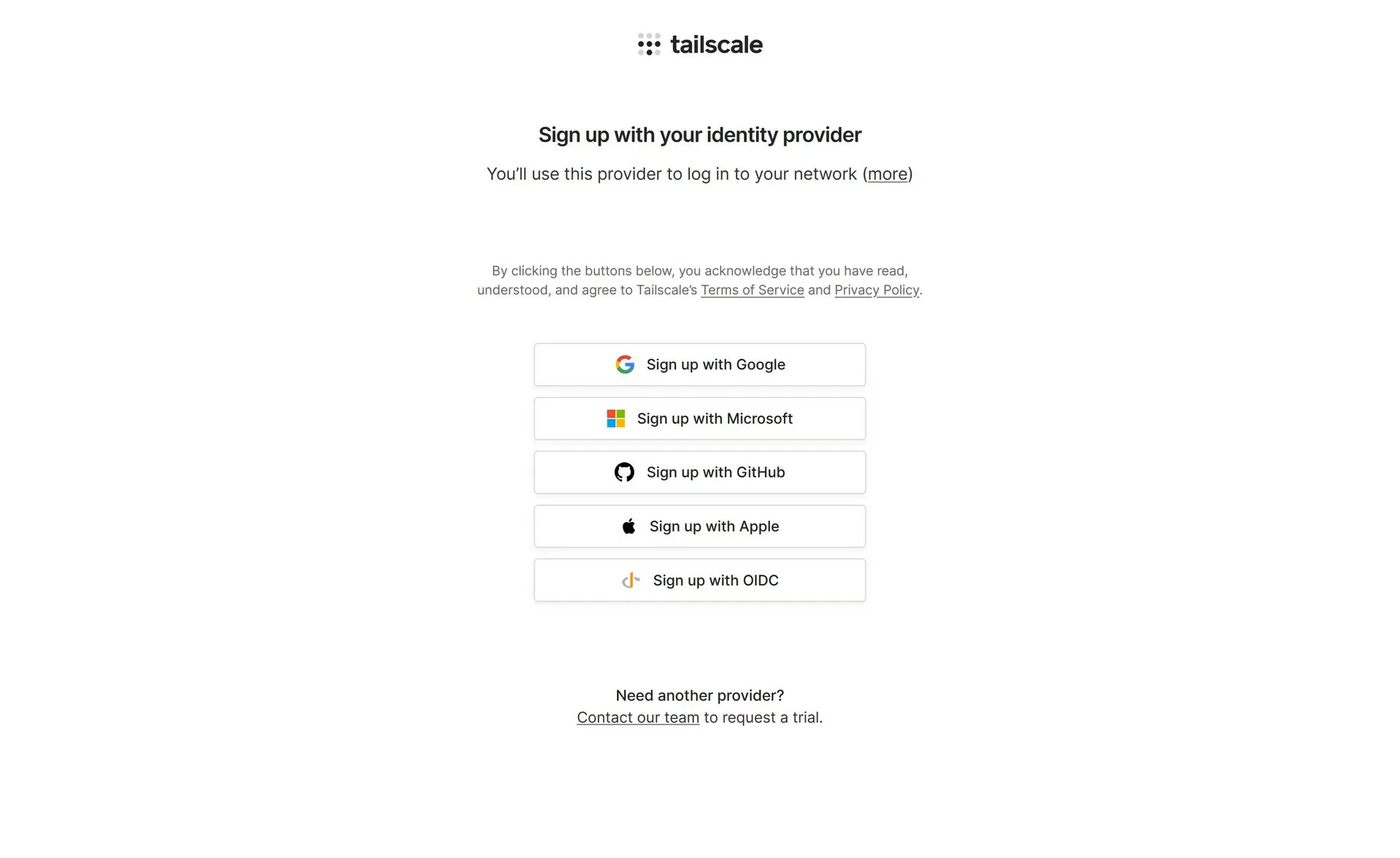
The process of setting up Tailscale for the Zyxel USG Flex 500H security gateway begins with registration on the official website tailscale.com . To create an account, authentication via a provider is used — most often Google or other social services that support OAuth. It is important to note that Tailscale does not provide login and password registration — a supported account is required. When using the Google Workspace corporate domain, the domain administrator may need to allow access to a third-party Tailscale application in the Security → API Controls → App Access Control section.
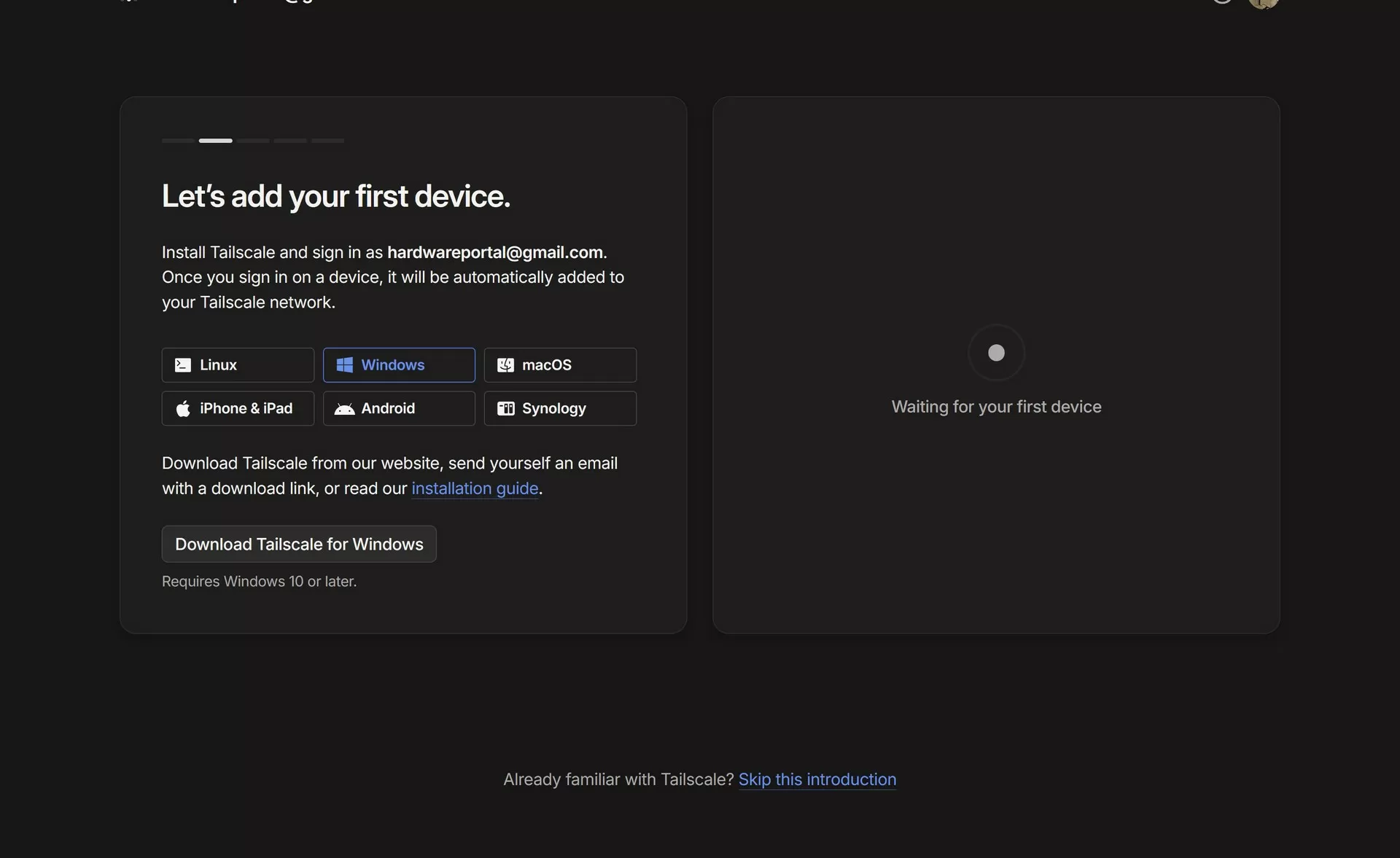
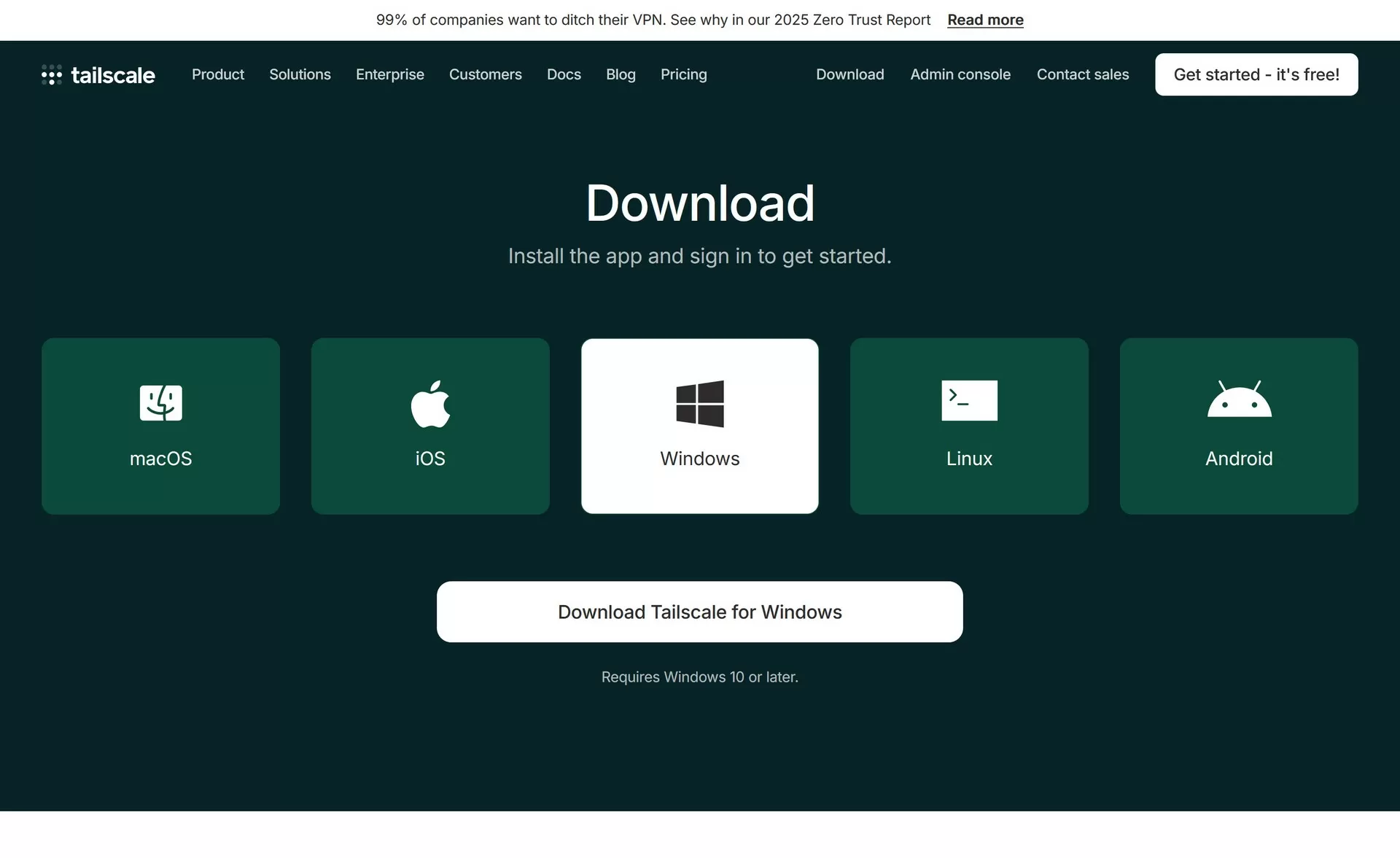
After registration, the user can download the Tailscale client on Windows, Linux or mobile devices. For Windows and Linux systems, the packages are available through the installation files and repositories listed in the Download section on the website. On smartphones, the app can be installed via Google Play or the Apple App Store, but in some regions, including Russia, official channels may not be available, and in such cases, it is recommended to download the Tailscale apk file manually from GitHub.
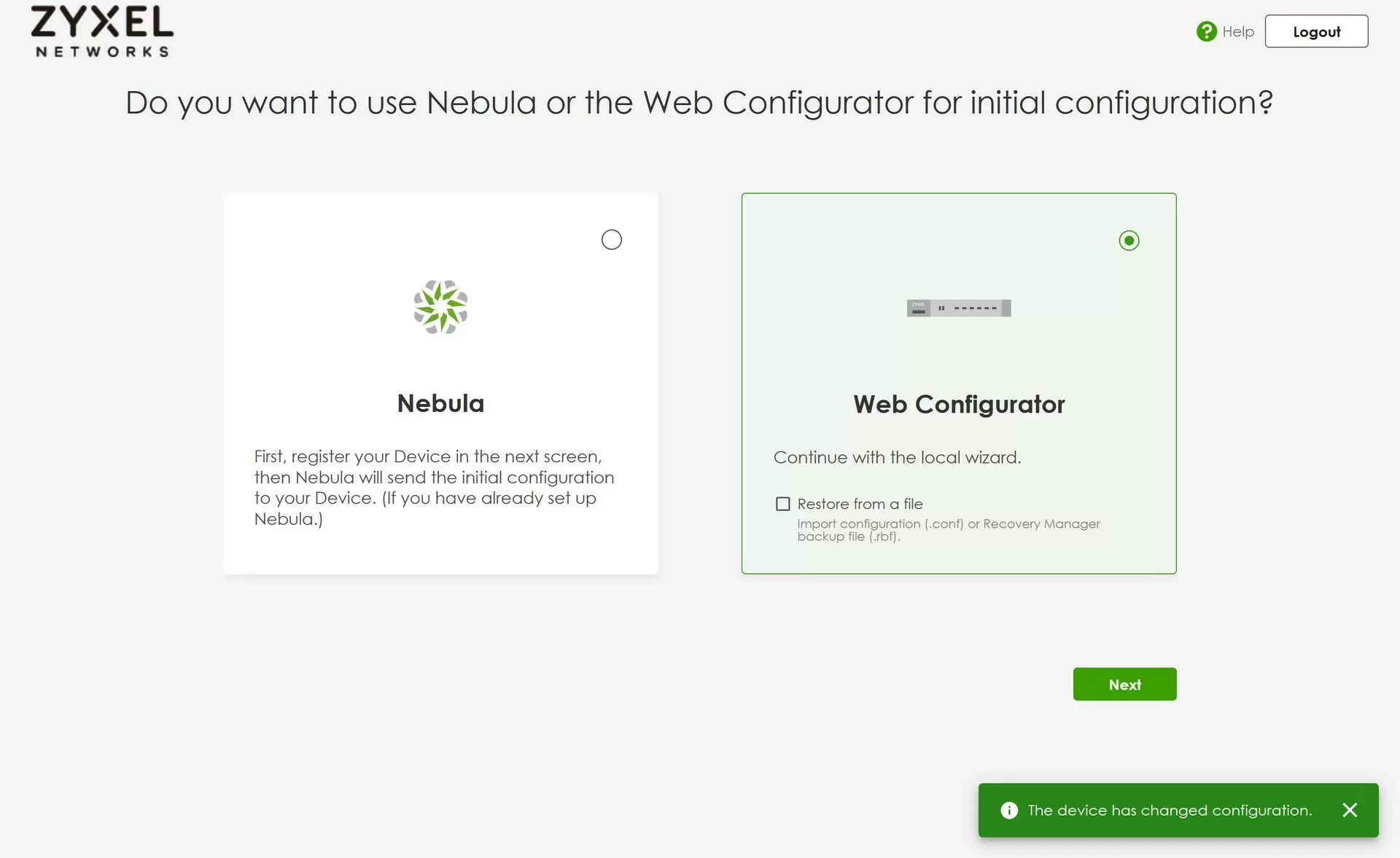
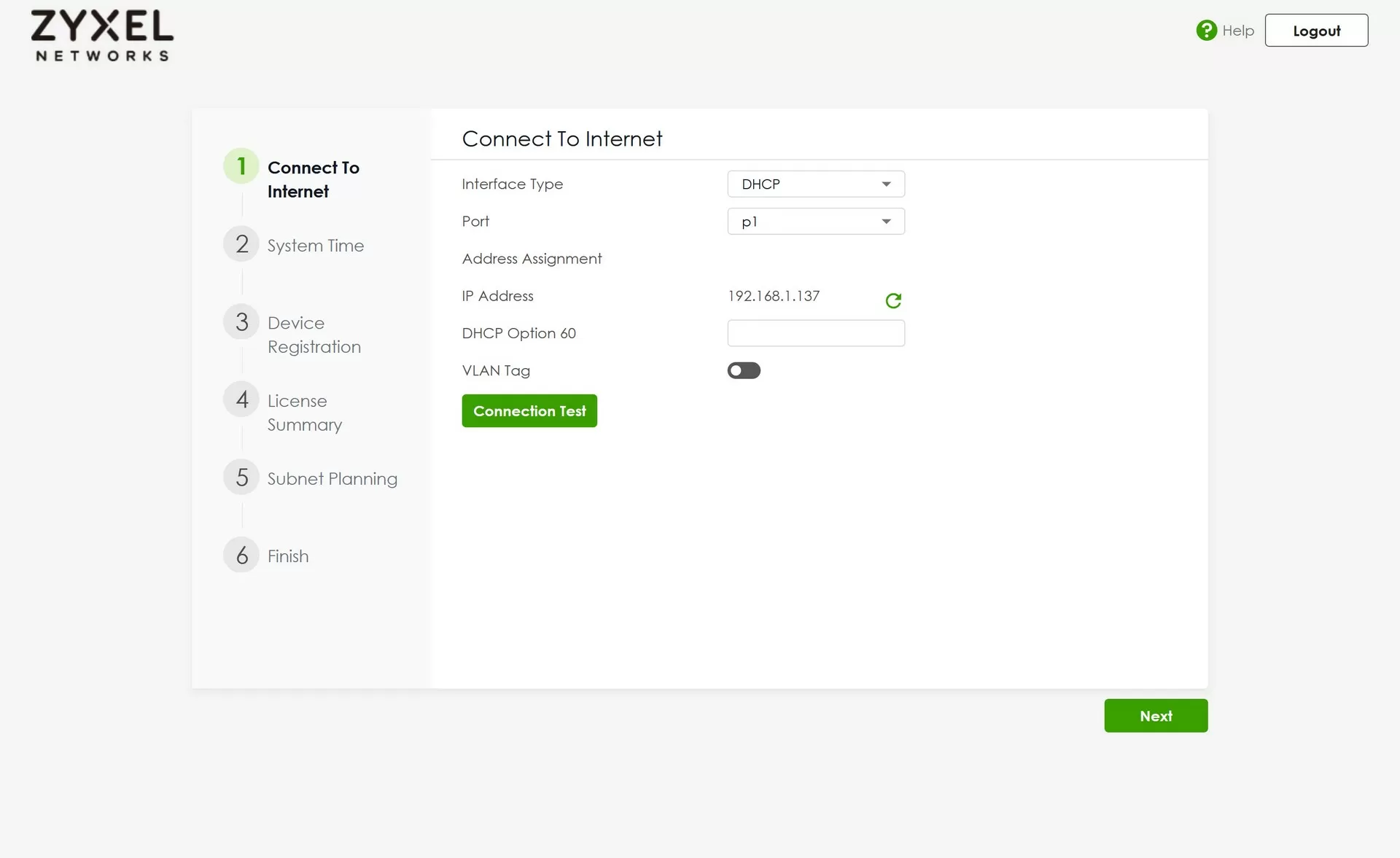
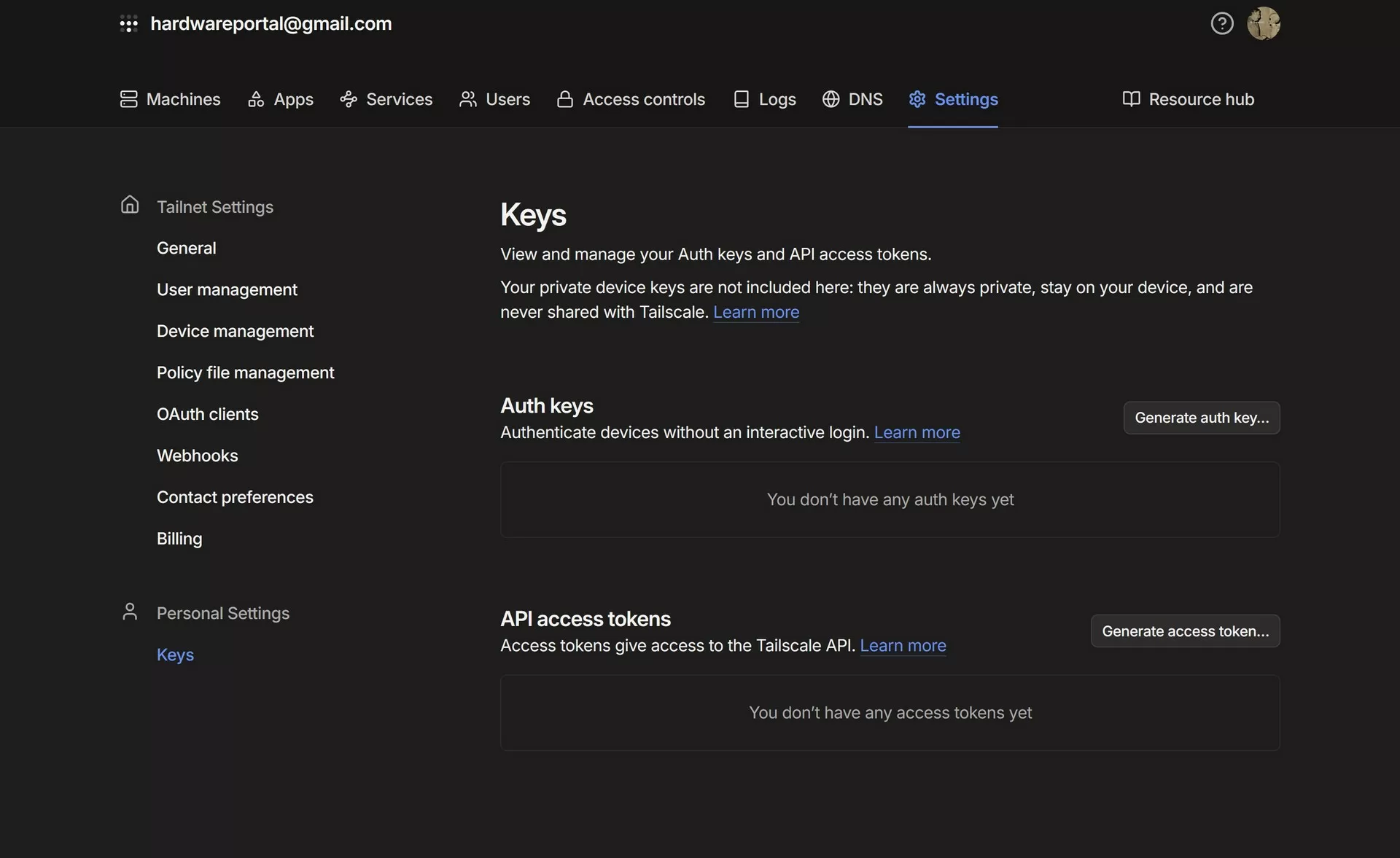
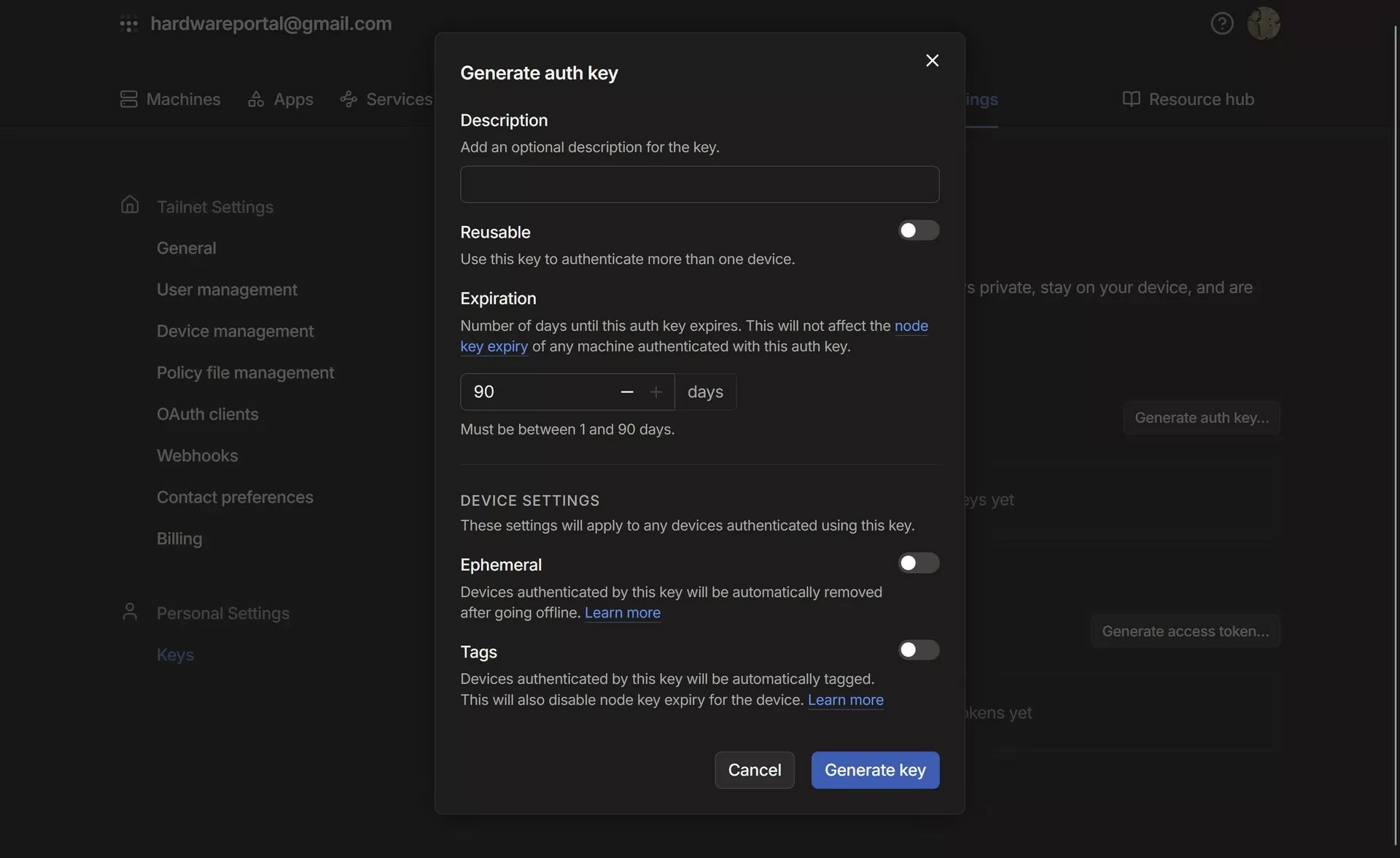
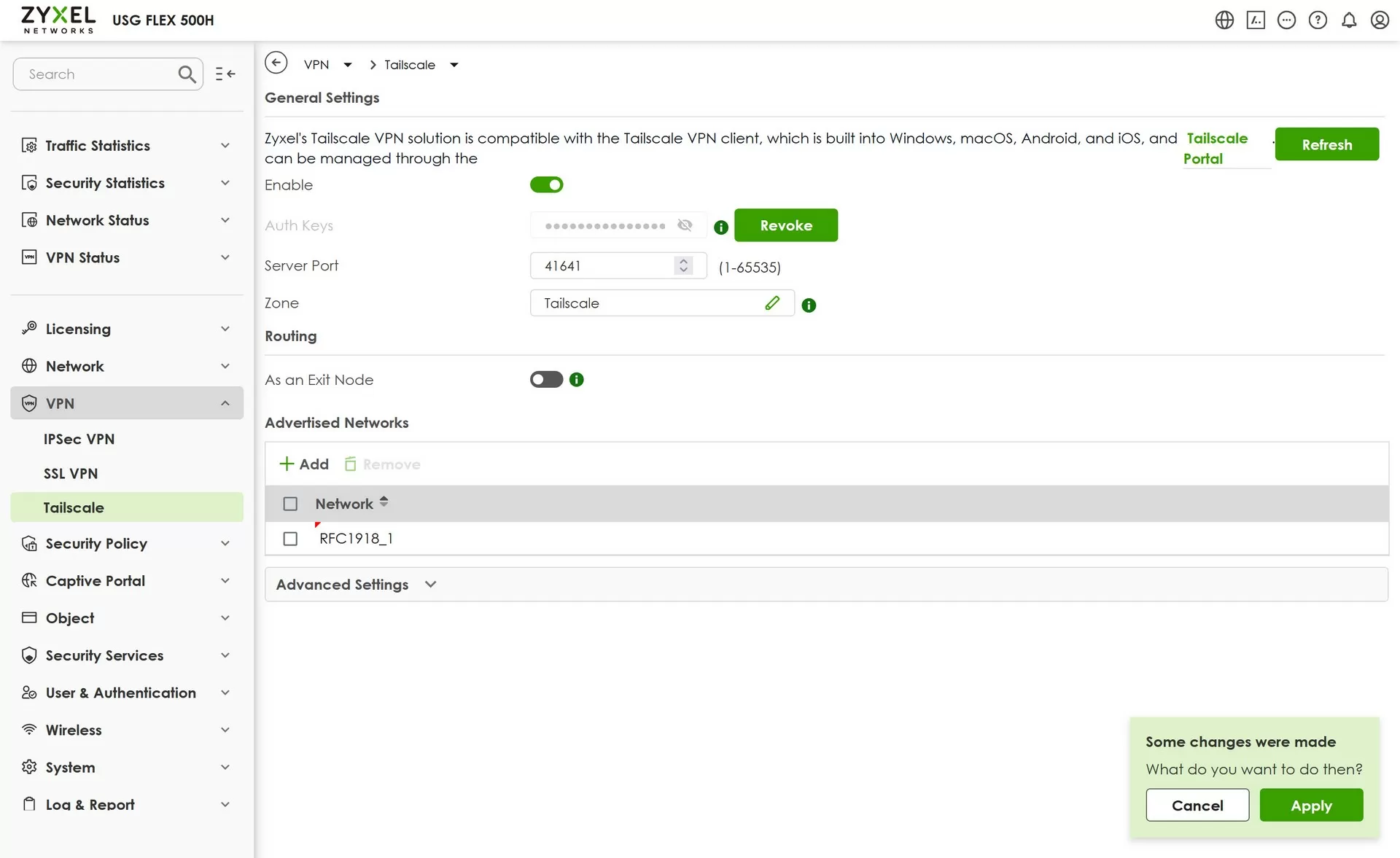
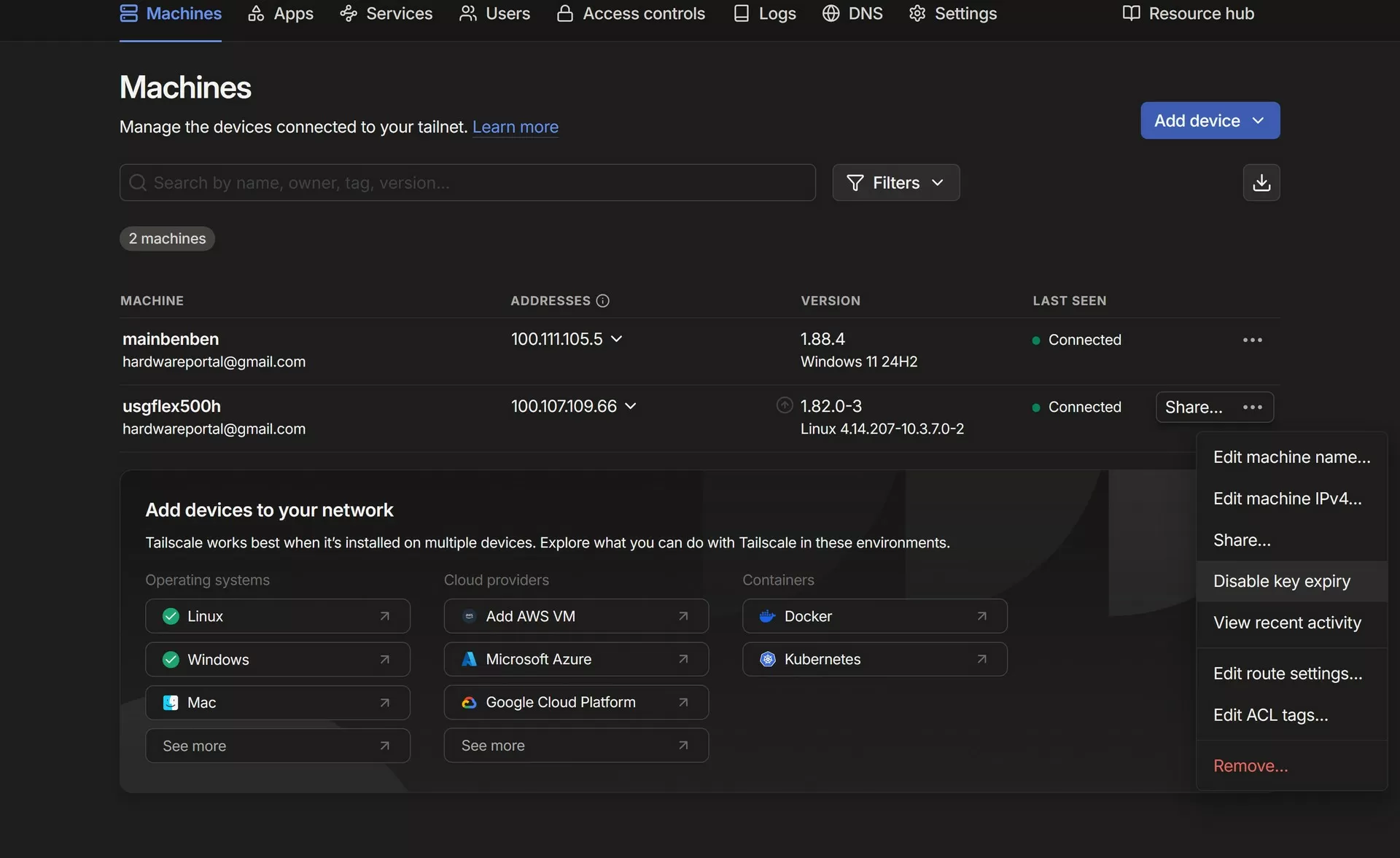
To integrate Tailscale with the Zyxel gateway, you must obtain an Auth Key (authorization token). It is created in the Tailscale control panel: Admin Console → Settings → Keys → Generate Key. This key is used when activating the client on the Zyxel USG Flex 500H side, where a permanent connection to the Tailscale network is created and devices are provided with access to internal addresses. Interestingly, the Zyxel USG Flex 500H supports only 1 Tailscale account, but unlike traditional VPN networks, this is enough for flexible configuration.
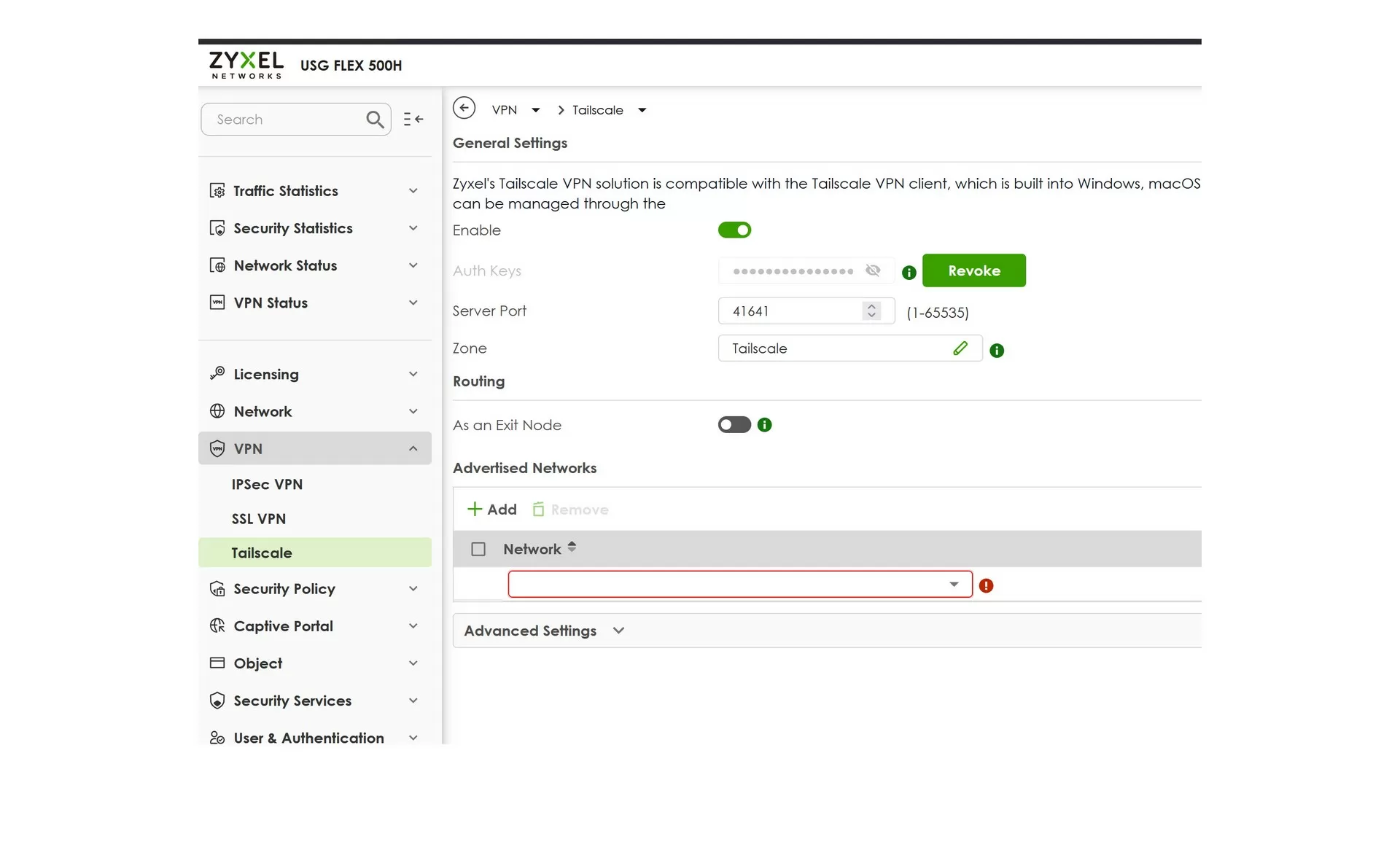
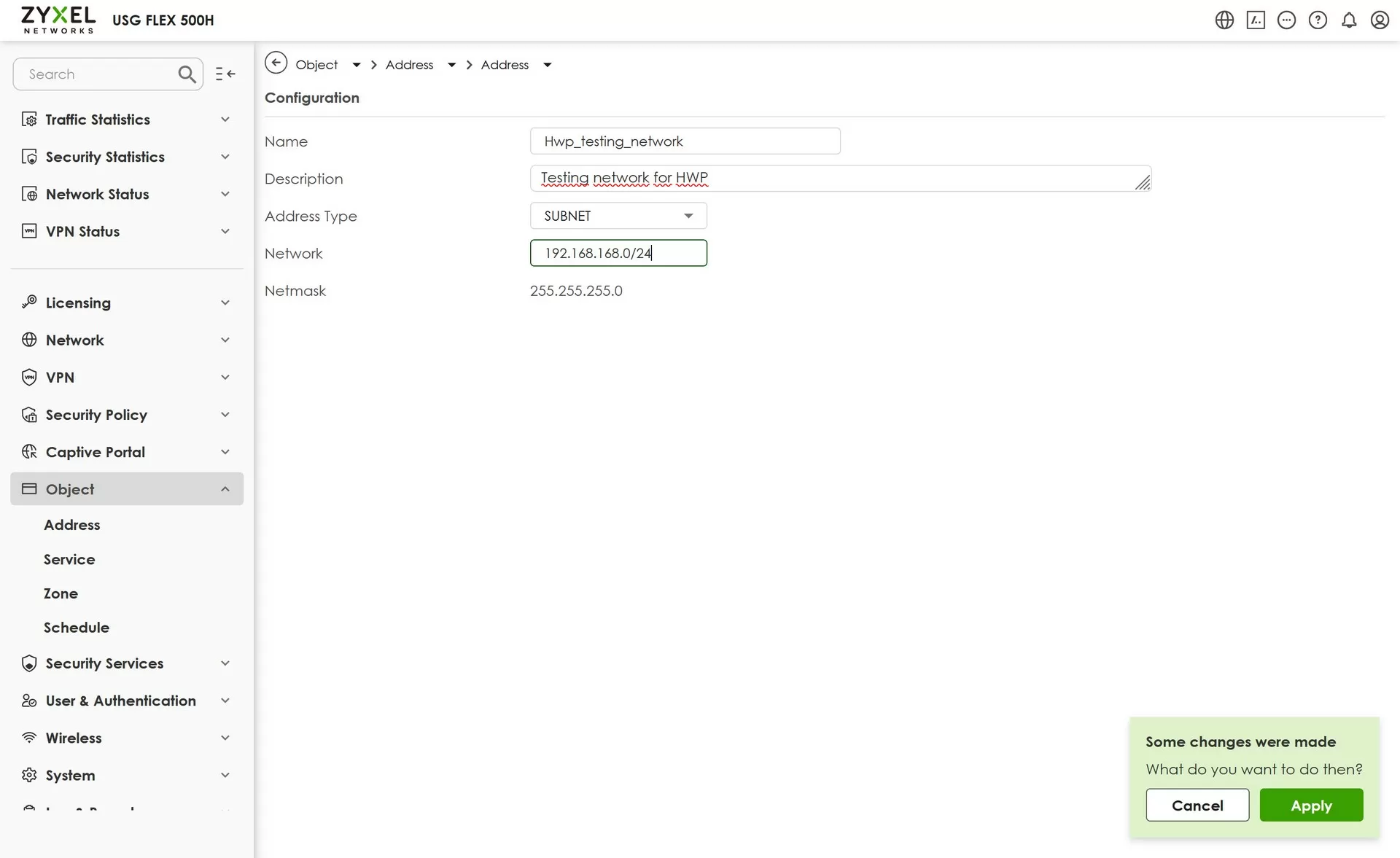
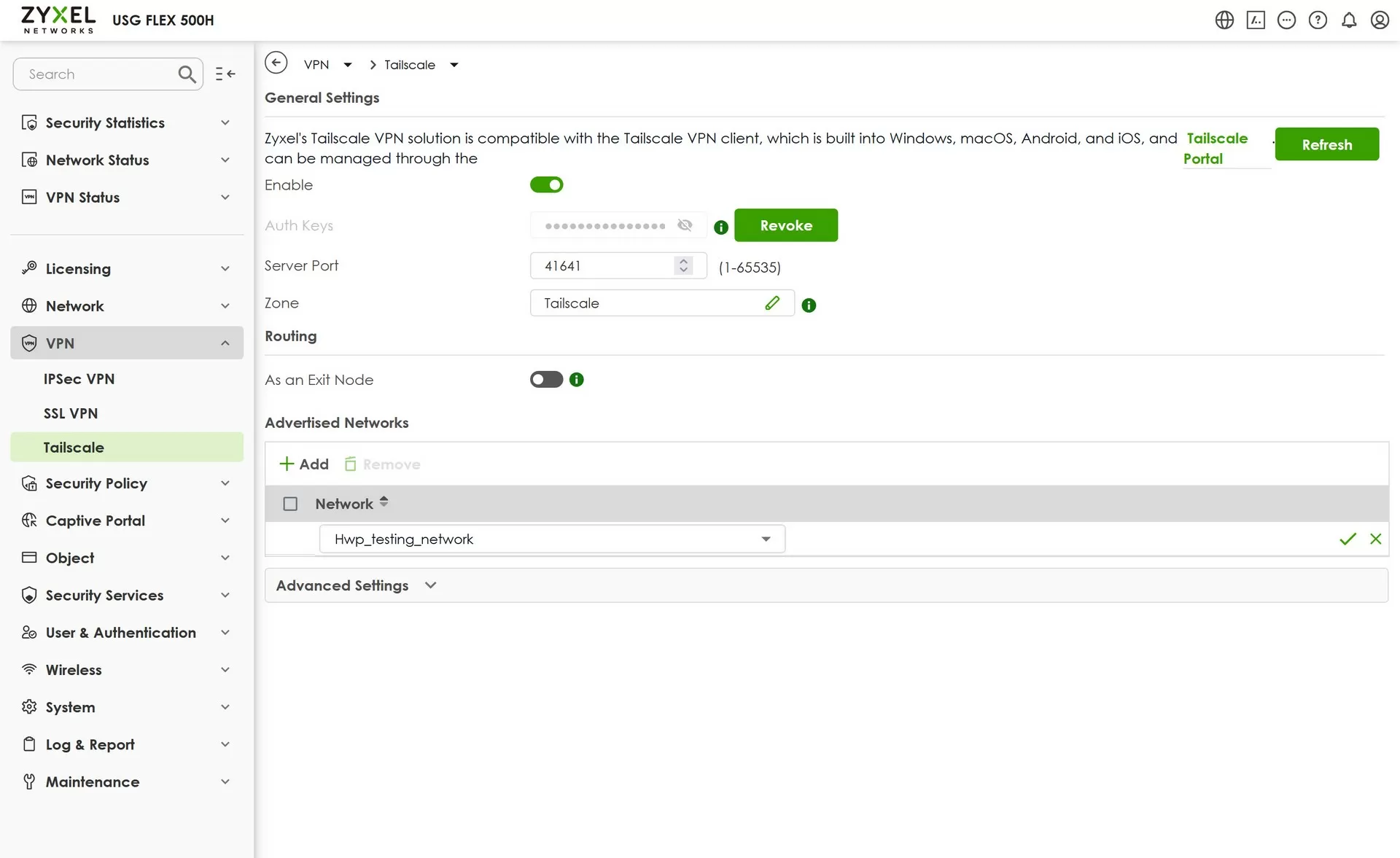
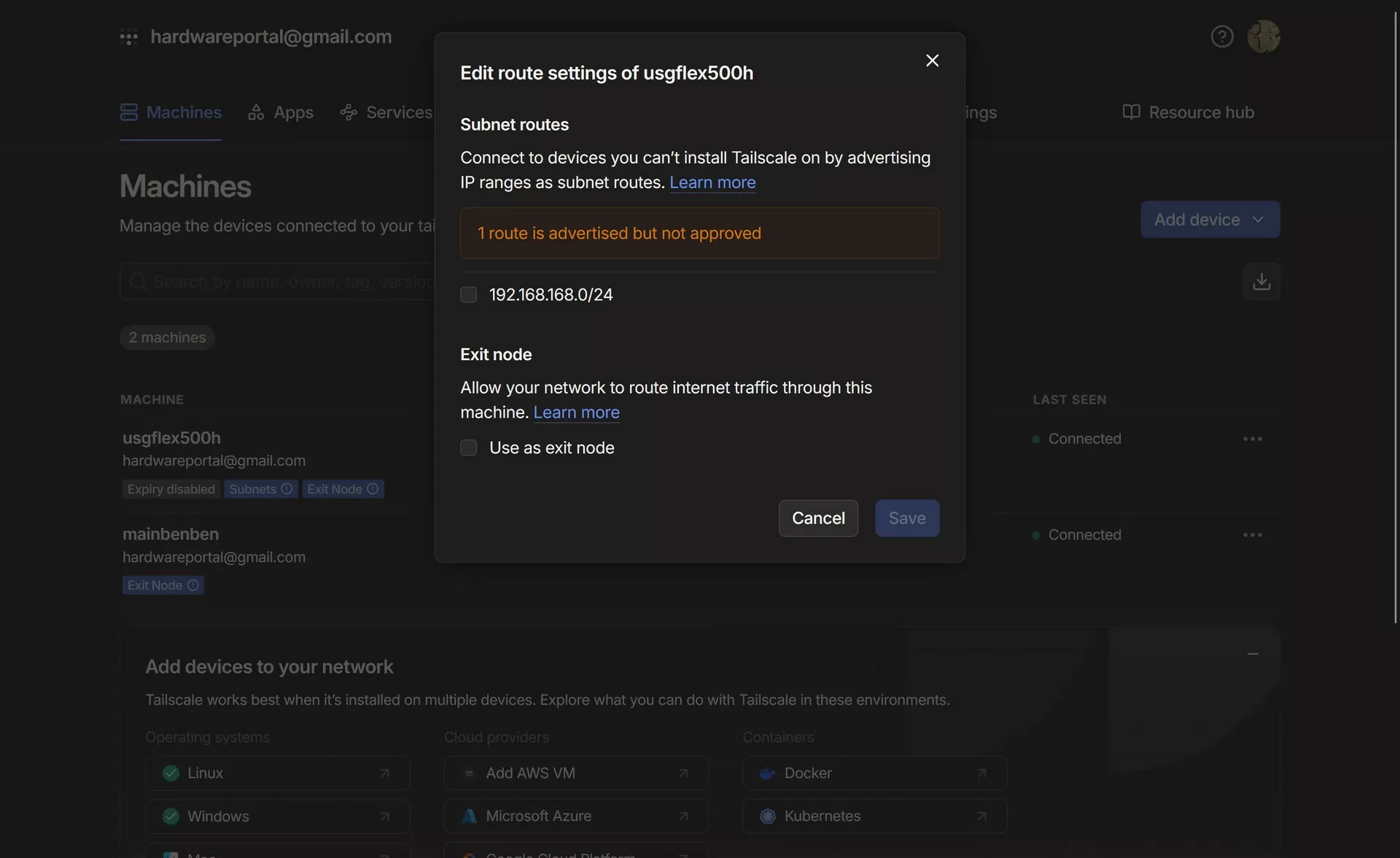
Internal subnets are set on the gateway, which will be announced via VPN — for example, 192.168.1.0/24 or 10.0.0.0/24. This allows other members of the Tailscale network to access local resources behind the Zyxel gateway. The configuration is performed via the web interface or CLI, where the command is specified:
tailscale up --advertise-routes=192.168.1.0/24 --accept-routes
After activating these routes in the Tailscale panel, the administrator confirms users' access to the announced subnets.
At this stage, we can already talk about speed testing, and as a rule, the performance of a fairly fast Wireguard depends on the capabilities of the provider. In our case, the Rostelecom 100-Megabit Zyxel USG500H gateway filled up immediately, and did not even feel it.
It is worth considering the Exit Node mode separately — this is the ability to route all external Internet traffic through the Zyxel gateway, effectively turning it into a full‑fledged VPN router. This is useful if you need to provide secure Internet access over a corporate network with compliance requirements. Exit Node activation is enabled in the Web interface or via the console with the command:
tailscale up --advertise-exit-node
and it is confirmed in the Tailscale administrative panel. When using Exit Node mode, it is necessary to configure Default SNAT on the gateway. This ensures correct substitution of source addresses for all remote traffic passing through the tunnel. Thus, the Zyxel Flex 500H will act as a network gateway for the entire VPN session, while maintaining routing and security controls on its side.
The Tailscale service automatically creates a unique domain name for each device on your private network ("tailnet") based on its name and tailnet ID. This feature is implemented using MagicDNS technology, a built—in DNS service that allows you to access nodes by human-readable names, for example server.lan.tailnet123.ts.net , instead of IP addresses. As soon as the device connects to the Tailscale network, it receives an entry in the MagicDNS system, and access to such names is resolved directly inside the VPN, without leaving the secure channel. This increases security, as DNS queries are not transmitted in the clear to the outside.
To connect to another device, it is enough to find out its name in the admin panel or set a convenient one through the --hostname parameter at startup.:
tailscale up --hostname=office-pc
After that, you can connect to the computer, for example, at office-pc.tailnet123.ts.net or, with MagicDNS active, just by office-pc.
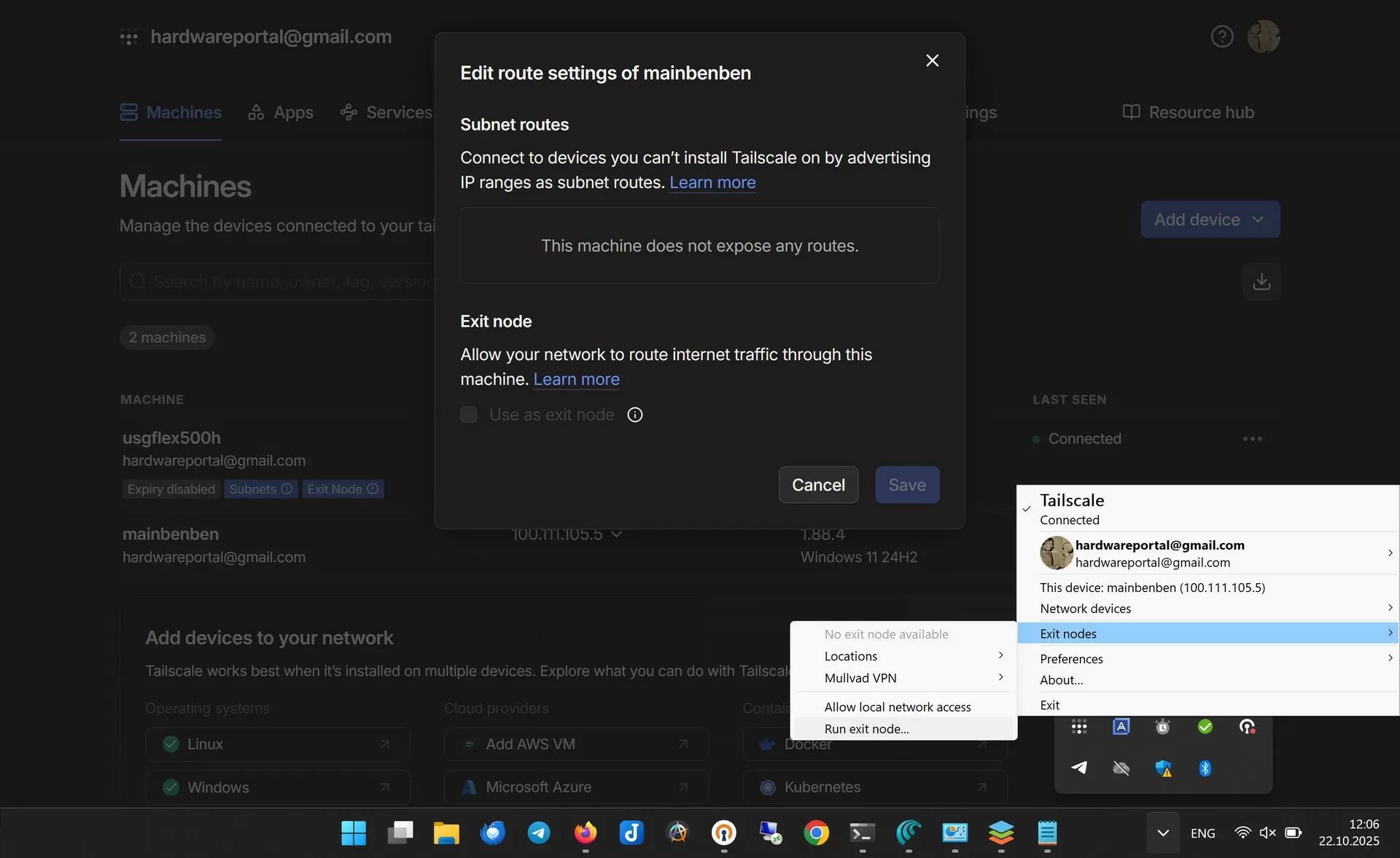
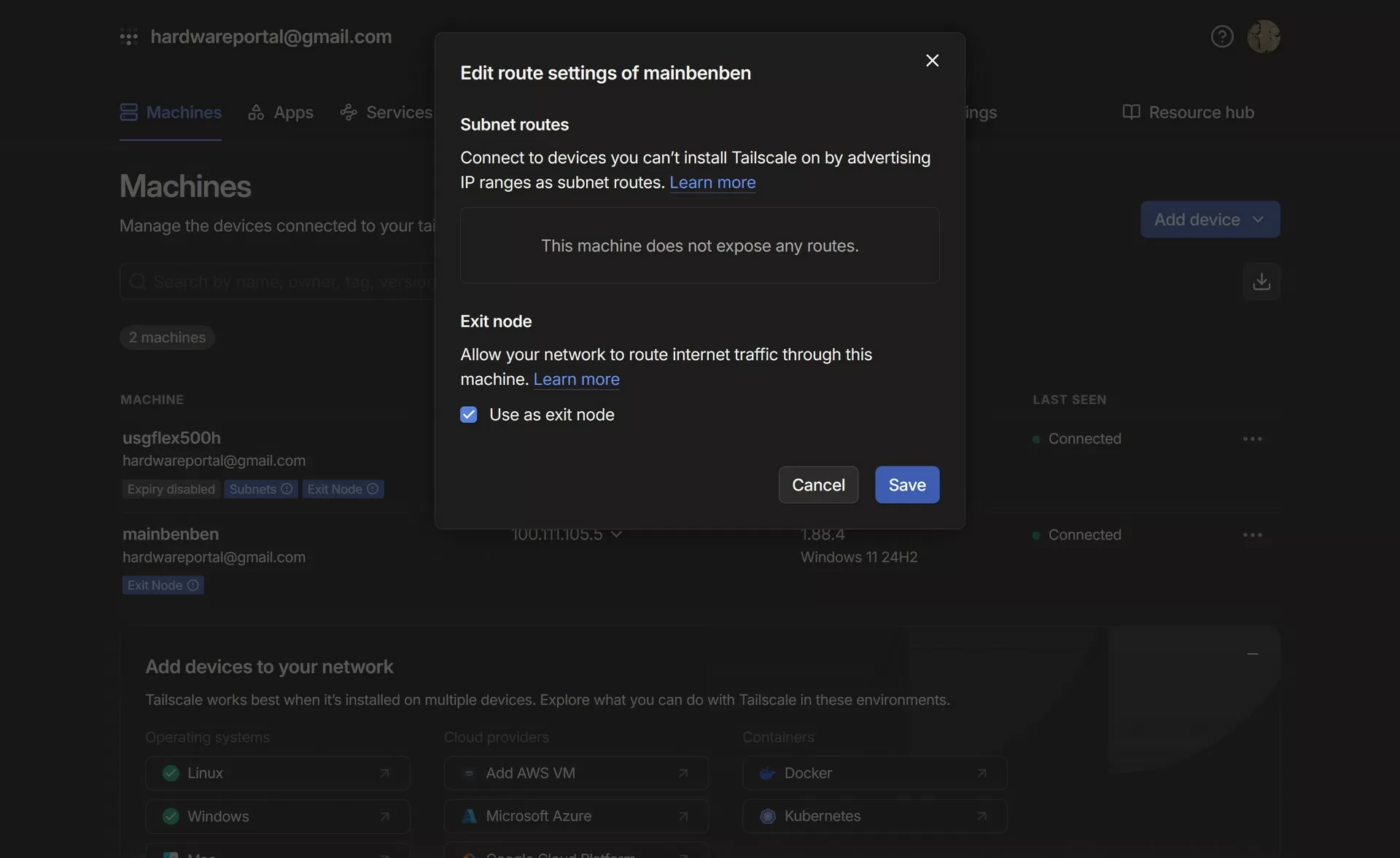
In addition, the administrator can designate one of the computers connected through the Zyxel Flex500 gateway as an Exit Node, through which all Internet traffic from other Tailscale clients will be routed. This is useful if you want to:
- provide a secure connection for users outside the office — all their traffic goes through the corporate network;
- get access to regional content that is only available through the company's IP address;
- centralize activity monitoring and filtering.
tailscale up --advertise-exit-node
After activation, you need to allow the node to be used as an Exit Node in the Tailscale admin panel.
For advanced scenarios, Tailscale allows you to organize routing from a tailnet to another secure tunnel, for example, to allocate some of the traffic going to certain subnets so that it is redirected through an additional router or VPN. This is convenient when integrating Tailscale with existing corporate VPN solutions. To do this, use the --advertise-routes (on the router device) and --accept‑routes (on clients) flags.
Porth forwarding thru Tailscale
Another notable feature that Tailscale provides is the funnel (reverse proxy tunnel) feature. It allows you to easily publish a local service running on an internal device to the Internet without having to forward ports or have a public IP address.
Everything works as simply as possible: you run Tailscale on the right computer, and then run the command
tailscale funnel <порт_сервиса>
For example, to provide remote access to a computer via RDP (port 3389), just type:
tailscale funnel 3389
After that, Tailscale gives you a unique link. Through it, the machine becomes accessible from the outside using the specified protocol and port, and all traffic passes through a securely encrypted WireGuard tunnel and Tailscale infrastructure.
This technology is especially useful in scenarios where you need to provide access to an internal service (for example, a desktop, development server, website, or web dashboard) from the outside, and it is impractical to open an entire network or set up complex VPNs. At the same time, the function itself works independently of the gateway and can be used on any node of the Tailscale network.
Thanks to this tool, resource sharing and remote support become much easier, and access processes remain reliable and secure.
To disable Tailscale Funnel and stop publishing the local service to the external Internet, run the command in the terminal on the device where Funnel was previously activated.:
tailscale funnel --stop <порт>
or is it universal for all services published through Funnel:
tailscale funnel --stop
This immediately closes external access via the provided link, and the service becomes available again only inside your private Tailscale network.
Also, if you managed the Tunnel via the web interface after launching it in the console, you can disable the corresponding tunnel or service there. Just find the active Tunnel and select "Stop" or a similar option.
You can check the Funnel status with the command:
tailscale funnel status
If you need to completely shut down Funnel for all ports, this command will help make sure that nothing remains published.
From a security point of view, the Zyxel USG Flex 500H continues to act as a firewall, monitoring and filtering traffic passing through the tunnel. Using the built-in firewall, you can configure all the same rules for the Tailscale interface as for other interfaces.
Conclusions
Tailscale and its self-hosted counterpart, Headscale, offer extensive opportunities for organizing a secure, scalable and convenient network between various devices, from workstations and servers to network gateways and mobile devices. Integration with hardware firewalls such as the Zyxel USG Flex 500H allows centralized access control, and advanced features such as subnet routing, MagicDNS, ACLs, Exit Node assignment, and multi—platform support provide flexibility in both corporate and home infrastructure.
A special advantage of Tailscale is the simplicity of initial configuration and architecture that does not require complex network management. Headscale gives you full control over the process and increases the level of autonomy and privacy. With the right configuration, both solutions can significantly improve the convenience and security of remote access, while remaining as transparent as possible to users.
Michael Degtyarev (aka LIKE OFF)
29/10.2025